Participating Frequently
February 14, 2018
Answered

Unable to type in text entry box Captivate 9

  • February 14, 2018
  • 1 reply
  • 1626 views

Hi everyone.

I have an issue with text entry boxes that appears to only impact me as none of my colleagues experience the same problem.

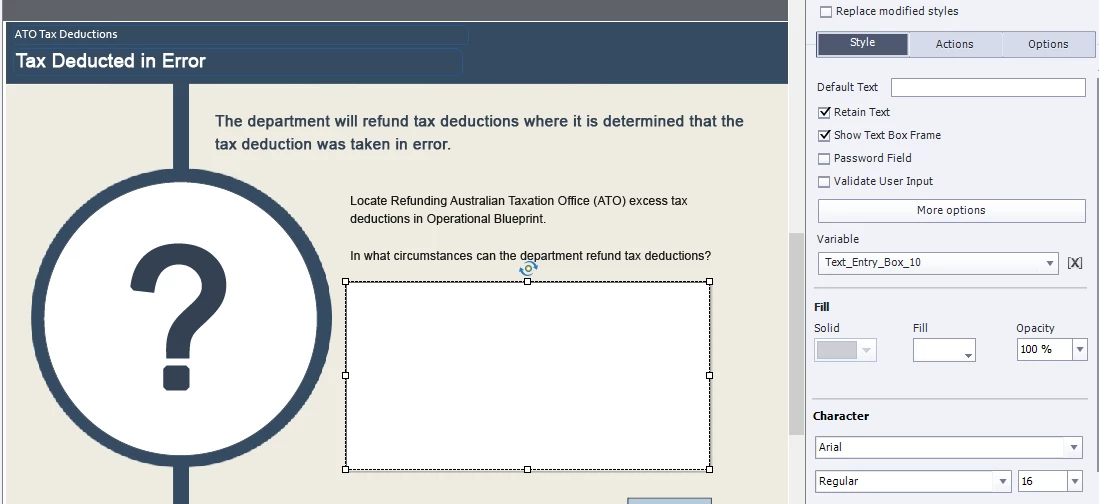
When I create a TEB and review or publish the project and attempt to key text into the TEB, I am only able to key the first 2 or three keystrokes of type. For intance, in my current project I have a simple TEB set up for learners to respond to a question. When they select the Submit button, it reveals a model answer they can compare their answer to on the same page. However, I am unable to enter text into this TEB. I also have other, smaller TEBs being used to make a screenshot of our data system interacive. These are not affected by the problem.

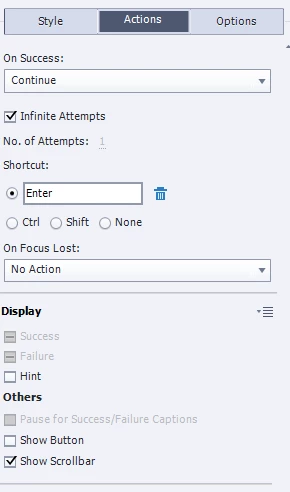
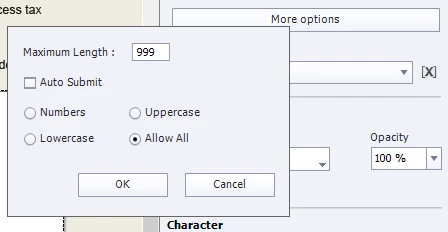
This is a screenshot of the slide showing the TEB properties, including the More Options box:
I have attempted a number of remedies including playing with the size, properties and options of the TEB and getting a colleague to build the TEB for me. I eventually created a template I knew worked so I could simply paste this in to any project but even that is not working now. I have research the web extensively but have not identified anyone else expereincing this issue. Maybe I'm special.

Can anyone give me a clue to why this would be happening?

Megan (Australia).

This topic has been closed for replies.
Correct answer RodWard

You were right to be courious. Yes, when I deleted the TEB and inserted a 'vanilla' TEB without making any changes, it worked. I note too that other TEBs being used to provide interactivity on a screenshot are working and this is possibly because I didn't need to make too many changes. What could be the cause of this?


OK.  That's progress.

So next step is to make one change at a time to this TEB and republish to test whether that particular change reproduces the error.

Document which settings you have on your malfunctioning TEB and try each setting separately until something breaks.  If you can reproduce the error, you may have found a bug that you need to report.

1 reply

RodWard
Community Expert
Community Expert
February 14, 2018

Megan,

Try resetting your Preferences folder.

Participating Frequently
February 14, 2018

Hi Rod.

Can you give me more information about resetting the Preference Folder. Are you talking about the project preferences or Captivate preferences? I have examed both. This is the Cap9 Object Style Manager:

The only reference to TEBs in the Cap9 Preferences is under Recording Defaults:

Keeping in mind, I am working on a departmental networked computer. I have not been ablle to locate a 'Preference folder' where the software is stored:

Ta.

Participating Frequently
February 15, 2018

OK.  That's progress.

So next step is to make one change at a time to this TEB and republish to test whether that particular change reproduces the error.

Document which settings you have on your malfunctioning TEB and try each setting separately until something breaks.  If you can reproduce the error, you may have found a bug that you need to report.


Rod, your a genius! I worked through each of the elements on the Style and Actions tab and found that putting a shadow on the TEB was the bug. Once that was removed, it worked perfectly. Easy fixed by using a work around such as shape behind the box. Thank you for taking the time to work through the issue with me. I can now share this with my team.