
chetans37606359
Participant
July 25, 2017
Answered

What should I do so that complete video inside the selected red area is visible after recording ?

  • July 25, 2017
  • 1 reply
  • 273 views

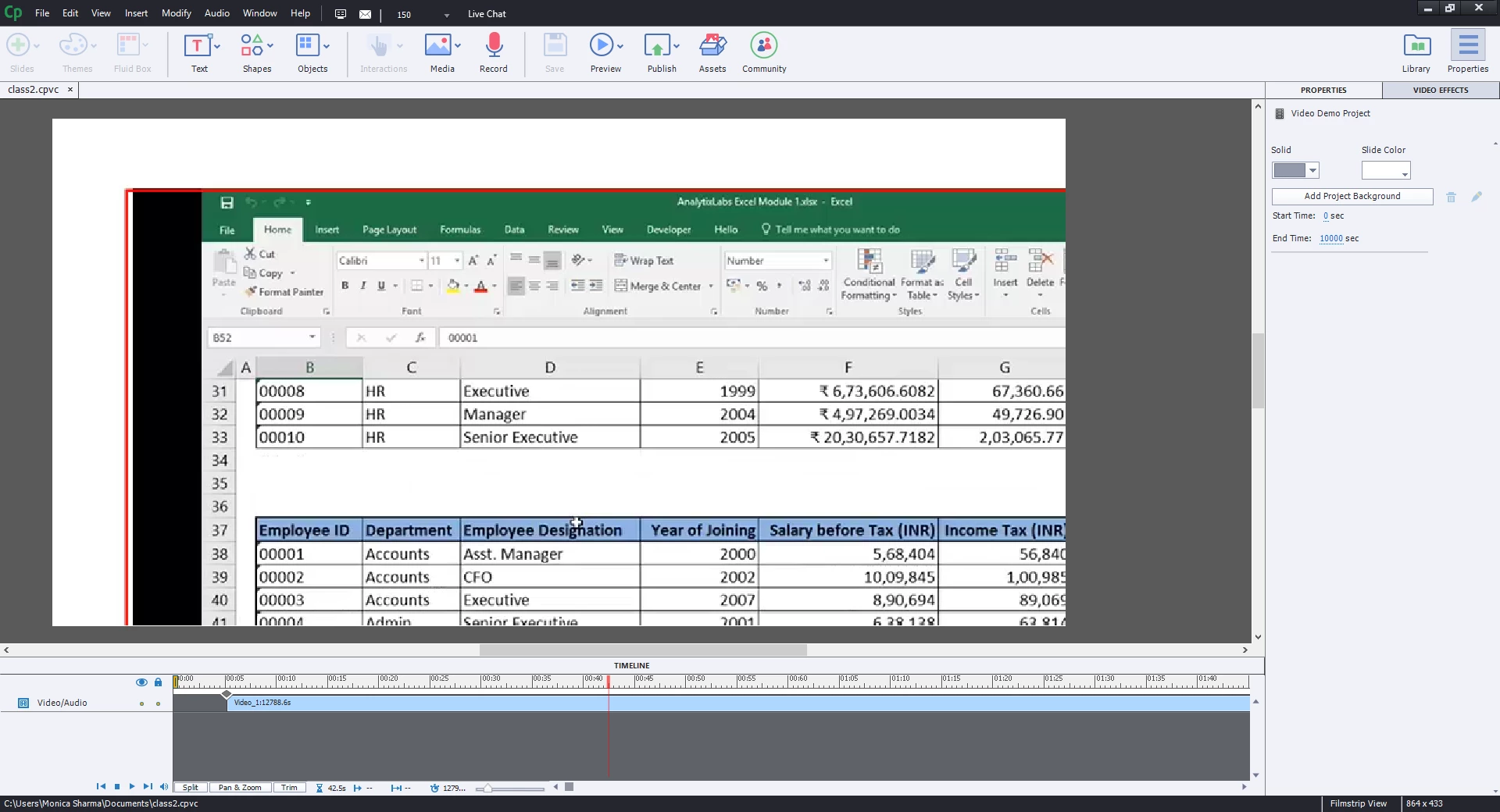
Hello! I performed screen recording using video demo mode of adobe captivate. I selected the area (in the red box) which I wanted to record but unfortunately when I saw the video after recording , it was not the complete area of video and only I could see merely 1/2 or 1/4th of the total red area only. 
    This topic has been closed for replies.
    Correct answer Lilybiri

    see this is happening . only limited part of video , merely 1/4th.. red box is incomplete and as told by you I have set display settings to 100%, earlier it was 125%. what to do?


    Did you change display setting before recording?

    1 reply

    Lilybiri
    Legend
    July 25, 2017

    Are you on Win10 perhaps? For Video Demo or for software simulation recording you have to check the Display %. It needs to be at 100% and on most screens Win10 will have increased that percentage, resulting in what you see after recording: only part of the screen is captured. Example: on Surface Pro 4 which I use at this moment, the default display % by Win10 is 200%, because it is a small retina screen.

    chetans37606359
    Participant
    July 25, 2017

    I am using windows 10 and display is set at 100%.

    Lilybiri
    Legend
    July 25, 2017

    Sorry to insist,  but are you sure that Display setting is at 100%? Which screen resolution do you have, because up till now I never did see any screen where Win10 keeps Display at 100%. For normal screens it will be 125% or 150%, for retina screens even higher to make text and icons readable. My OS on this system is in Dutch, maybe you could check this