

Question
Where are my downloads going?
Hi there,
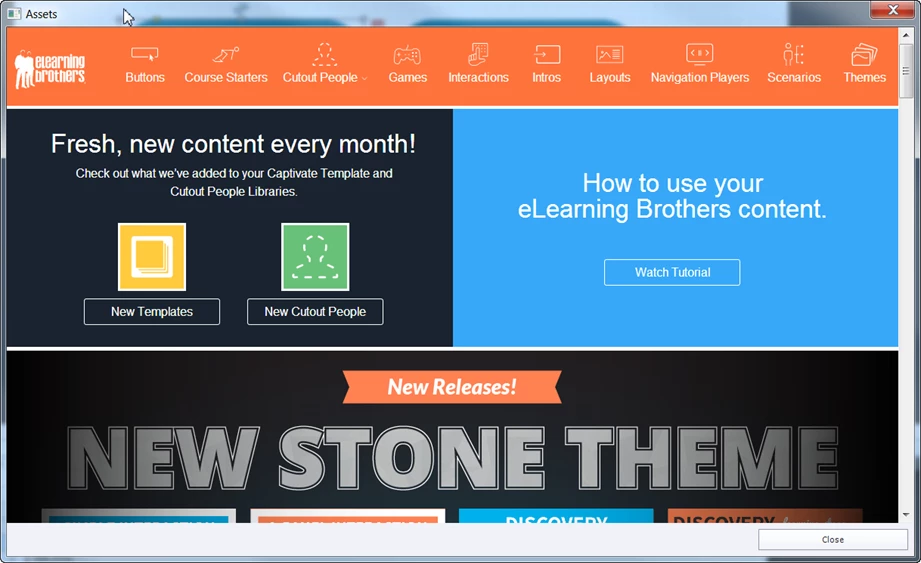
Very new to Captivate! I looked at the video on how to access the content from the e-Learning Brothers...but when I click on the assets icon, I can download, however, it does not look like what is in the video. I can't seem to find where they are!! Please help this beginner 
This is what the Assets dialog box looks like the first time I click it, and after I have downloaded:
 AdChoices