

Question
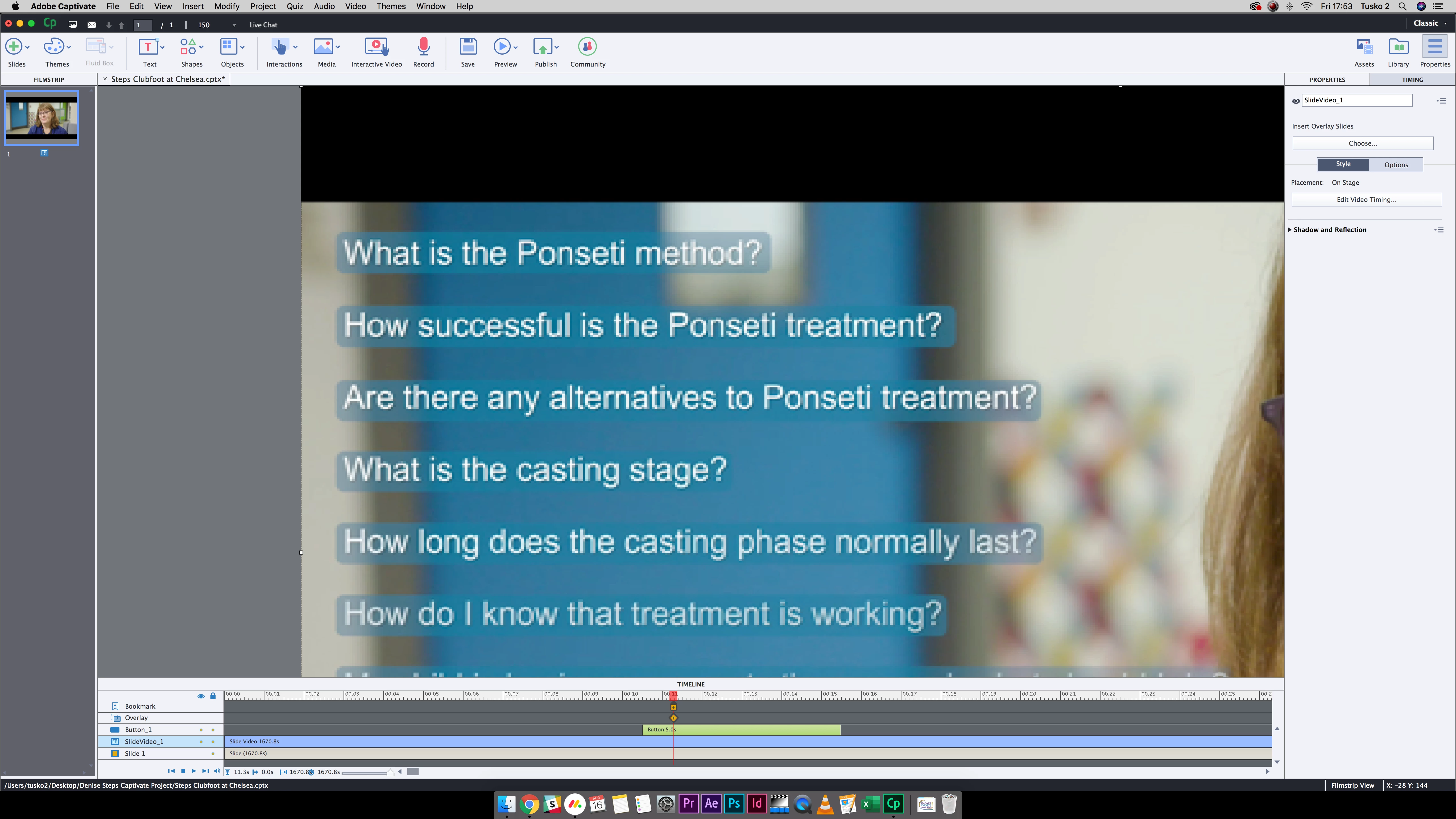
Whole slide looks pixelated whilst editing.
Hi guys,
I'm new to captivate but am an Adobe veteran, so am pretty competent in general with Adobe software. That doesn't make the learning curve feel less steep though!
I am creating an interactive video but all the elements on my screen look very pixelated which is making it hard for me to be accurate with placing buttons etc. It is fine when I export so it seems like it's just an issue with display quality. It's similar to Premiere where you can play in 1/2 or 1/4 resolution.
I assume there is a pretty simple solution but can't for the life of me find out how to preview at full quality!
My project is 1920x1080 and is not responsive.
Cheers,
D
 AdChoices