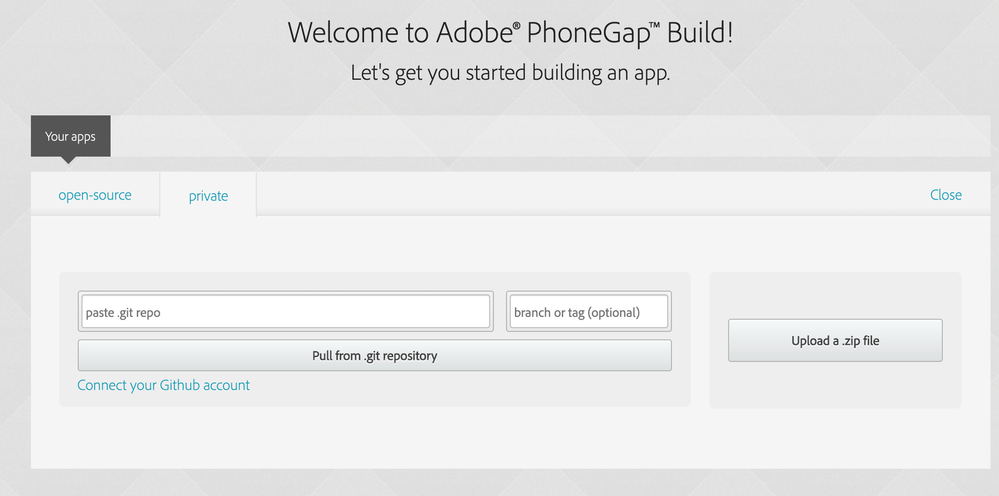
What I see from the screenshots is that you try to create an app (using PhoneGap). You need a certifcate for iOS or Android to make that available... not what you want.
The QR code which can be created in Captivate to test on mobile devices will not be solution neither, because the mobile devices need to be on the same network.
Publish the file to HTML5, upload it to a webserver and share the URL.





 1
Reply
1
Reply


 AdChoices