


Participating Frequently
June 20, 2013
질문

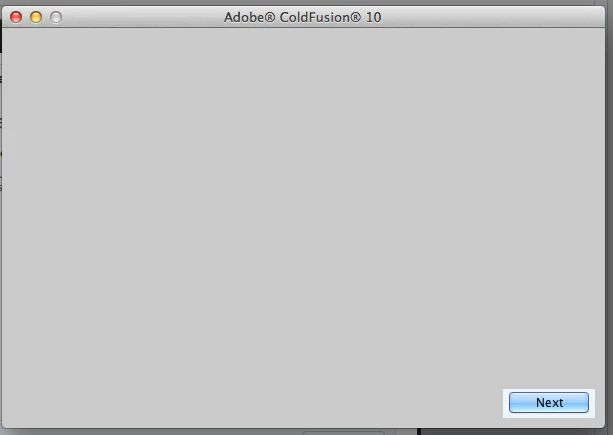
Grey blank installation screen after clicking on the ColdFusion dmg file on Mac 10.8.6

  • June 20, 2013
  • 1 답변
  • 2877 조회

Hi All,

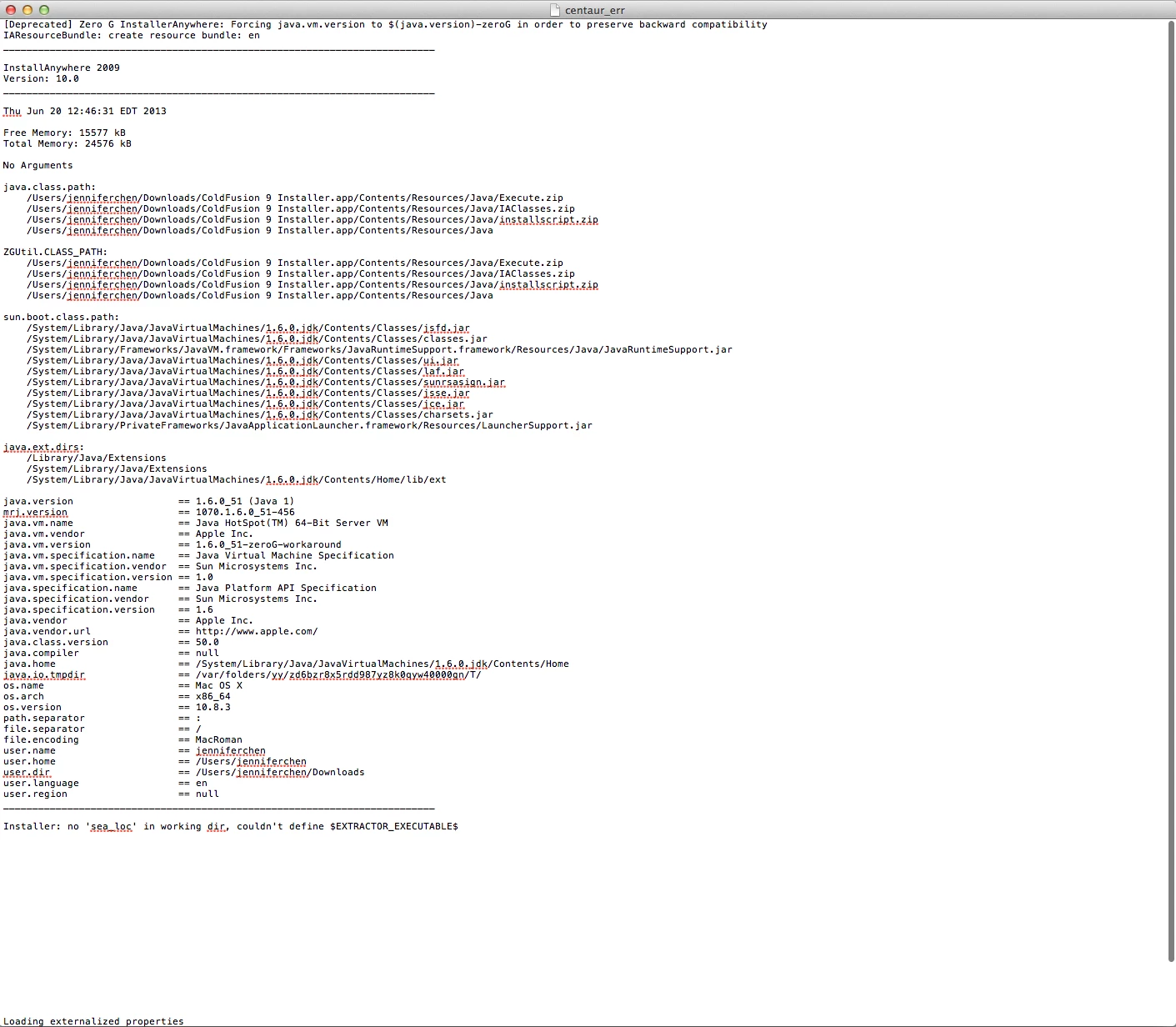
I am trying to install either ColdFusion 9 (which is where company is using) or 10 (if I can't have 9) on my Mac 10.8.6. When I click on the dmg file, it shows a running bar and once it's completed, i see a standard installation box (the one you click "agree" "nect" etc...) except there is nothing showing on the box. There is a blue "next" button but I can't click on it. This happens to both ColdFusion 9 and 10 installation. With 9 though, I get a centaur_err file.
This is very urgent as I cannot work without ColdFusion. I would really appreciate your suggestions.

Thank you,

Jennfer   

이 주제는 답변이 닫혔습니다.

1 답변

Anit_Kumar
Inspiring
June 20, 2013

Hello Jennfer,

can you share the installer logs with us? This could be a permission related issue.

Regards,

Anit Kumar

Participating Frequently
June 20, 2013

Hi Anit,,

Attached is everything in the log folder. I am not sure which file you need. Please advice

Thanks,

Jennifer

Anit_Kumar
Inspiring
June 20, 2013

Hi Anit,

I saw that techinical specification too. But there is a different specification when you are on the download page that says

Mac OS

  • Intel® Pentium® 4 processor
  • Mac OS X v10.6.x, v10.7, v10.8
  • 512MB of RAM (1GB recommended)
  • 500MB of available hard-disk space
  • DVD-ROM drive

There is another article that mentions Mac 10.8 http://helpx.adobe.com/coldfusion/kb/coldfusion-10-update-8.html

I am not sure which one is correct but I really need to have this installed. Thanks.


Hello Jennifer,

Thank you for pointing this to us. Yes, i just checked the same on Support Matrix and it says that it is supported on MAC 10.8.

Can you try enabling the root user on MAC (http://support.apple.com/kb/ht1528) and then try to install ColdFusion 10.

Regards,

Anit Kumar