Exit
  • Global community
    • Language:
      • Deutsch
      • English
      • Español
      • Français
      • Português
  • 日本語コミュニティ
  • 한국 커뮤니티
1

Creative Cloud application - file sync on/off option greyed out

Community Beginner ,
Jul 12, 2018 Jul 12, 2018

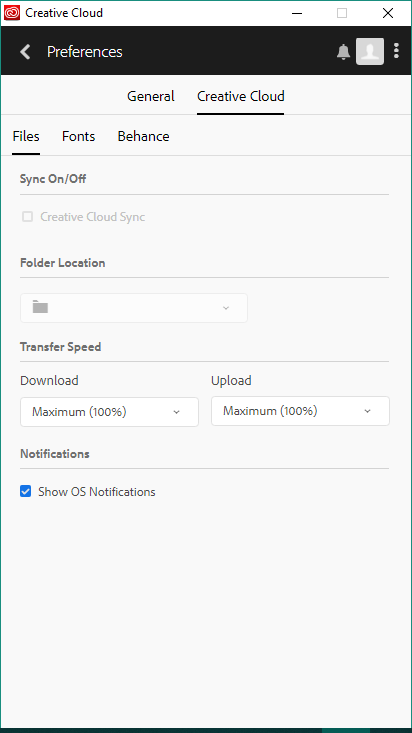
I am trying to turn on file sync in the Creative Cloud application, but the option is greyed out.

I am running this on Windows 10 64-bit and the Creative Cloud version is 4.6.0.384

My window looks like this:

cc.PNG

TOPICS
File sync
2.8K
Translate
Report
Community guidelines
Be kind and respectful, give credit to the original source of content, and search for duplicates before posting. Learn more
community guidelines

correct answers 1 Correct answer

Adobe Employee , Nov 30, 2018 Nov 30, 2018

Hi Mike,

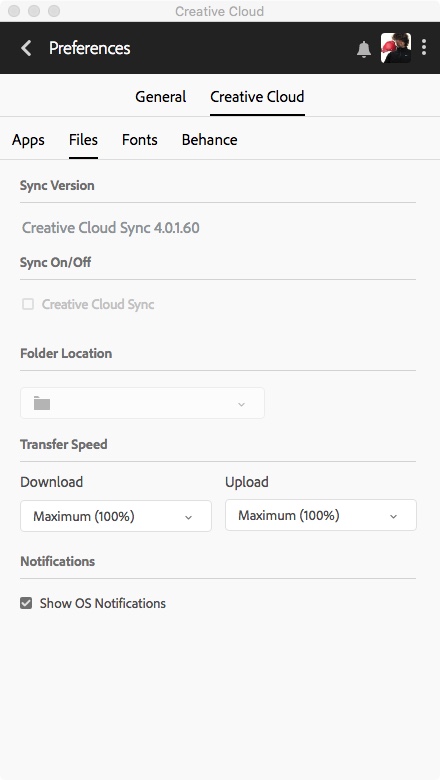
I see a later version of Creatiuve Cloud sync than what you have in your screenshot. It should prompt you to update it automatically. If that is not happening you may need to try reinstalling it. I'd suggest going through the troubleshooting listed here:  Uninstall the Adobe Creative Cloud desktop application

Best,

- Dave

Translate
Explorer ,
Jul 19, 2018 Jul 19, 2018

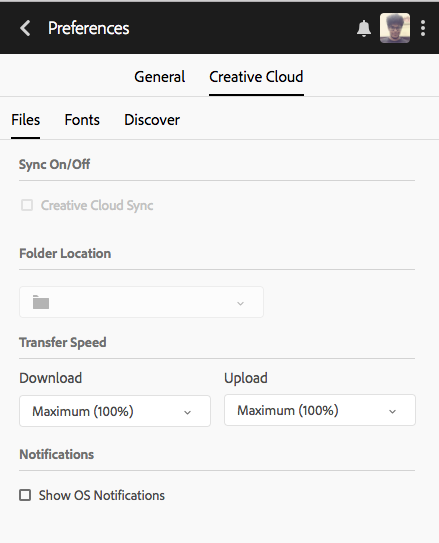
I have this problem too &
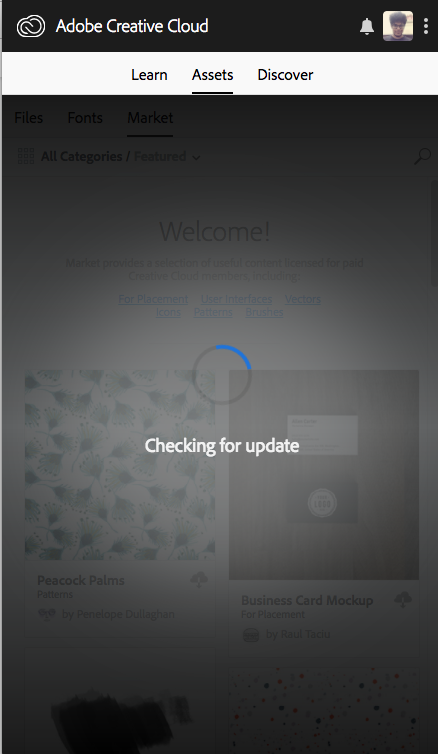
this "Assets" section is loading forever.

Screen Shot 2018-07-19 at 2.48.23 PM.pngScreen Shot 2018-07-19 at 2.47.28 PM.png...

Translate
Report
Community guidelines
Be kind and respectful, give credit to the original source of content, and search for duplicates before posting. Learn more
community guidelines
New Here ,
Nov 25, 2018 Nov 25, 2018

Really Adobe? Really? Don't care to respond?

Untitled 2.jpeg

Translate
Report
Community guidelines
Be kind and respectful, give credit to the original source of content, and search for duplicates before posting. Learn more
community guidelines
Adobe Employee ,
Nov 30, 2018 Nov 30, 2018

Hi Mike,

I see a later version of Creatiuve Cloud sync than what you have in your screenshot. It should prompt you to update it automatically. If that is not happening you may need to try reinstalling it. I'd suggest going through the troubleshooting listed here:  Uninstall the Adobe Creative Cloud desktop application

Best,

- Dave

Translate
Report
Community guidelines
Be kind and respectful, give credit to the original source of content, and search for duplicates before posting. Learn more
community guidelines
New Here ,
Mar 03, 2022 Mar 03, 2022
LATEST

I have the same problem, but my Adobe CC application is the latest version available for my OS (El Capitan). I'm not in a position to do any kind of system update at the moment, so does this mean the application is simply unworkable? If that's the case, why?

Translate
Report
Community guidelines
Be kind and respectful, give credit to the original source of content, and search for duplicates before posting. Learn more
community guidelines