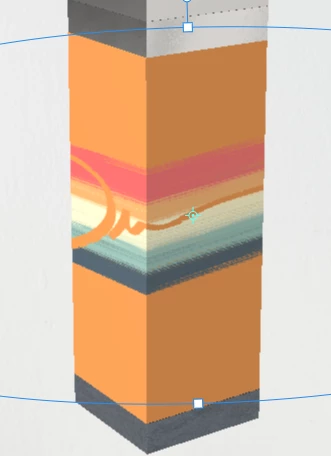
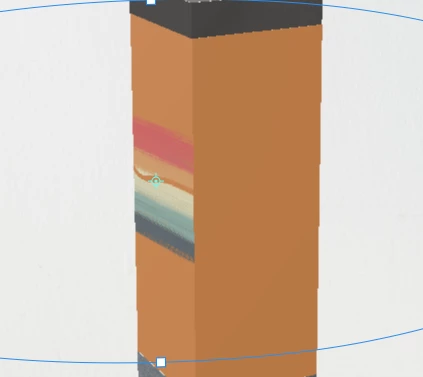
Those are cubes are straight from the app.
Maybe I should be asking this a different way. I want to make a cube (this will ultimately be a product like a perfume sprayer) and I need to cover all 4 sides with graphics. I can create the graphics easily in Photoshop. How can I put a graphic on all 4 sides of a cube?
I guess since I am able to cover 2 sides of a cube easily, I could have 2 cubes on top of each other offset by a miniscule amount. Not ideal but its my last resort before I move on from Dimensions for now  (which I really wanted to work for this project!)
Unfortunately there is no direct easy way to do this. If it's a custom OBJ I recommend looking at the UVs and exporting a UV template so you can line up the graphics exactly in Photoshop/Illustrator. We're working on supporting that, but there's just no easy way right now, takes a good bit of guess work without the UVs which our content from the Assets panel doesn't come with.
You might want to just make the cube in Photoshop 3D then export to Dimension to render.



 AdChoices