Exit
  • Global community
    • Language:
      • Deutsch
      • English
      • Español
      • Français
      • Português
  • 日本語コミュニティ
  • 한국 커뮤니티
0

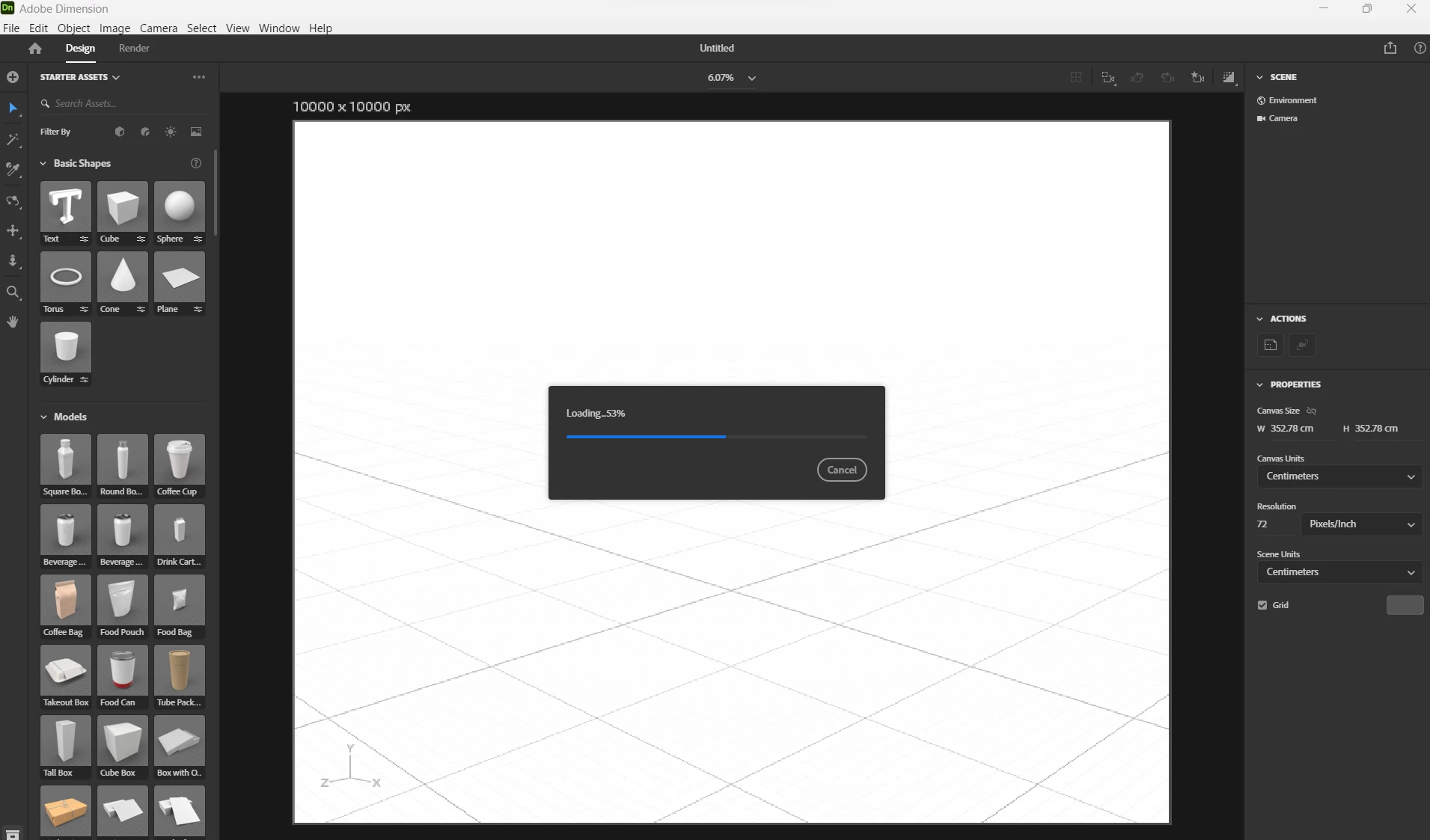
Importing obj file into dimension - stopping at 50%

New Here ,
Aug 30, 2023 Aug 30, 2023

Kori319902608jh6_1-1693458109433.png

Hello, I'm very new to this so please stick with me.

I just downloaded Dimension yesterday onto my Asus ProArt Studio book. When trying to import an obj file (details below) the program takes 20min to get to 50% and then stops.
It is a massive file, but all other problems on here that are similar are for files far larger.

I've restarted the computer and reinstalled the app twice and it is still happening.

 

Kori319902608jh6_2-1693458329345.png


Kori319902608jh6_0-1693458079220.png

This is all for work, I urgently need some help sorting this.

Thankyou

TOPICS
Crash or freeze , Import and export , Performance , Windows
262
Translate
Report
Community guidelines
Be kind and respectful, give credit to the original source of content, and search for duplicates before posting. Learn more
community guidelines
Community Expert ,
Aug 31, 2023 Aug 31, 2023

If you get a problem only with this object that can be complexity as you noted. Can you import any other simple OBJ? Try to convert your textures for that OBJ to JPG if they are in PNG as there is some time problem with transparency in Dn.

Translate
Report
Community guidelines
Be kind and respectful, give credit to the original source of content, and search for duplicates before posting. Learn more
community guidelines
New Here ,
Sep 07, 2023 Sep 07, 2023
LATEST

Hey thank you for replying.

I gave this ago and it is still happening. I tried a simple component, (wheel rim and bolts) and it crashed when trying to export.
I then tried the stock aluminium can and splash that the program has available and it crashed on that to. Just freezes and I can't turn off the program without hard restarting my computer. 

Translate
Report
Community guidelines
Be kind and respectful, give credit to the original source of content, and search for duplicates before posting. Learn more
community guidelines