Exit
  • Global community
    • Language:
      • Deutsch
      • English
      • Español
      • Français
      • Português
  • 日本語コミュニティ
  • 한국 커뮤니티
0

Can not display sign in box inside every cc 2019 app

New Here ,
Dec 17, 2018 Dec 17, 2018

Dear Adobe Team,

Please help me, my laptop can not displaying sign in box inside the program, it keeps on blank. so even after I close the sign in box, it is also closing the program as well. although I have been signed in in Adobe Creative Cloud. how can I sign in?

I am using Dell Inspiron 7460, and Win 10. I dont have this issues in adobe cc 2018.

skrinshot.jpg

I did turn off the anti virus and firewall, but it nothing's changed.

because of this problem, Ive downgrade the version to cc 2018.
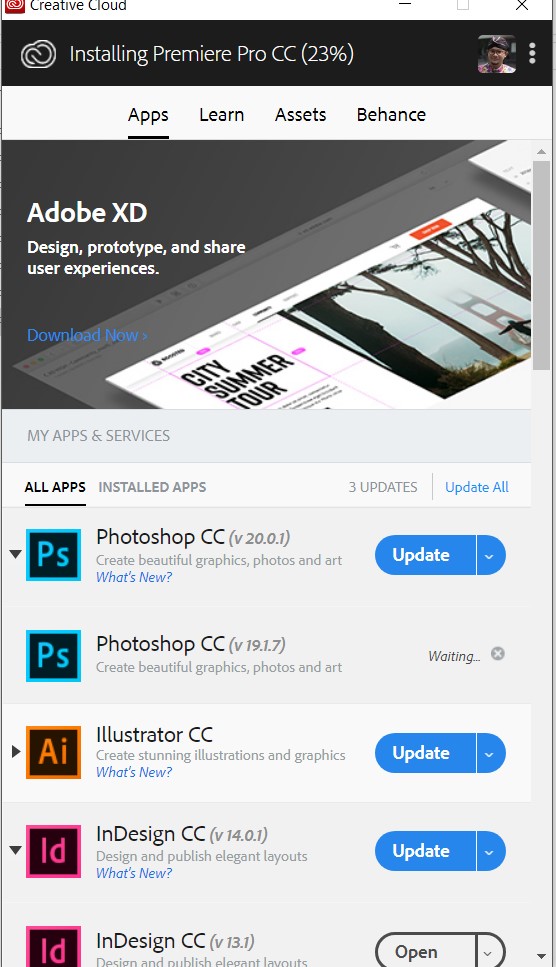
skrinshot-adobecc.jpg

Thank you in advance.

TOPICS
Creative Cloud
361
Translate
Report
Community guidelines
Be kind and respectful, give credit to the original source of content, and search for duplicates before posting. Learn more
community guidelines
Guest
Dec 18, 2018 Dec 18, 2018

Hi

This may be related to your issue

Re: Can not start Ps CC 2019 - Looping Login 4ever

Translate
Report
Community guidelines
Be kind and respectful, give credit to the original source of content, and search for duplicates before posting. Learn more
community guidelines
New Here ,
Dec 19, 2018 Dec 19, 2018

Hi Thank you for your reply.

unfortunately, i still have the same problem. only this time the sign in box could display the loop before it is goes blank again.

any other solution?blank.png

Translate
Report
Community guidelines
Be kind and respectful, give credit to the original source of content, and search for duplicates before posting. Learn more
community guidelines
Adobe Employee ,
Dec 28, 2018 Dec 28, 2018
LATEST

Hi Mas.rem,

Please try the troubleshooting steps shared in the following help document to resolve this issue related to blank sign in box that appears when you launch your CC apps: User and license information issues | CC 2019.

Let us know if this helps.

Translate
Report
Community guidelines
Be kind and respectful, give credit to the original source of content, and search for duplicates before posting. Learn more
community guidelines