



Copy link to clipboard
Copied
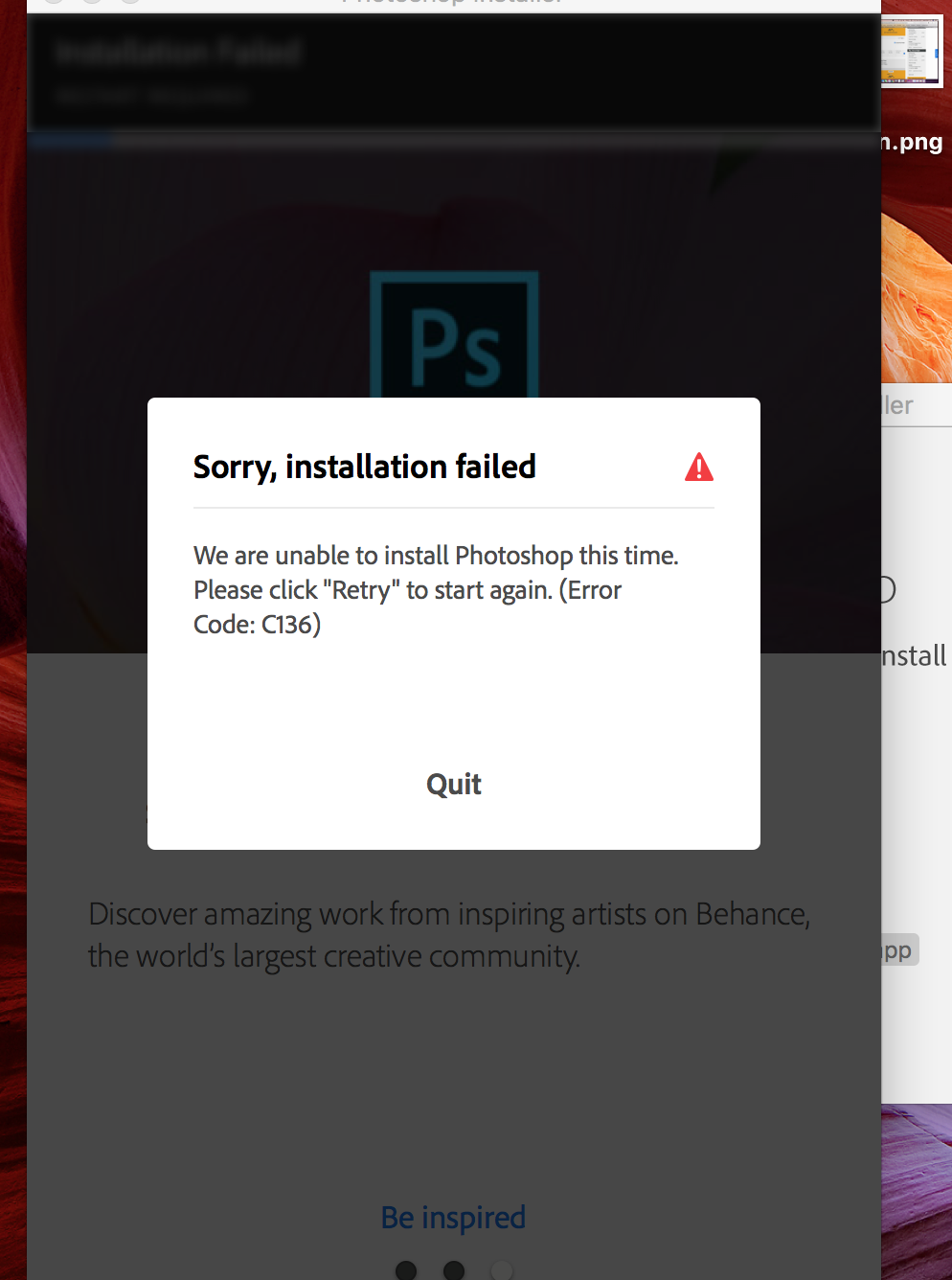
I am trying to install creative cloud and Photoshop but a message comes up saying 'sorry installation failed.......error code C136". In the recent past i had successfully downloaded and used the free trial, but then uninstalled it as i did not think i would use it again. I have uninstalled all previous Creative Cloud and Photoshop and used Clean My Mac to get rid of all traces so that i can start the install from scratch. I have seen another question in this forum about the same error code and tried everything that was suggested to fix the issue but nothing is working! I cannot contact customer support as the last answer suggested as it states that 'phone support is not offered for this product'. So what do i do now???


 1 Correct answer


Thank you for the update Karenlesleyford. If you are not able to contact our support team at Contact Customer Care then please use a different web browser, smartphone, or tablet as the current security settings or add-ons may be affecting your ability to contact our chat support.
To resolve the current error I would recommend you being the installation process utilizing the Adobe Creative Cloud desktop application. You can find complete details on the installation process at Download and install Creative Cloud apps
...
 9
Replies
9
9
Replies
9


Copy link to clipboard
Copied
Use the chat option here:

Copy link to clipboard
Copied
I am having the exact same error. I closed my Photoshop account on Creative Cloud last month and was unpleasantly surprised to find out that my Adobe DC services were also closed. Signed-up again and have been attempting to download the applications for the past several hours. No trace of Adobe applications on the Mac, restarted, emptied trash, cleaned all traces - no go! What do we do??
Copy link to clipboard
Copied
Copy link to clipboard
Copied
Karenlesleyford and Compass Dive and Sail I am sorry that you both are facing the Error Code C136 when attempting to install Photoshop CC 2017. What version of Mac OS do you have installed? Did you both utilize the system optimization utility Clean My Mac to remove the previous installation?
Finally can you please post a screen shot of the error that you are seeing. You can find details on how to post a screen shot at FAQ: How do I capture and post a screen shot or video?
Copy link to clipboard
Copied
Jeff A Wright yes i used Clean My Mac to get rid of the previous installation. I'm running OS Sierra 10.12.2
Copy link to clipboard
Copied
Copy link to clipboard
Copied
Thank you for the update Karenlesleyford. If you are not able to contact our support team at Contact Customer Care then please use a different web browser, smartphone, or tablet as the current security settings or add-ons may be affecting your ability to contact our chat support.
To resolve the current error I would recommend you being the installation process utilizing the Adobe Creative Cloud desktop application. You can find complete details on the installation process at Download and install Creative Cloud apps .
For your reference Adobe does provide an uninstaller mechanism to remove the applications. I would recommend bookmarking Uninstall or remove Creative Cloud apps in case you need to uninstall the applications again in the future. Utilizing third-party system optimizers like Clean My Mac will leave your computer in an unexpected state and may lead to unexpected errors and behavior during the reinstallation process.
If you have any questions on how to download and install Photoshop through the Creative Cloud desktop app you are welcome to update this discussion.
Copy link to clipboard
Copied
That 'customer care link' only gets you through to someone if you hit the 'chat' option straight away. If you put in 'your details' first it will tell you 'chat option is not available for your product'. I managed to chat with someone after putting different product detail. Anyway, they couldn't help me and advised that i actually buy Photoshop, then if i'm still having problems let them know. Useless! Why would i buy a product without knowing that i will work???
Copy link to clipboard
Copied
That 'customer care link' only gets you through to someone if you hit the 'chat' option straight away. If you put in 'your details' first it will tell you 'chat option is not available for your product'. I managed to chat with someone after putting different product detail. Anyway, they couldn't help me and advised that i actually buy Photoshop, then if i'm still having problems let them know. Useless!


Get ready! An upgraded Adobe Community experience is coming in January.
Learn more
 AdChoices