


Blurry Images
Hi all,
I have a question regarding importing images into FrameMaker.
Side note: I import by: Insert -> Image... -> *selects picture from appropriate folder*
Almost all of the figures I've inserted become blurry upon insertion. I've tried many methods to correct this:
-resize the image before insertion
-only use .png
-ensure that the source of the picture is not blurry
-played around with the DPI (in Object Properties)
-adjusted the size (width and size in Object Properties)
Yet, the images are all blurry. Below is an example. I did a screen grab of the calculator, saved it as a .png file, and inserted the image into the FrameMaker document. In the screen grab is the Object Properties for that particular image. I've tried other sources too. I've tried pictures taken by my phone and inserted those. Still blurry. I've saved images from PDFs and inserted. Still blurry.
I've even tried to do the other method of insertion: file -> import -> file...->
I tried the 'import by reference' blurry image. I've also tried 'copy into document' also blurry.
I attempted changing elements in the 'Object Style Designer'. No success.
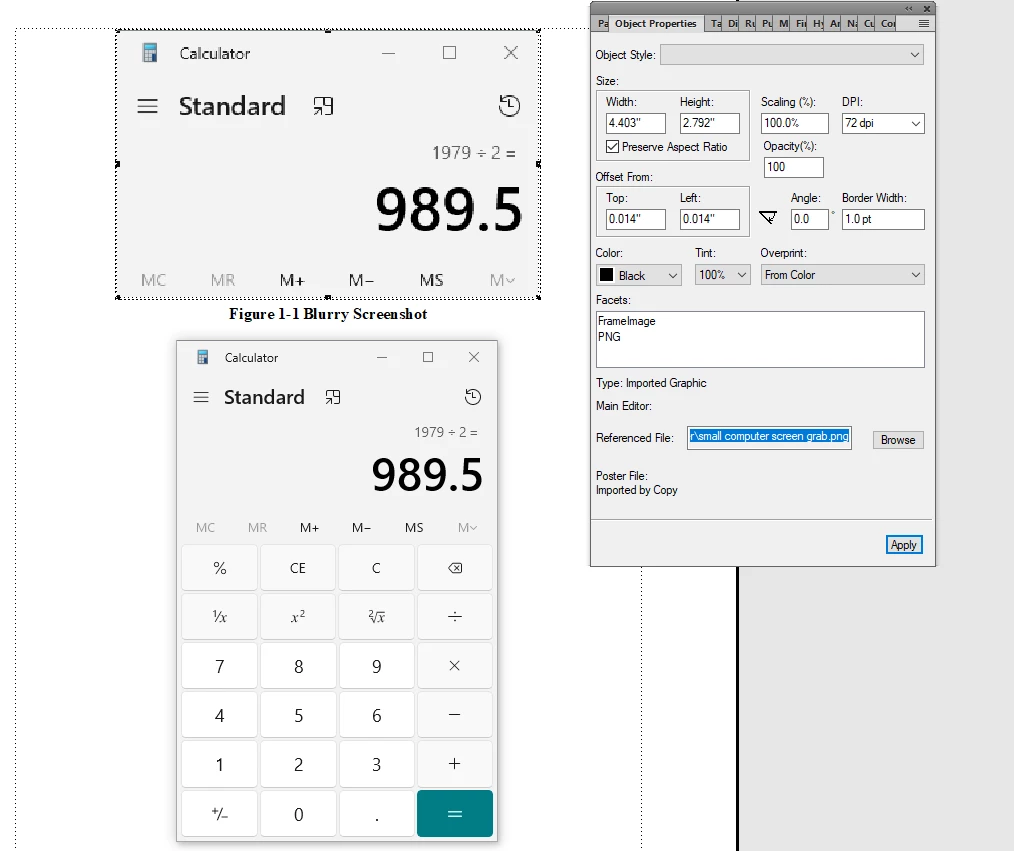
Any help is appreciated.
 AdChoices