Hello,
either I am not getting the FrameMaker to work or it fails miserably once it comes to hierarchical authoring. I hope it's my mistake though.
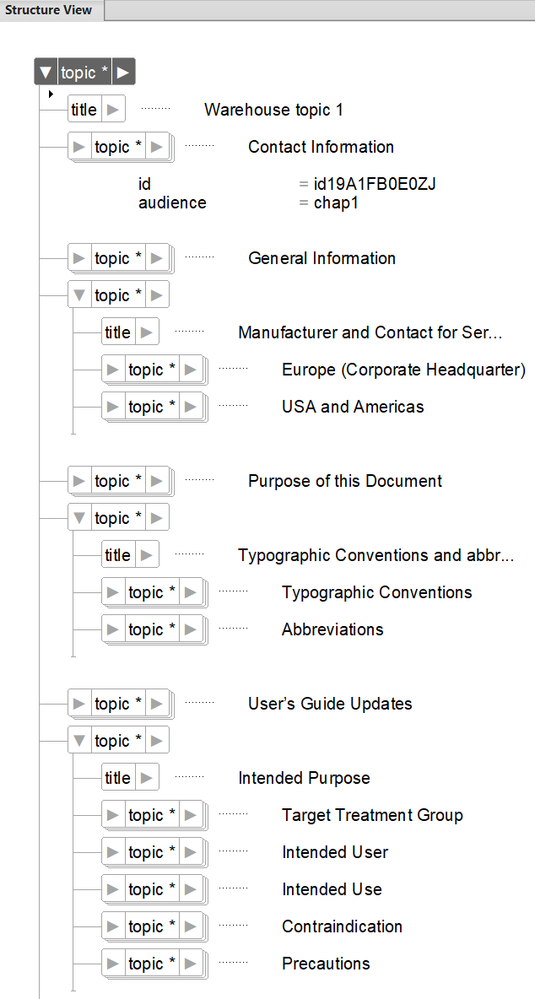
I have created a warehouse topic (wt.xml), using a DITA topic file. Inside the warehouse topic, I have created multiple topics, of course the topics are nested, I have also created audiences for each topic: some are chap1 and some are marked chap2.
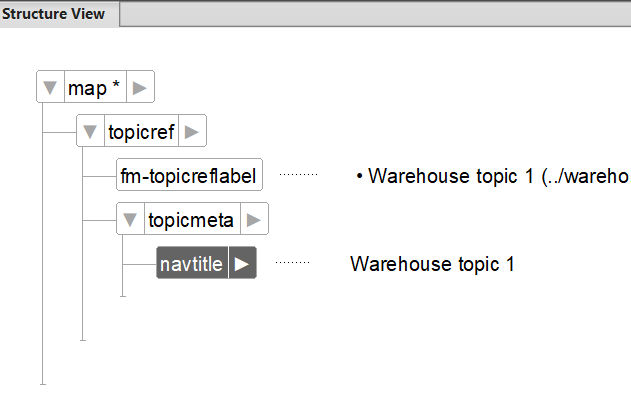
Next, I have created two simple ditamaps. In both ditamaps, I insert a topicref to the warehouse topic. Consequently, they look identical so far. Last, I have created two ditaval files: chapter1.ditaval and chapter2.ditaval. In the former, I include audiences with value chap1 and in the latter audiences with value chap2. Then, "as instructed by FrameMaker", I save Ditamap as Composite Document and activate Prompt For DitaVal File. It prompts for the ditaval file, I click coose. Now, I expect that in ditamap1, I see the topics, I have marked with chap1 and for ditamap2 the ones I have marked with chap2. Nope, nothing is filtered.
I really appreciate if someone would shed some light.
Hadi




 1
Reply
1
Reply


 AdChoices