


Answered
FM2022: Welcome screen showing "Can't reach this page" error again
As I recall, this is something that has to be fixed on the backend, so if someone could, please?
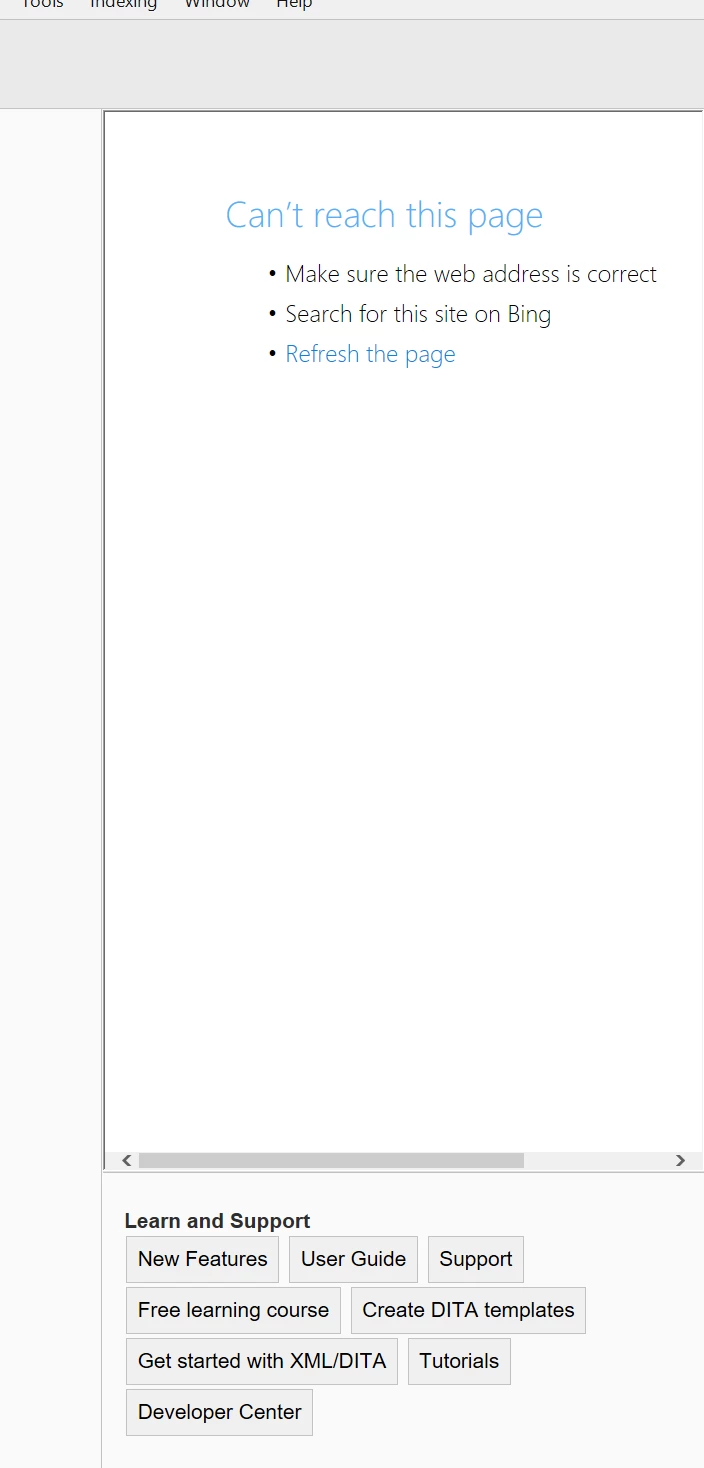

As I recall, this is something that has to be fixed on the backend, so if someone could, please?
Lin, are you shure that it is for FM-17 (2022) - and not FM-16 (2020)?
In both I get this only with my personalised/modified Welcome screen.
If you delete (or rename) %appdata%\Adobe\FrameMaker\17\resources\welcomeScreen then FM will restroe a copy from $HOME\\fminit\dws\resources\welcomeScreen and You should get the correct Welcome Screen
Already have an account? Login
Enter your E-mail address. We'll send you an e-mail with instructions to reset your password.


 AdChoices