


- Home
- FrameMaker
- Discussions
- Re: how do i change the gap between sheets?
- Re: how do i change the gap between sheets?

Copy link to clipboard
Copied
how can I decrease the gap between pages as shown on the screen capture image below...?

Thanks,
Matt


 1 Correct answer


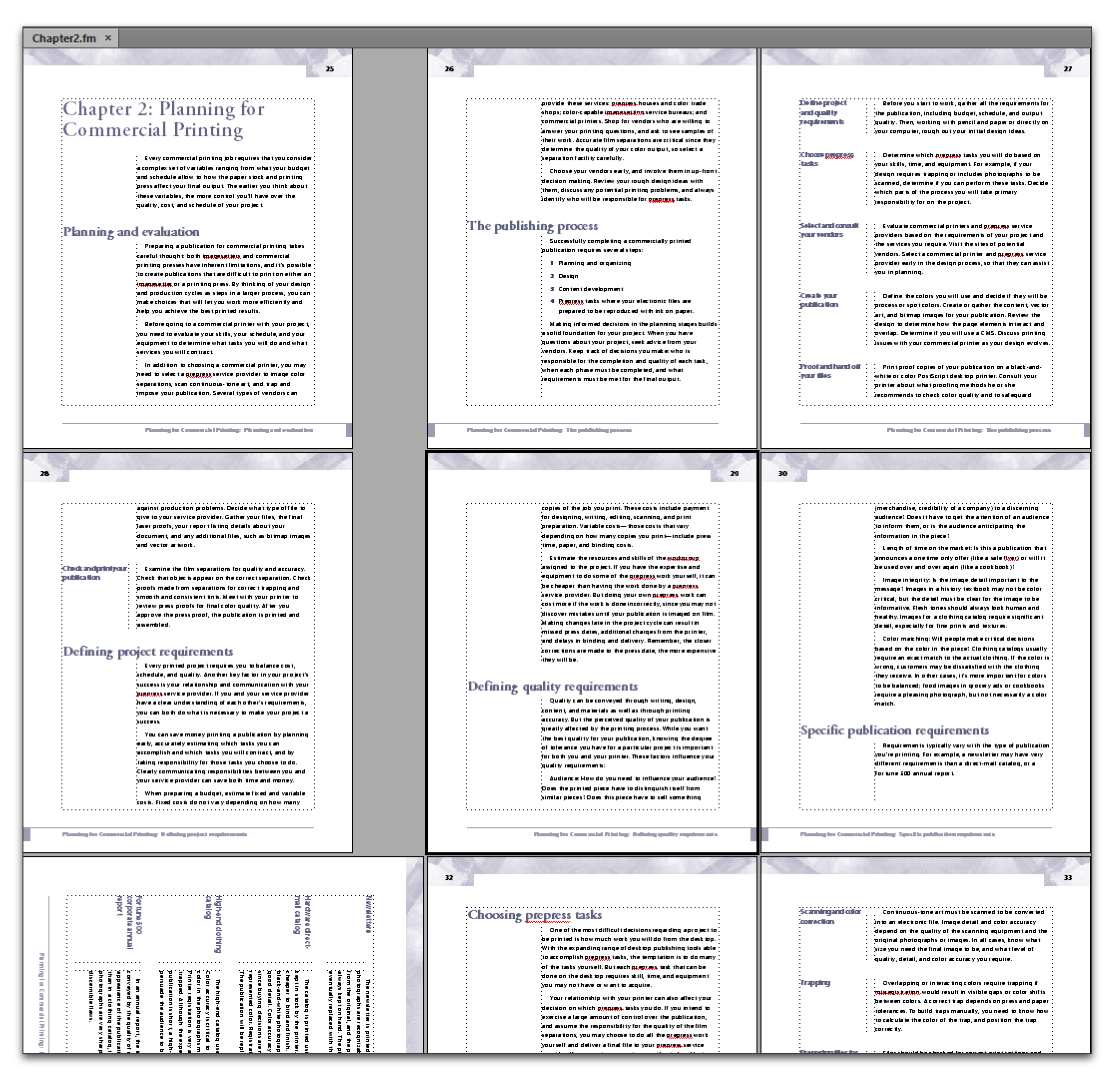
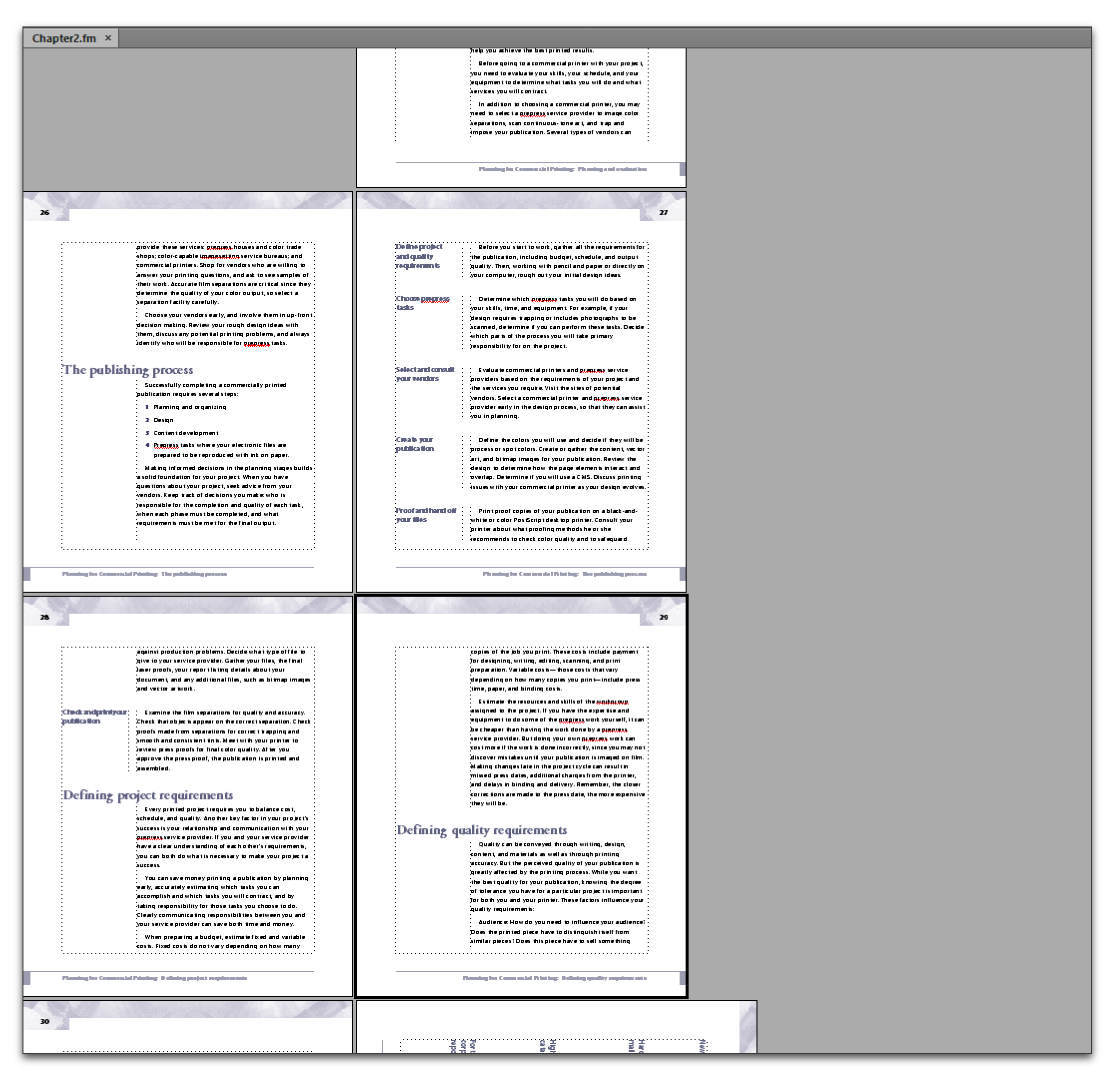
Hi Matt: That happens to me when I have rotated pages my document, and the page scrolling is set to Variable. Do you have rotated pages that we can't see? What happens when you change page scrolling to Facing Pages?
Variable on the left, Facing Pages on the right:

 4
Replies
4
4
Replies
4


Copy link to clipboard
Copied
What's your View > Options > Page Scrolling setting?
AFAIK, FM automatically displays the pages out using the Page Scrolling setting and your current Zoom value. Try a different scrolling setting.
Copy link to clipboard
Copied
Hi Matt: That happens to me when I have rotated pages my document, and the page scrolling is set to Variable. Do you have rotated pages that we can't see? What happens when you change page scrolling to Facing Pages?
Variable on the left, Facing Pages on the right:
Copy link to clipboard
Copied
Hi Barb,
Yes. You are correct again. I do have rotated pages within the file. Switching to 'facing' from 'variable' worked.
Thanks again and regards,
Matt
Copy link to clipboard
Copied
Hey Matt, you are very welcome. 
~Barb


Get ready! An upgraded Adobe Community experience is coming in January.
Learn more
 AdChoices