
Images Imported from Word to Framemaker Have Weird Artifacts When Publishing to HTML5
Problem Description
I am in the process of migrating a fairly large set (>1000 pages, >30 files) of technical documentation from Word to Framemaker 2019 in order to publish future updates simultaneously in both PDF and Responsive HTML5 formats. The existing design standard calls for a 1 pt black border around every screenshot that I would very much like to preserve in both PDF and Responsive HTML5. The problem is that when I add a 1 pt border to the anchor frames that contain the screenshots using Object Properties > Stroke, I see a weird little "shadow" of the anchor frame border in HTML5 output (see screenshots below).
Please note:
- I am aware that I can apply a 1 pt black border to all images using the Publish settings (Settings File > Edit > Style Mapping > Image Settings > Borders). The problem is that this setting does not get applied to the PDF output. My goal is to work on a single Framemaker book that can be published in both PDF and Responsive HTML5 with an absolute minimum of re-styling in between.
- This "shadow" only appears on imported images, but deleting and then re-copying every single screenshot after importing from Word is not a viable solution given the size of the document set.
- I have already spent quite a while trying to use Robohelp to generate Responsive HTML5 from the Word files, but I ran into too many problems maintaining other required formatting. Framemaker gives me the necessary control over formatting, and importing is relatively fast and easy now that I've mapped Word styles to Framemaker paragraph and character styles.
I've been trying to resolve this issue for days now, and it's the last thing stopping me from proceeding with the migration. Any advice would be very much appreciated.
Thank you kindly in advance.
Screenshots
Here's a test document that includes a screenshot, first in Word:
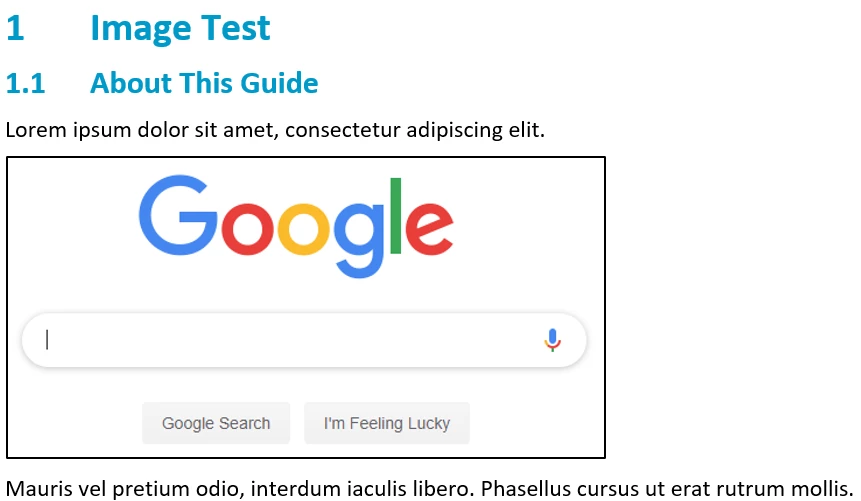
This imports to Framemaker just fine:

I then apply a 1 pt black border and shrink wrap the anchor frame using Esc 0 p and Esc m p (respectively). The black border shows up just fine:
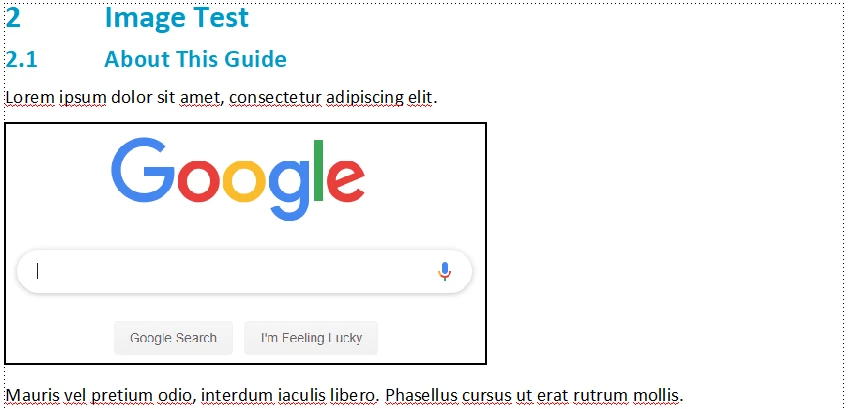
But when I output to Responsive HTML5, there's a little gray box where there ought not be:
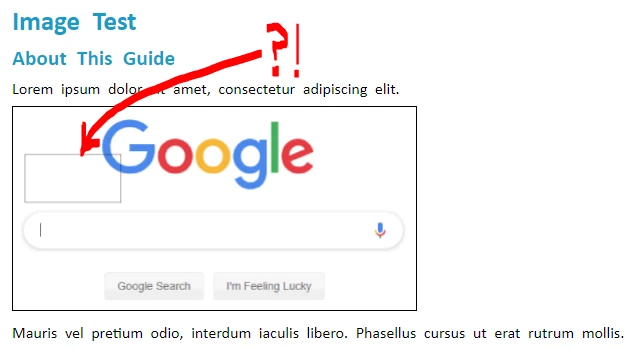
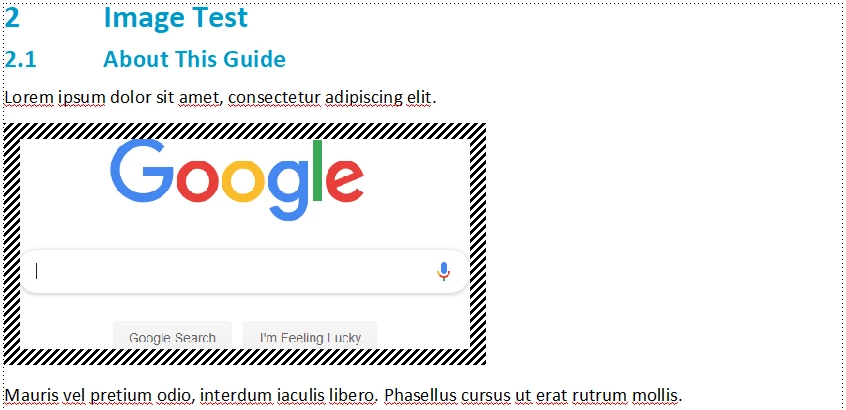
I've confirmed that this "shadow" only appears when I apply a Stroke to the anchor frame containing the screenshot by changing the style and thickness of the stroke. The "shadow" changes accordingly. This is a 10 pt cross hatch stroke applied to the same anchor frame:

Here's the Framemaker result:
And here's the Responsive HTML5 output. Note that the artifact has changed accordingly:
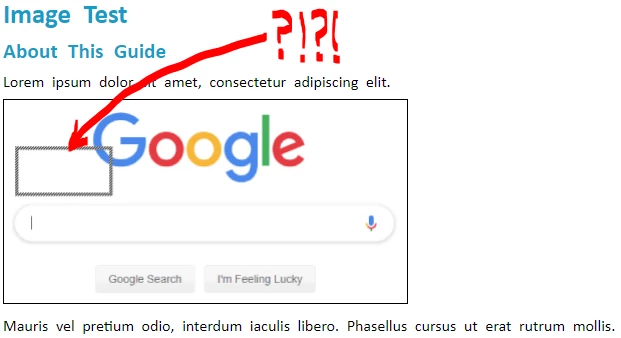
Where is this stupid little shadow coming from?!
 AdChoices