Copy link to clipboard
Copied
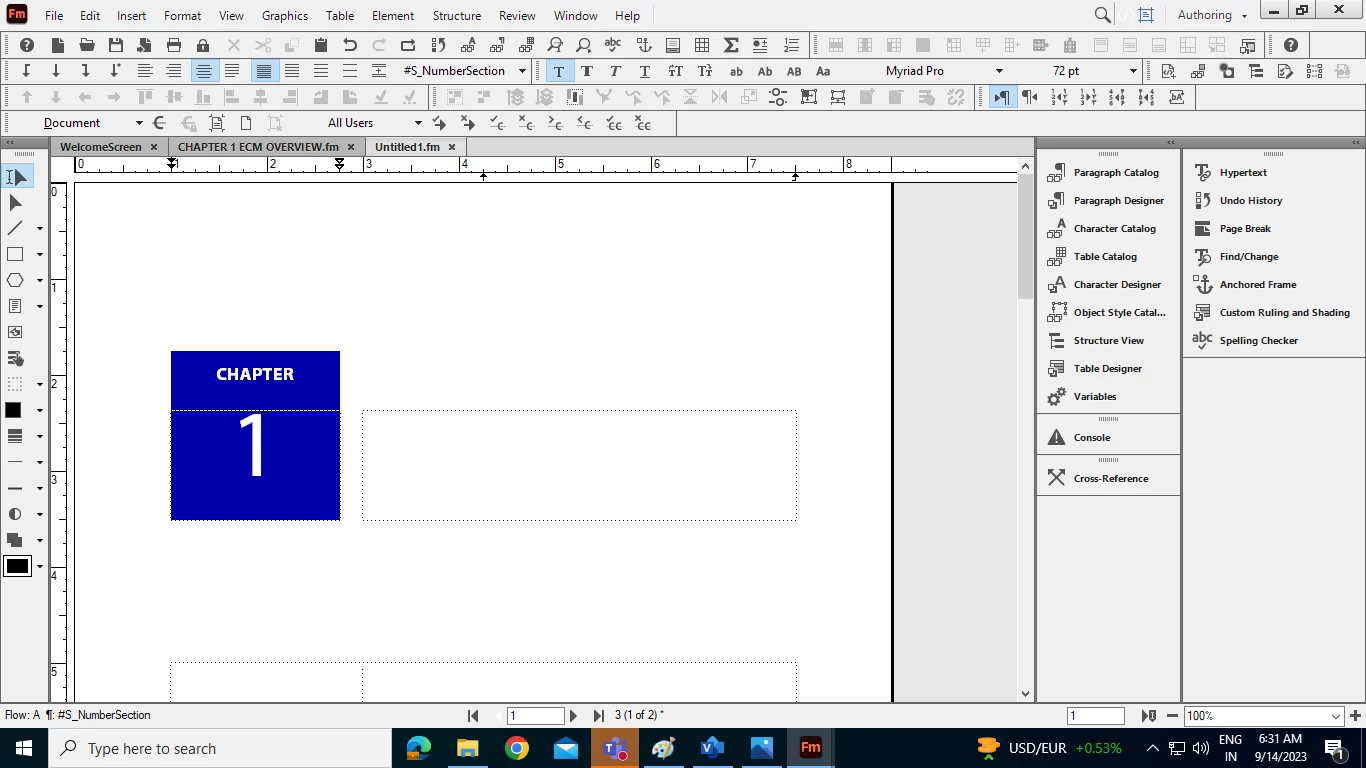
I have taken a standard template (Chapter), But I am not able to write in it. Please someone guide.
Copy link to clipboard
Copied
Never used it, but turning on your Text Symbols will help you to see where you can enter text.
Copy link to clipboard
Copied
I am not able to bring the cursor from one frrame to other.
Copy link to clipboard
Copied
Are you on the Body page? Maybe this template works on the Master or Reference pages?
Copy link to clipboard
Copied
Hi Amit:
Click in between the 1 and the § and press Enter to move to the second small frame. Type your chapter title and press Enter. At that point you will be in the main template frame and can add the rest of the content.
~Barb
Edit: There's a tab character between the 1 and § marker. I think you must have added it. Remove the >, then press Enter to add the chapter title.
Edit 2: I'm working my way through your posts from earlier today, and I see the question about the selected template frame. This particular template has three auto-connected templates frames on page 1—all assigned Flow A. You need to start at the top and add content and to move from one to the next. This is why you can't just add text to the large one—you have to add the chapter title first. All the other pages Left/Right pages in the template go back to just one template frame per page, as you are used to.
Get ready! An upgraded Adobe Community experience is coming in January.
Learn more
