
Exit
  • Global community
    • Language:
      • Deutsch
      • English
      • Español
      • Français
      • Português
  • 日本語コミュニティ
  • 한국 커뮤니티
0

FM12 - "Black" images in HTML5 output

Explorer ,
May 21, 2014 May 21, 2014

Hello

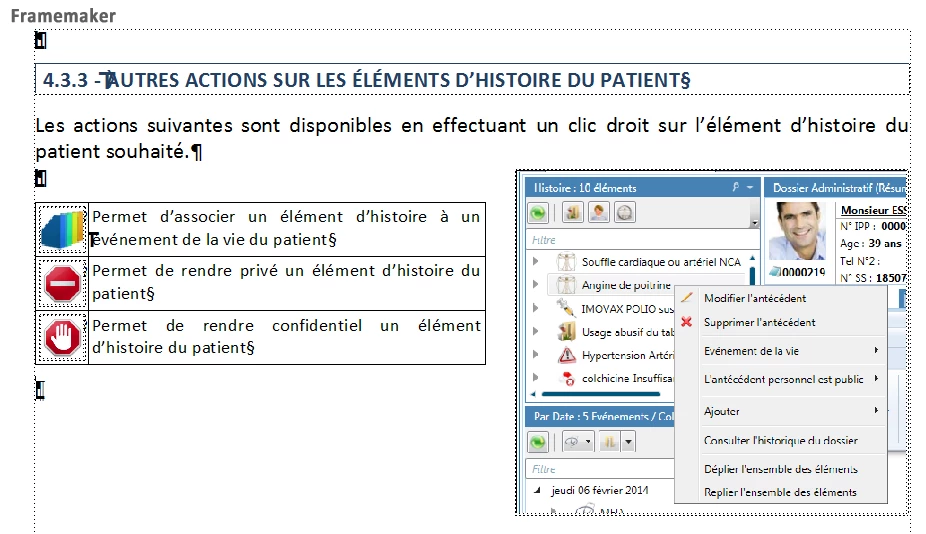
I'm using Framemaker 12, and I work with HTML5 output to publish online helps.

In my FM files, I use PNG images which are in anchored frames.

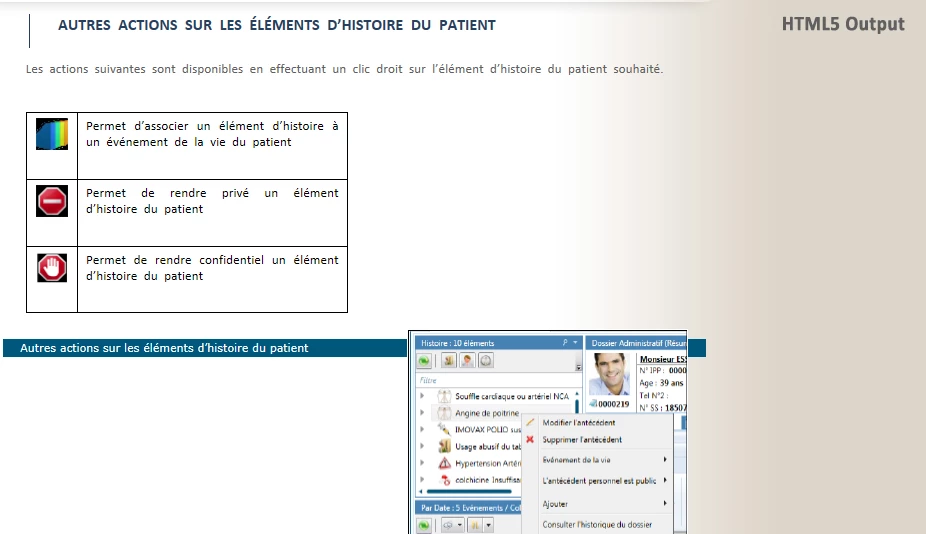
My problem is, after I did the HTML5 output, my images appear "black" as you can see below. Any idea about where this problem comes from would be greatly appreciated !

Thanks a lot.
framemaker.png

________________________________________
output.PNG

TOPICS
Structured
638
Translate
Report
Community guidelines
Be kind and respectful, give credit to the original source of content, and search for duplicates before posting. Learn more
community guidelines

correct answers 1 Correct answer

Explorer , May 28, 2014 May 28, 2014

Hi Arnis,

In fact the problem was in the transparency. My images are transparent .png files, and it looks like FM (still) does not know how to deal with transparency, and puts black where my images are transparent.

Translate
LEGEND ,
May 22, 2014 May 22, 2014

Hmmm, there are no black images in the sample that you've posted? Can you try again in case that was the wrong image.

Translate
Report
Community guidelines
Be kind and respectful, give credit to the original source of content, and search for duplicates before posting. Learn more
community guidelines
Explorer ,
May 28, 2014 May 28, 2014

Hi Arnis,

In fact the problem was in the transparency. My images are transparent .png files, and it looks like FM (still) does not know how to deal with transparency, and puts black where my images are transparent.

Translate
Report
Community guidelines
Be kind and respectful, give credit to the original source of content, and search for duplicates before posting. Learn more
community guidelines
LEGEND ,
May 28, 2014 May 28, 2014
LATEST

FM was designed using a postscript imaging model, which doesn't support transparency. Sometimes using a Fill of None applied to a graphic provides the desired result.

Translate
Report
Community guidelines
Be kind and respectful, give credit to the original source of content, and search for duplicates before posting. Learn more
community guidelines