As Barb mentions, you probably have a high resolution display. However you may not need to change to a lower resolution. You can force any application to run at a more suitable scale. The result can be mixed depending on the application, but here's how to do it:
- Locate the installation folder for FrameMaker 12. For me it's C:\Program Files (x86)\Adobe\AdobeFrameMaker12.
- Find the file FrameMaker.exe and right click on it.
- Select Properties.
- Select the Compatibility tab in the FrameMaker.exe properties dialog.
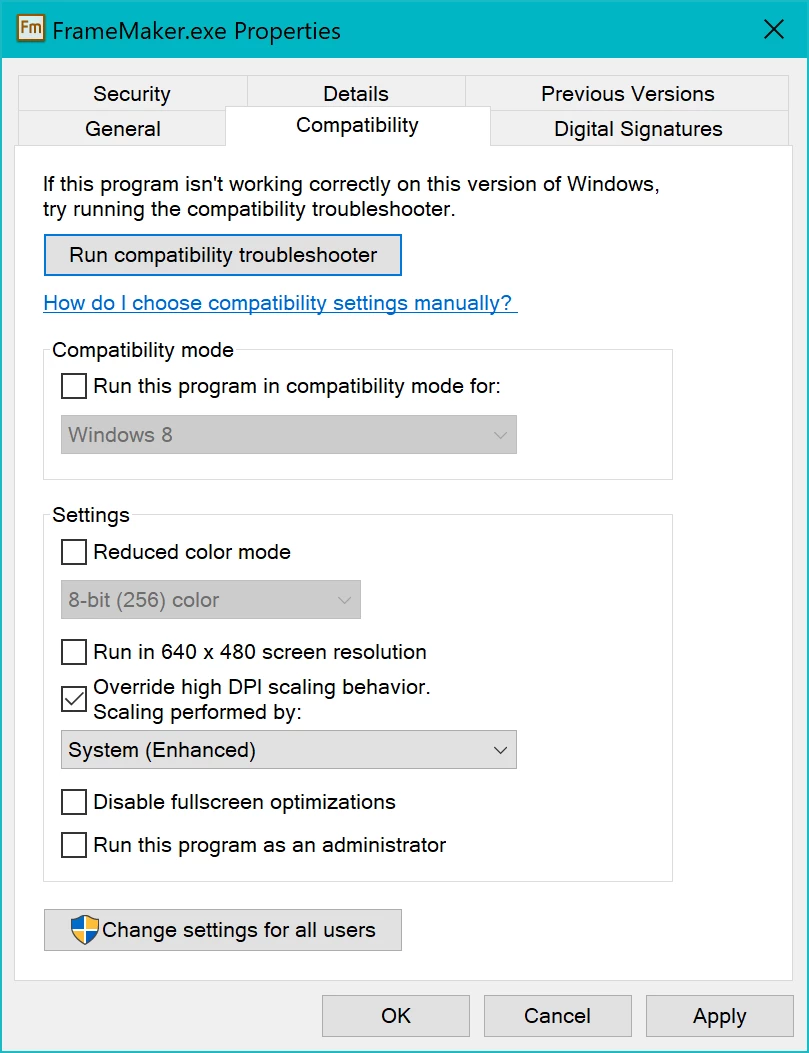
Select Override high DPI scaling behavior. Scaling performed by System (Enhanced).- Click OK then restart FrameMaker 12, it should now be running at a usable size. On my system this work best when the display scaling is set to 200%.
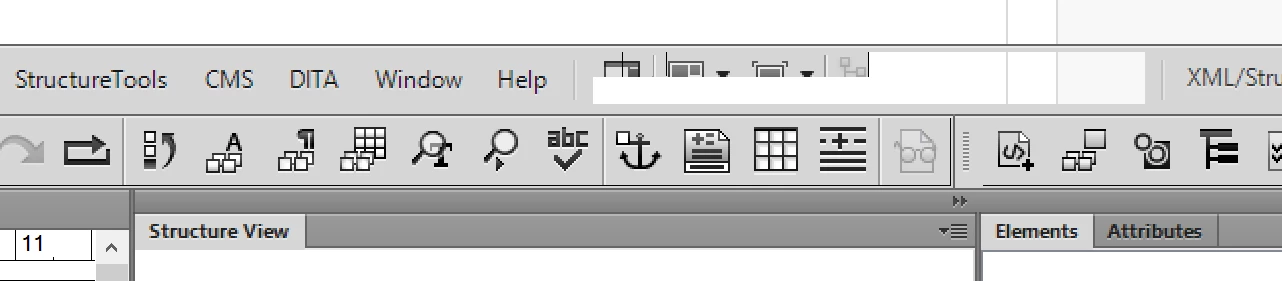
On my system I do get a glitch in the title bar area like this where there is a transparent section, but I can live with that, just don't expect it to be fixed...
I hope this helps.
Ian
Edit: I checked this on another system (running at 1920x1080), the high resolution settings may look like this: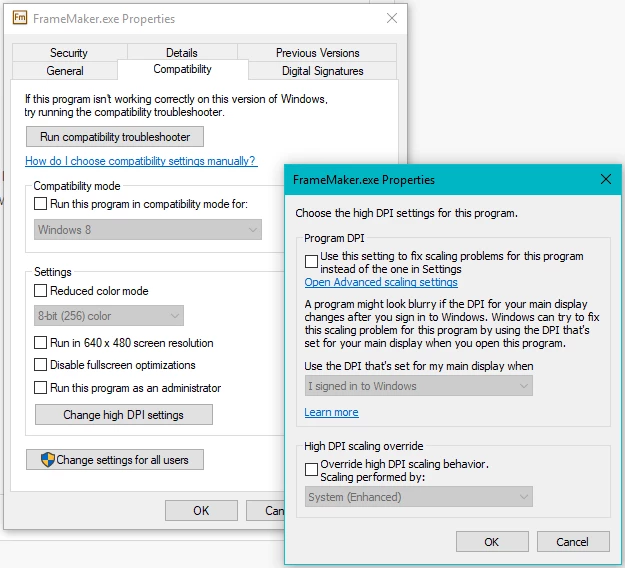



 AdChoices