
Participating Frequently
March 16, 2020
Answered

Variable Font Support for FrameMaker 2019

  • March 16, 2020
  • 3 replies
  • 1750 views

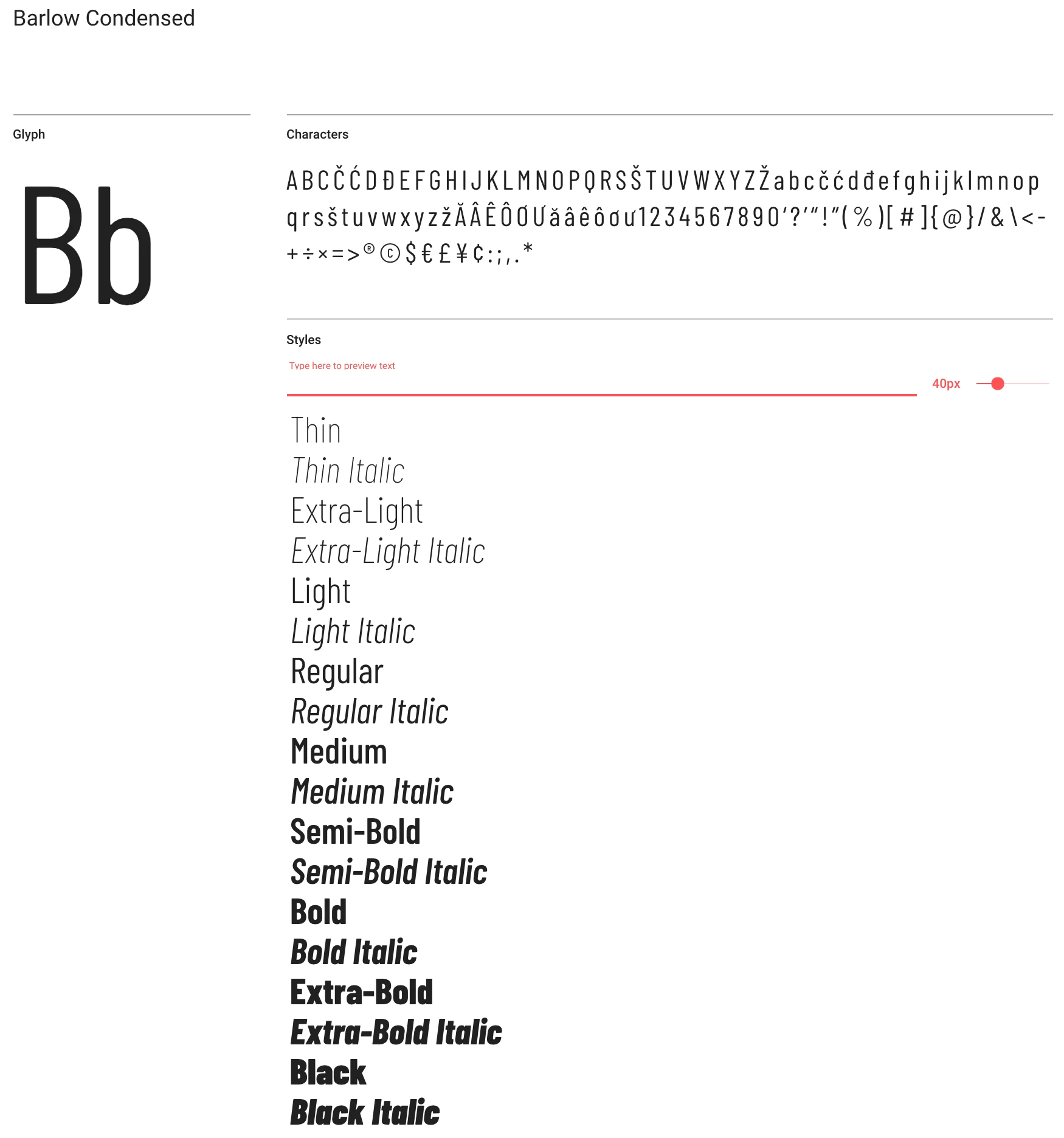
We just switched corporate fonts to Barlow, and I cannot seem to get Barlow Condensed (otf) to be both bold and italic. Right now, it's an either/or situation. Is there any support yet for variable fonts?  With InDesign, I can adjust the skew of the text to get it to work, but the character designer in FM doesnt' have that option. The font works just fine in Office applications.


I am on FrameMaker 2019, v 15.0.5.838, but users on other versions of Frame 19 and 17 are having the same issue. Is there a workaround?
This topic has been closed for replies.
Correct answer Barb Binder

FrameMaker does not support variable fonts. 


Where are you getting your Barlow Condensed? Google fonts has a version that should work. https://fonts.google.com/specimen/Barlow+Condensed


~Barb

3 replies

Barb Binder
Community Expert
Community Expert
March 19, 2020

You are welcome, Sharon.


~Barb

~Barb at Rocky Mountain Training
Barb Binder
Community Expert
Barb BinderCommunity ExpertCorrect answer
Community Expert
March 18, 2020

FrameMaker does not support variable fonts. 


Where are you getting your Barlow Condensed? Google fonts has a version that should work. https://fonts.google.com/specimen/Barlow+Condensed


~Barb

~Barb at Rocky Mountain Training
Participating Frequently
March 19, 2020

Barb, this did the trick! Thank you! We were trying to use the Open Type fonts provided by the graphic design people. True Type solved the problem.

Bob_Niland
Community Expert
Community Expert
March 17, 2020

Does Barlow Condensed even include a "Bold" instance? It might only offer Black and ExtraBold, and both of those appear to be available in Italic forms.


Separately, with some fonts (historically Type 1), when the default printer is Postscript or Ps-like (PDF), FM can sometimes offer a "Bolded" or "Oblique" transformation might suffice. I don't know is any variants of Barlow could be so used.

Participating Frequently
March 17, 2020

It does, and I can get either bold or oblique, just not both at once. I can set it to oblique, for example, and the second I select "bold" in the paragraph designer, the angle flips back to regular, and vice versa. 

Bob_Niland
Community Expert
Community Expert
March 17, 2020

I suspect what you need is to be setting is a font name of Barlow Condensed BlackItalic or Barlow Condensed BoldItalic, and not trying to use the FM font attributes on a base font name. Names may vary by foundry.


Sounds like corporate marcom bungled the typeface innovation. They tend to excel at that. At least Barlow is legible, and you can actually distinguish "1" from "l".