Participant
April 29, 2023
Answered

Artifacts when exporting animated GIF in Fresco

  • April 29, 2023
  • 1 reply
  • 1305 views

Hello. I have been creating animated gifs in Fresco, on iPad (8 gen running iPadOS 16.4.1) with Apple Pencil. The first handful I made with no issues. The last couple items I have exported now have lines/artifacts when the frames are generated. Anyone have any experience with how to fix this? Greatly appreciate any feedback. Thanks!

(ps. Using most recent update of Fresco.)
This topic has been closed for replies.
Correct answer Anshul_Saini

Hello. Here is another try from the assets page. Cupcake


Hi @nicolem51450908,


Apologies for the wait, and we appreciate your patience. After careful review with the Fresco Product team, we want to assure you that the current behavior is as intended. While the option to export GIFs with transparency is available in the menu, we understand that color limitations may result in artifacts. Rest assured, we are actively working on it to provide a seamless experience, allowing you to export GIFs with transparent backgrounds, free from any unwanted artifacts.


Thank you for understanding!


Best regards,

Anshul Saini

1 reply

Anshul_Saini
Community Manager
Community Manager
May 5, 2023

Hi @nicolem51450908,


Thank you for reaching out. We're sorry to hear that you're experiencing issues with exporting animated GIFs in Fresco.

Based on the information you provided, it seems like you are seeing some artifacts or lines when exporting your animated GIFs recently.


Would you mind sharing the screenshot highlighting lines/ artifacts? Also, please share the document with us, and we will check on our end.


Additionally, try increasing or decreasing FPS and see if that helps.


If this solution does not work, then please share the file, and we can look into it further.


Best,
Anshul Saini

Participant
May 9, 2023

Hello. I tried changing the FPS but it still did it. Here is a video showing the exported gifs. 

Anshul_Saini
Community Manager
Community Manager
May 17, 2023

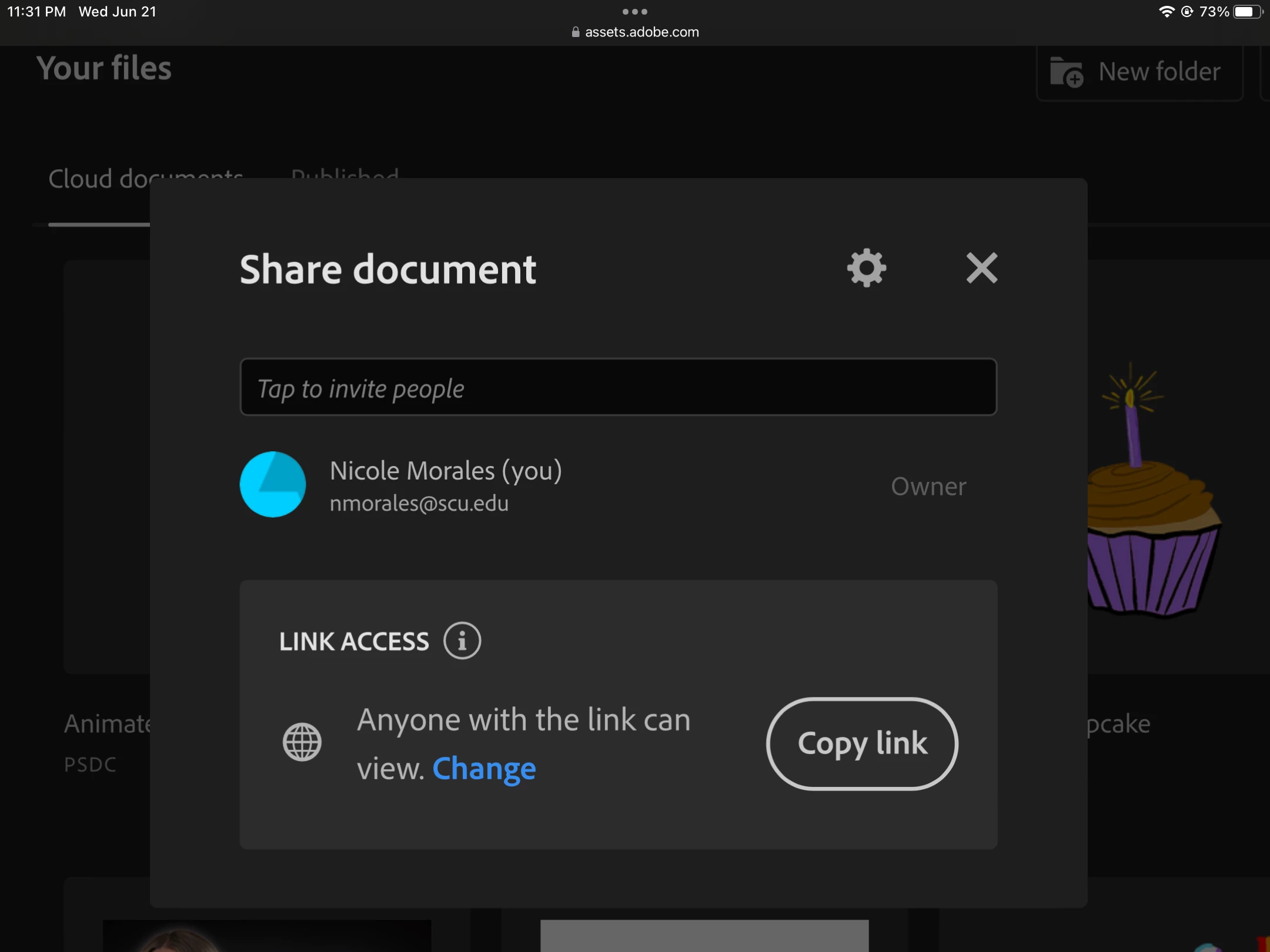
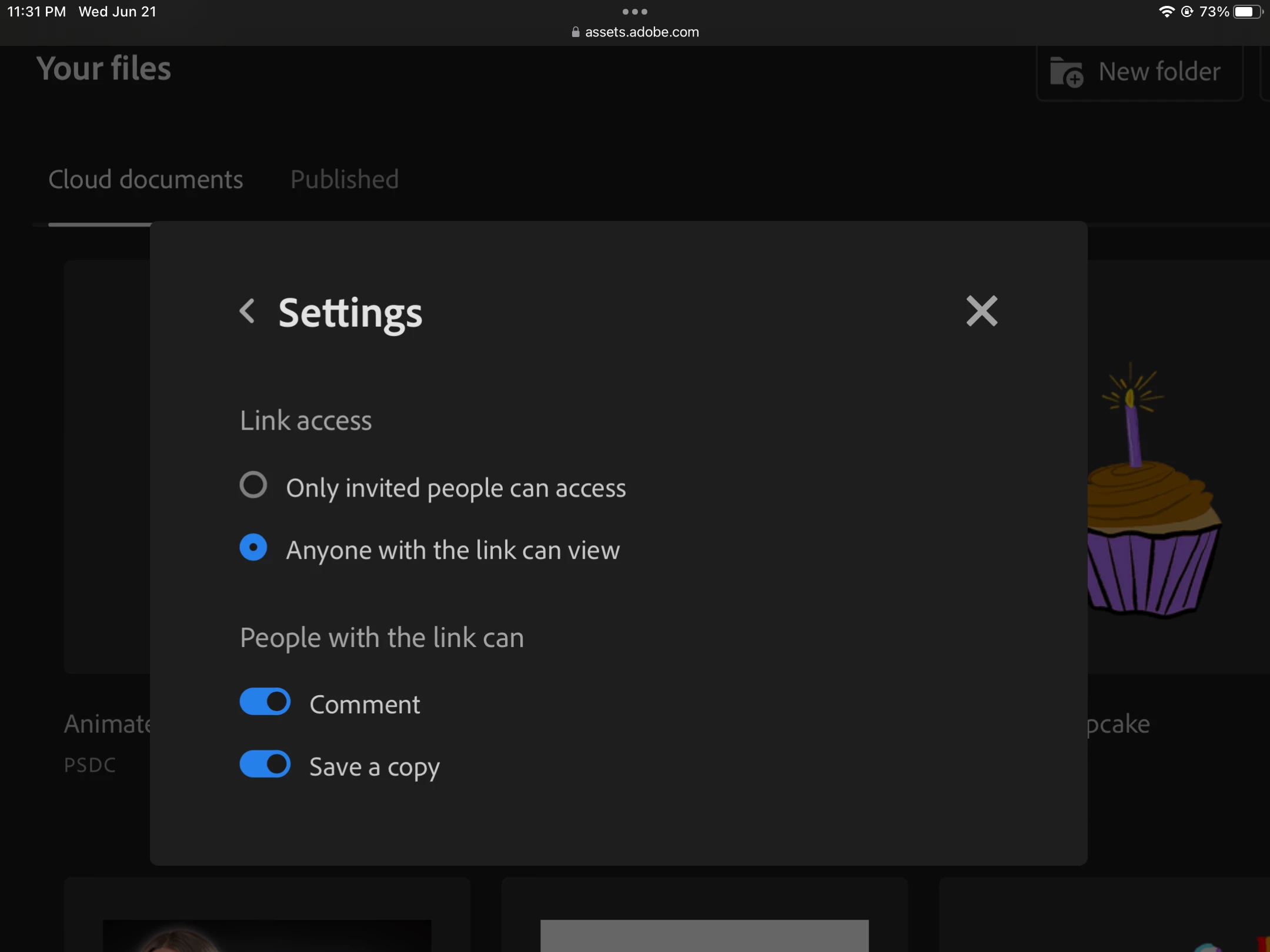
Thank you for sharing the screenshot and adjusting the FPS. Would it be possible for you to share a sample cloud document with me, so that I can check it on my end? If you're willing to share, the steps for sharing a cloud document are on this HelpX:
https://helpx.adobe.com/creative-cloud/help/share.html#:~:text=Share%20links%20to%20a%20cloud%20document


Looking forward to your response.


Best,

Anshul Saini