
Question
Artwork glitched out
I was working on a project on my iPad for a few hours when it suddenly crashed as I tried to use another brush. When I reopen my file. My outline not only did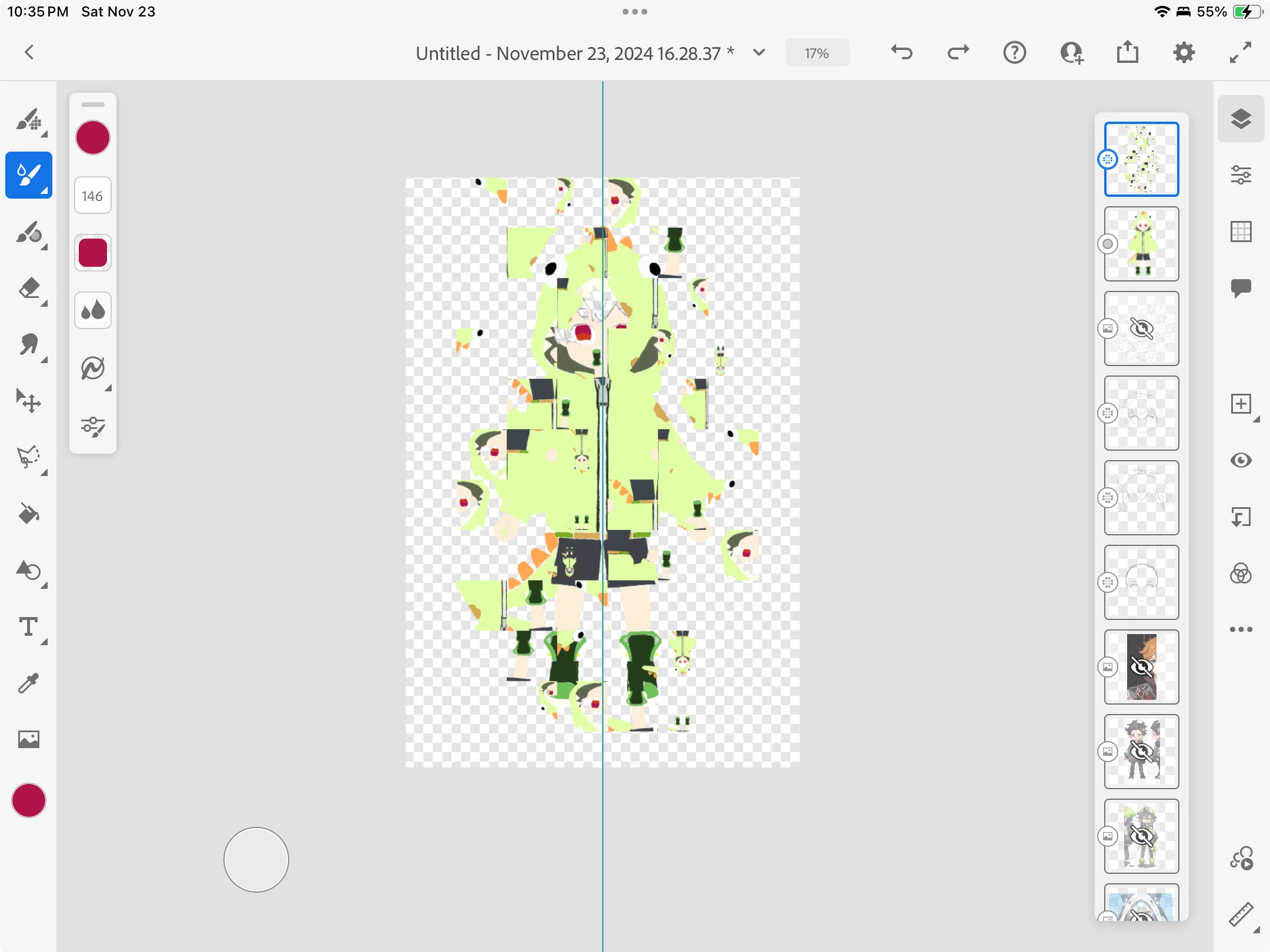 it went missing, but it created weird shapes around my project. Is there any way to revert back a saved file? Or any solution to salvage this project that I have spent hours on would be appreciated.
 AdChoices