



Question
Create Color Palette from an Image - Fresco 3.7
Easily extract color palettes from an imported image. See the tutorial below to understand how.
1. Tap Image Import.
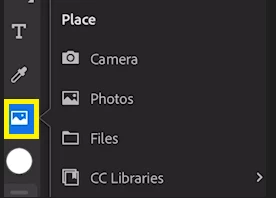
2. Select the image you would like to import.
3. Click OK in the "Auto Create color palettes" message.
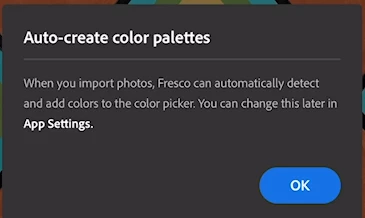
4. Fresco now automatically creates color palettes from the imported image.
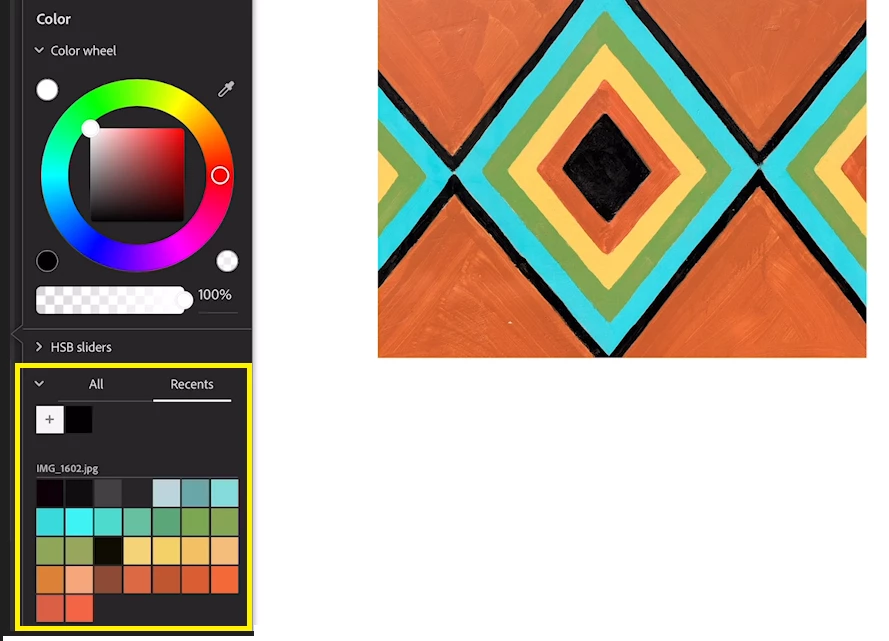
Another method to create a color palette is by dragging & dropping the image into the canvas as shown in this link.
For more details about color palettes, see this article.
To help us have focused discussions, create separate posts for feedback on this feature.
Thanks,
Vivek


 AdChoices