

timhankins23
Participating Frequently
September 26, 2023
Answered

Fresco Brush Library Disappears and Reappears

  • September 26, 2023
  • 4 replies
  • 3902 views

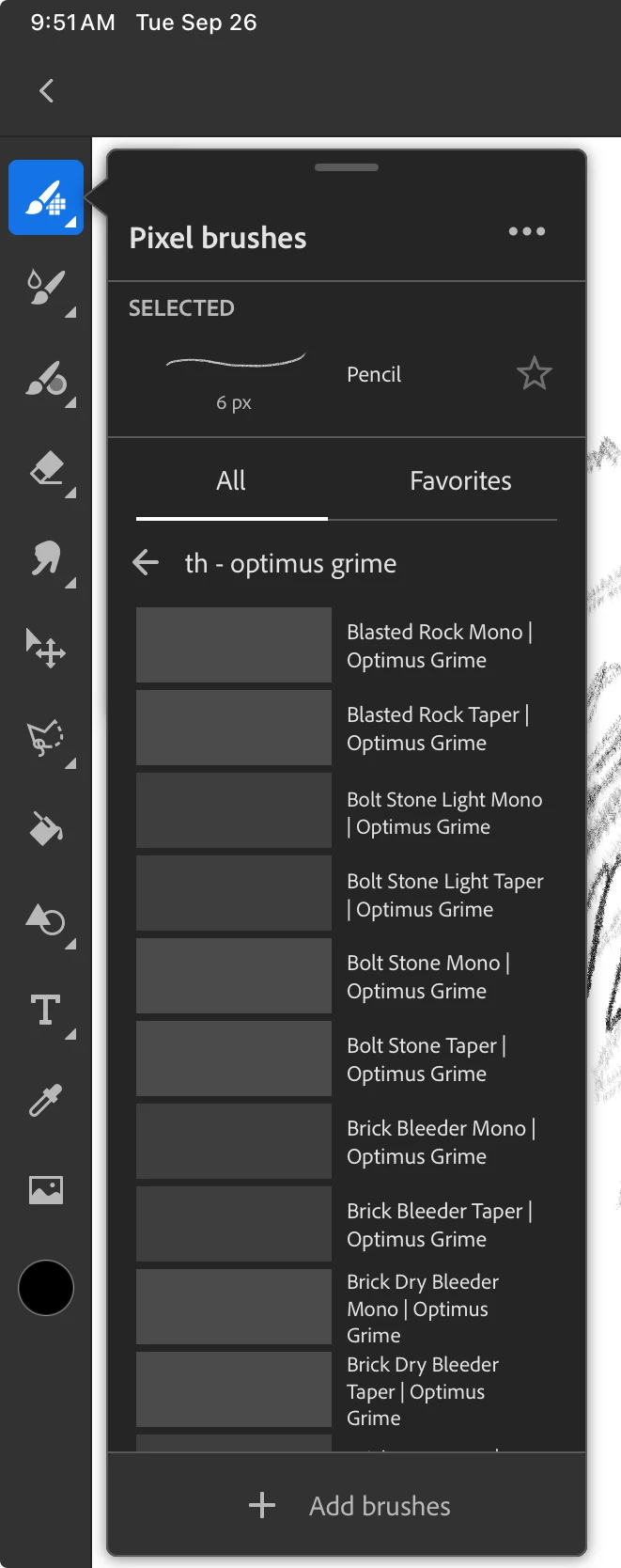
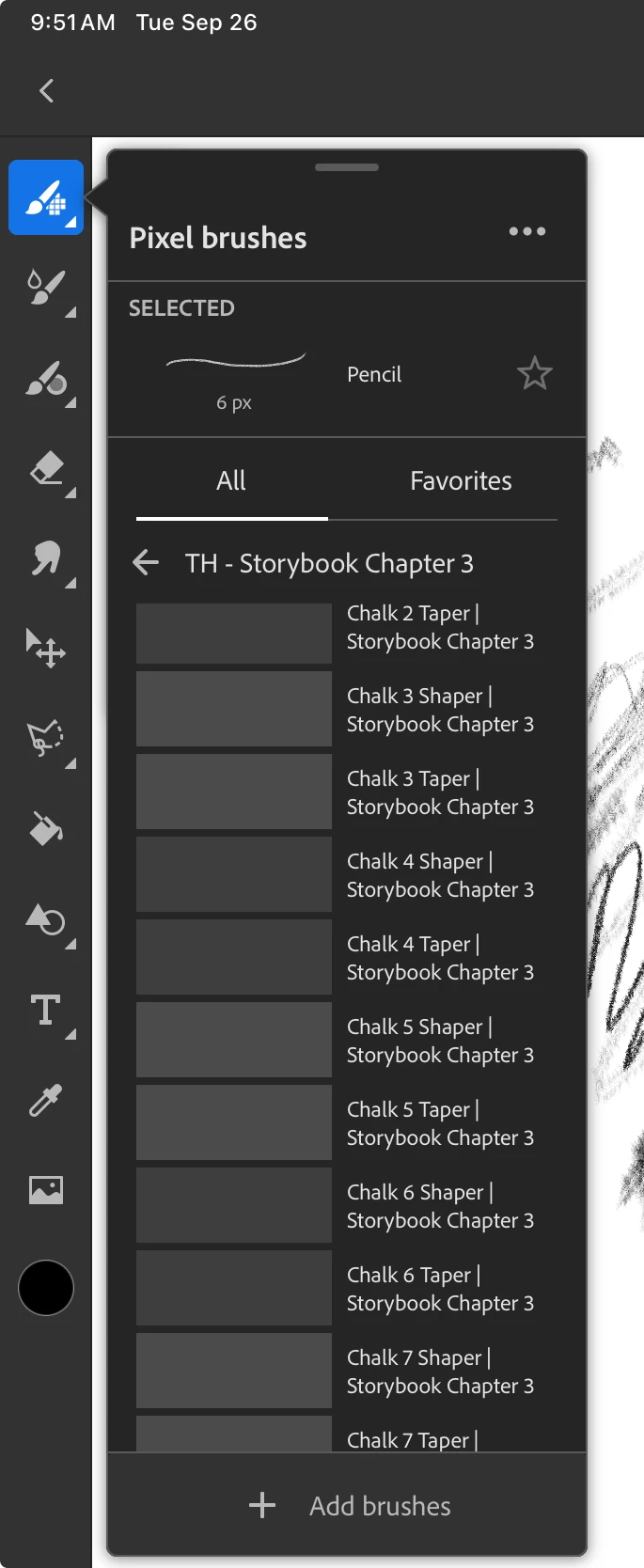
I've loved using Fresco, but it's becoming increasingly difficult to use on a daily basis with all of the crashes and sync issues I've been encountering. My brush libraries never stay in sync and I have to reinstall them every time I want to create something. Sometimes my installed brush library just completely disappears and I can't use anything at all. Other times the brushes show up in the list, but are not visible or usable within the app.


It used to be so stable and was a joy to use. Lately, not so much. Is anyone else having these problems?
 

Correct answer rickseeler

We are pretty sure we know what this is.

If you add a new brush collection (import an ABR or add a brush pack), then restart the app before the collection finishes syncing, you will NOT see the collection upon restart until the sync finishes.  This bug has since been fixed and was never an issue on Windows.  The solution -- either update the latest version of Fresco or wait a while and the collection will ultimately reappear once all of the brushes have been properly updated.

4 replies

Participant
January 5, 2024

Here are a few things to try....

1) Go to assets.adobe.com and look to see if the library is still there.  If not, then this is a server issue.

2) If it is still there, try adding some other brushes to the library.  Either using Photoshop or in Fresco by selecting any brush, tapping again on the brush and select "Save as new brush".  Then choose the library in question as the target.  Does the library show up now with only this one new brush or with all brushes?

timhankins23
Participating Frequently
January 5, 2024

All of my brush libraries were all viewable on assets.adobe.com which was the most frustrating part. It does appear that the latest version of Fresco has solved this issue for me, but I will be treading carefully.

rickseelerCorrect answer
Participant
January 8, 2024

We are pretty sure we know what this is.

If you add a new brush collection (import an ABR or add a brush pack), then restart the app before the collection finishes syncing, you will NOT see the collection upon restart until the sync finishes.  This bug has since been fixed and was never an issue on Windows.  The solution -- either update the latest version of Fresco or wait a while and the collection will ultimately reappear once all of the brushes have been properly updated.

Participating Frequently
November 14, 2023

YES! In the middle of huge project and updated app to have save custome brush feature. Saved 5 in library then boom - many of my kyle brushes disappeared and also my custom brushes. I can see them in the library when I go to cc on desk top but they are greyed out. I am absolutely fuming. Adobe still touting version 4.7 - 5 and it vlearly has major issues!

Participating Frequently
November 14, 2023

SO I saved a copy of the document  'available offline' and everything was back in place when I reopened it, including my custom brushes BUT when I try to use them it crashes immediately! 

Known Participant
September 30, 2023

I have the same issue with pixel brushes - majority don´t have preview at all or it takes several minutes to load. Vector brushes seem to work fine, but then there is much smaller variety of them.

timhankins23
Participating Frequently
September 26, 2023

Participant
October 10, 2023

Also having this problem. I just launched a business centered around making digital art on my iPad Pro and Fresco was working fine when I made this decision. Now I can't use my most important tool. Having same exact issue as the OP here on both iOS 16 and now 17. Hoping that with MAX staring tomorrow, you will release some bug fixes. If I can't use pixel brushes or brush libraries, I am seriously hindered as a professional. I have also tried everything listen here and more, multiple times. It's enough to make me pull my hair out. 

timhankins23
Participating Frequently
October 10, 2023

I have the same issue. I create brush resources for Photoshop and Procreate and can't test my PS ones in Fresco right now. INCREDIBLY frustrating as you clearly know. I can use them in PS of course, but I always liked to test them out on iOS, and Fresco was great until it wasn't. Hoping for some updates after Max as well.