



Hide/Show all other layers in Adobe Fresco to stay focused on the current layer
Performance Booster: Hide/View multiple layers with a single click
You no longer have to manually hide each layer to focus on a particular layer. Fresco 3.4 provides two powerful options to manage this problem i.e "Hide all other layers" and "Show all other layers".
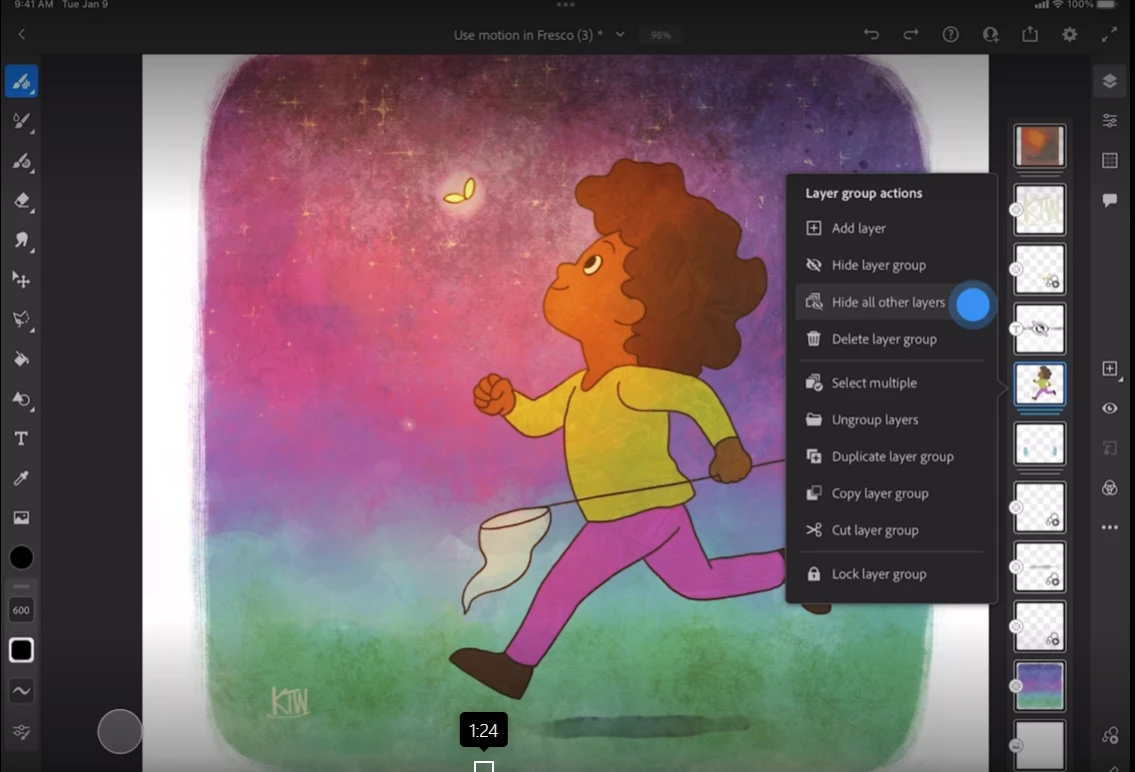
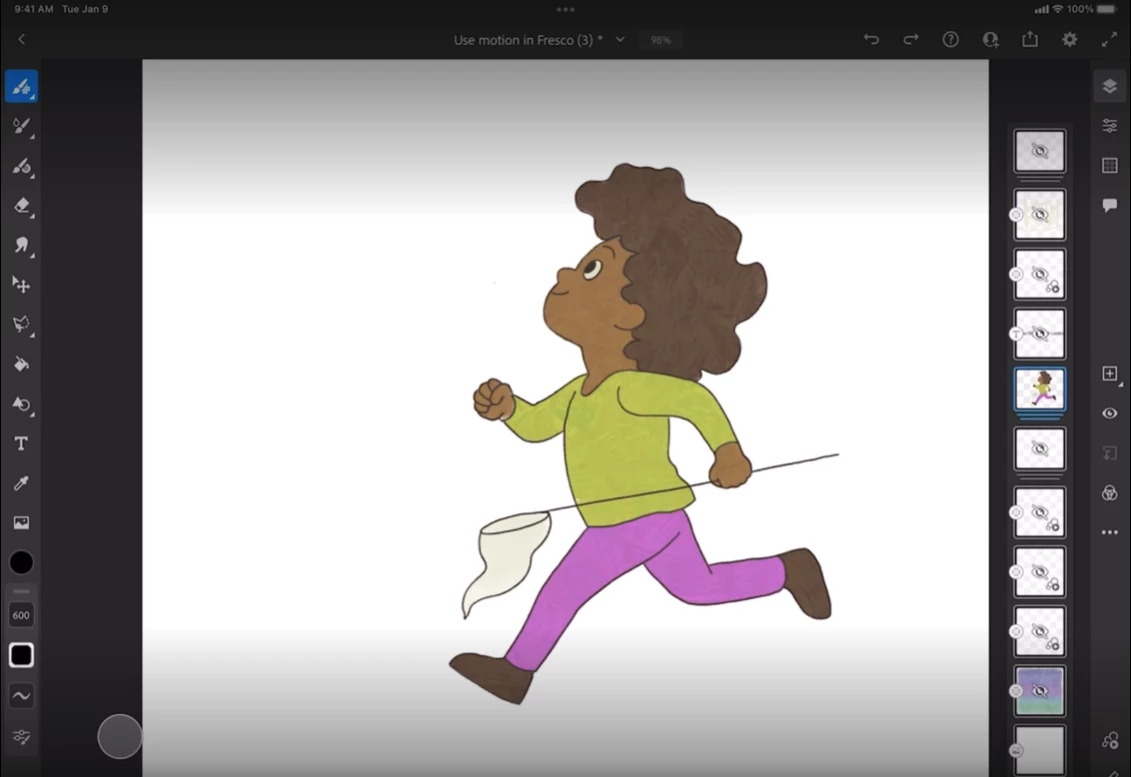
Hide all other layers
When you tap on a layer, the option for hiding all other layers appears. When you tap "Hide all other layers" all layers other than the one that you selected initially are hidden.
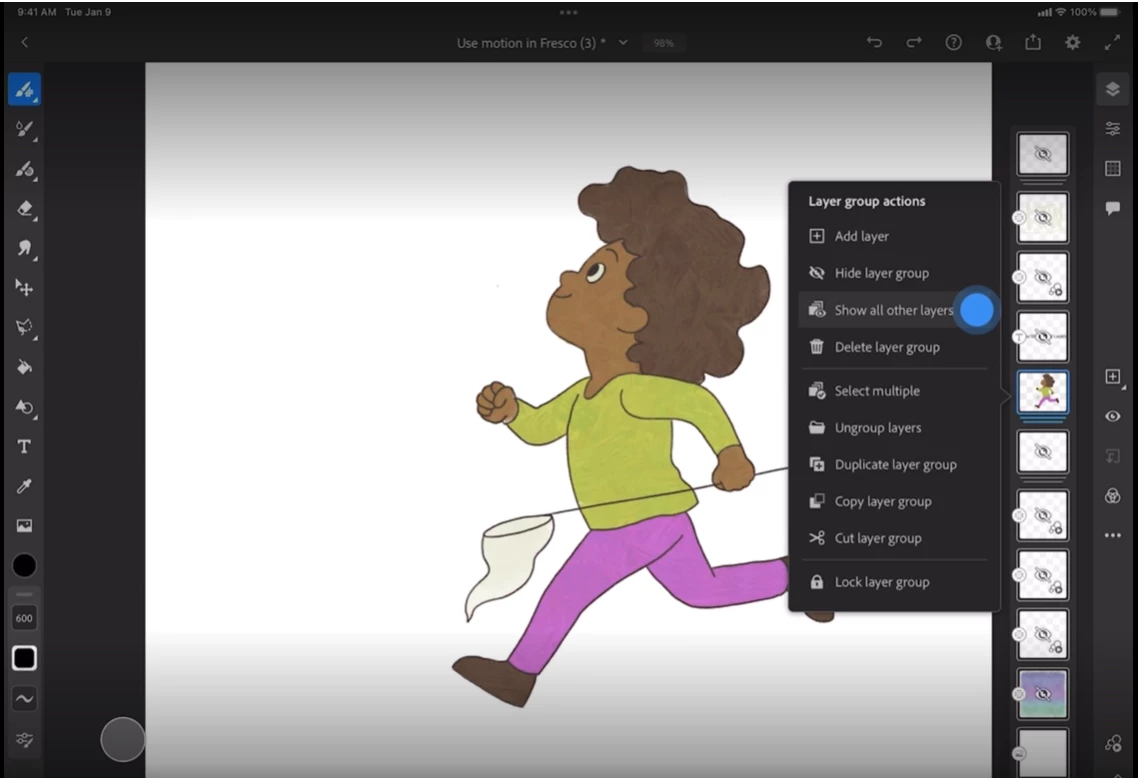
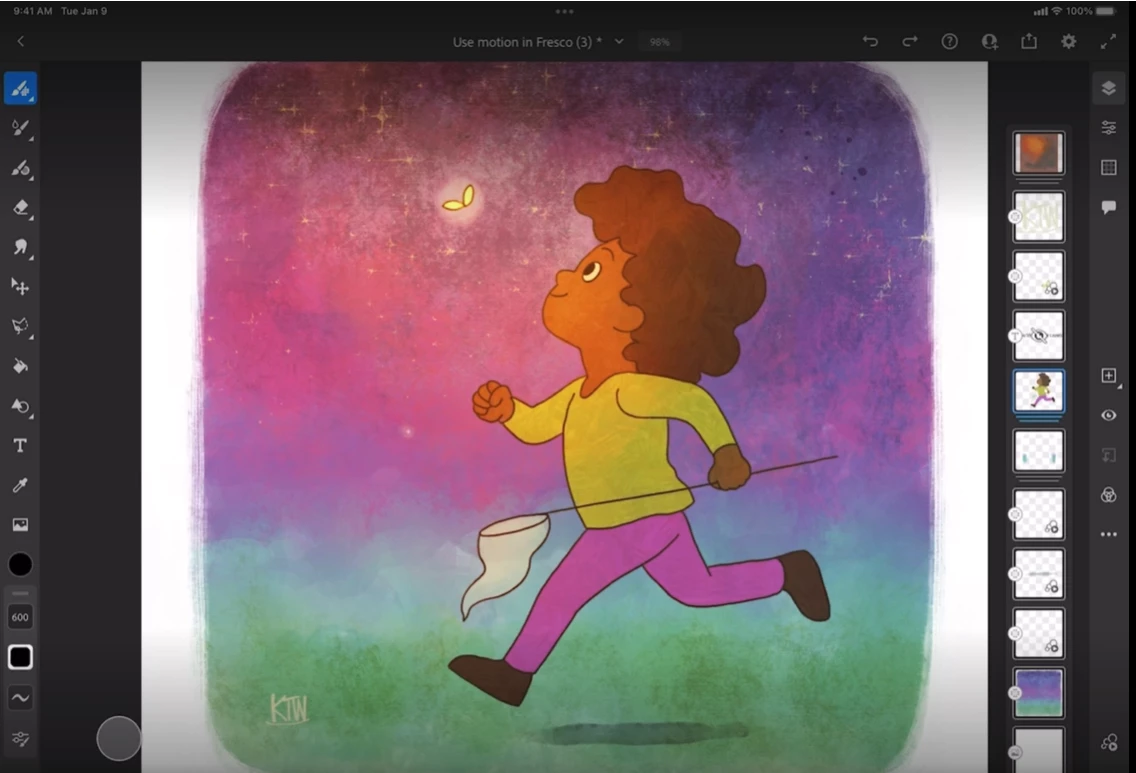
Show all other layers
Once the required changes have been done to the focused layer then we can tap on the focused layer again & click on "Show all other layers" to make all the other layers visible.
For more details, please refer this helpx link.
I am locking this post. Please create separate posts to share your observations or feedback with us.
Thanks,
Vivek


 AdChoices