Answered
[How To] - Colours from Adobe Swatch for Fresco
is there a way to get a full set of colours from an adobe swatch file, to upload to creative cloud for use in Fresco?, Cheers.
[Renamed by Mod]

is there a way to get a full set of colours from an adobe swatch file, to upload to creative cloud for use in Fresco?, Cheers.
[Renamed by Mod]
Yes, all libraries that contain compatible assets for Fresco can be read on Fresco,
meaning that you can also share brushes from Photoshop to Fresco (Illustrator brushes aren't compatible), and of course colours.
I made a little tutorial for brushes, but it works similarly for colours.
https://www.instagram.com/p/CWS-kGzIn7y/
Note that you can also create a palette directly from Adobe color (without going through Photoshop) and save them in your library...
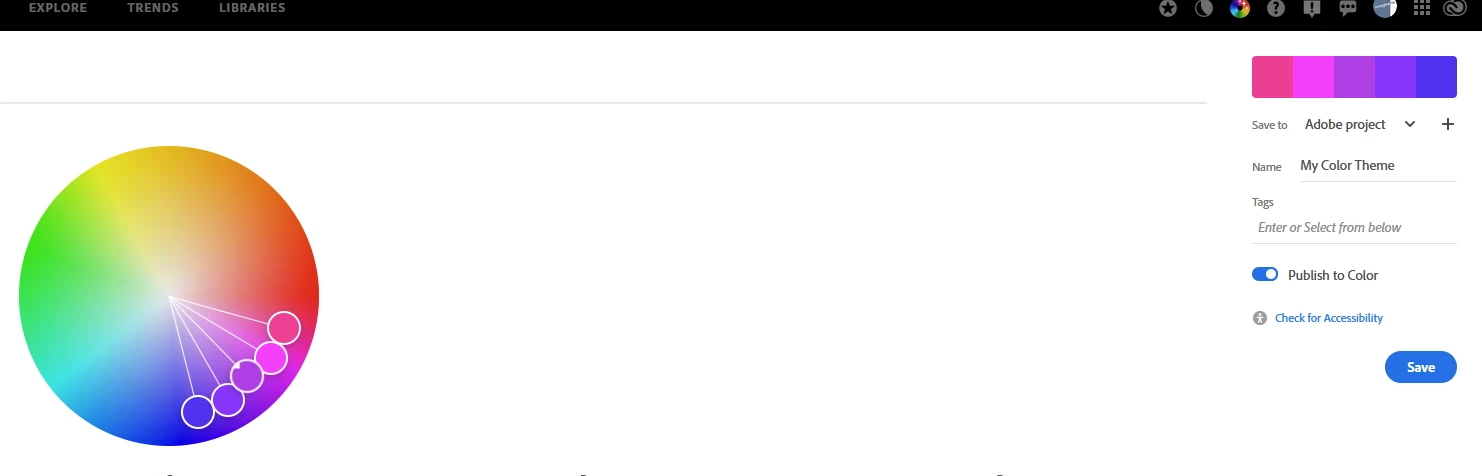
(top right are the libraries)
https://color.adobe.com/create/color-wheel
You can also use Adobe capture (either inside photoshop, or via the mobile app) to create colour themes, and save them to your library of choice.
Now, with the new release, Fresco also automatically creates a new swatch set when you import/place an image in Fresco, so another quick and easy way to get colours.
Already have an account? Login
Enter your E-mail address. We'll send you an e-mail with instructions to reset your password.
 AdChoices