Hello and welcome to Fresco!
First of all, Fresco is a drawing app, so you'll be able to perform the task you want, but not as efficiently as it you used a specific compositing app n(like Photoshop)
What I mean in that is that you seem to want to alter ready made artwork, not drawing on a canvas like you would in real life, eg: with paintbrushes and paint tubes.
One way to achive what you want quickly in Fresco would be sort of "hacks".
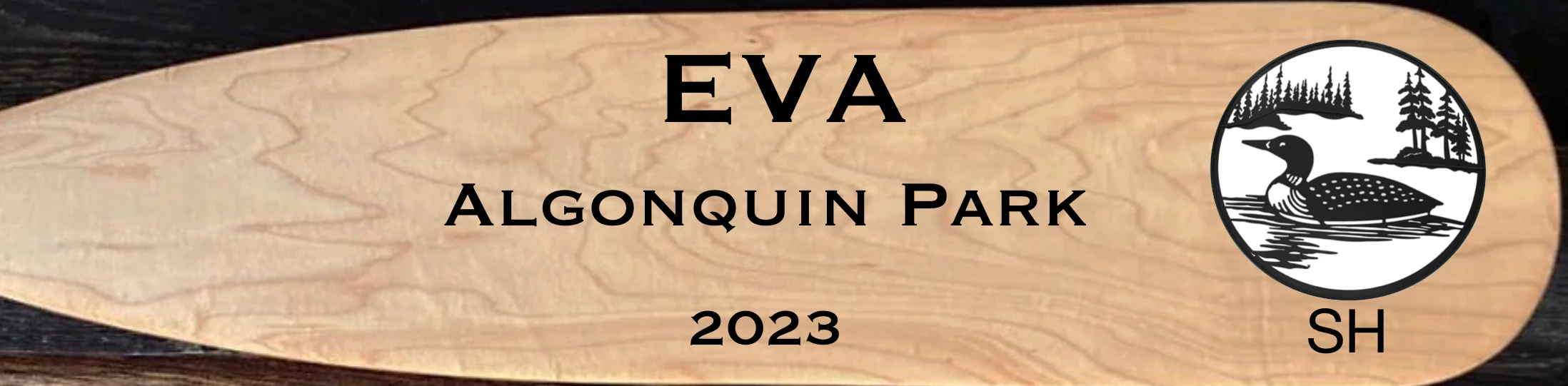
For example for the duck logo, you can select the layer, go to the layer settings panel and choose "multiply" under the blending mode
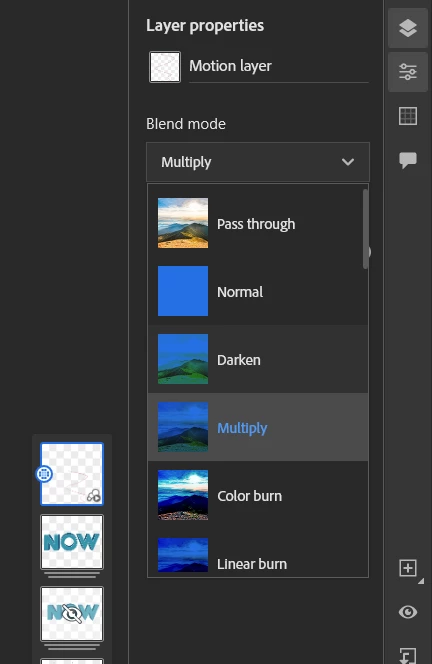
it will not cut those pixels bt make them invisible if anything darker (the board) is showing underneath. Since Black is darker than the board it's showing, and white is lighter, it's not showing.
As for cutting out the black pixles, there is no automatic solution like there would be in say- photoshop (Desktop or tablet), you'll have to select it by hand or use the magic wand
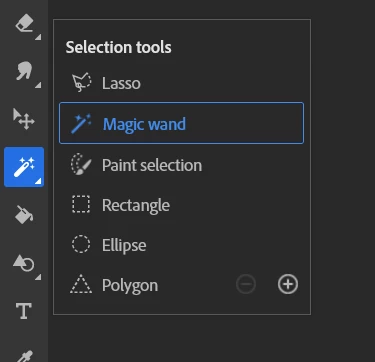
or use the contextual menu to either erase, or mask...
You can obviously apply the same method to the white part in the duck logo!
So yes, it's still possible, but not as advanced as you would find in a dedicatde app.
Don't forget that for the beginners, all the right info is available in short tutorial form in the "learn" section of the app
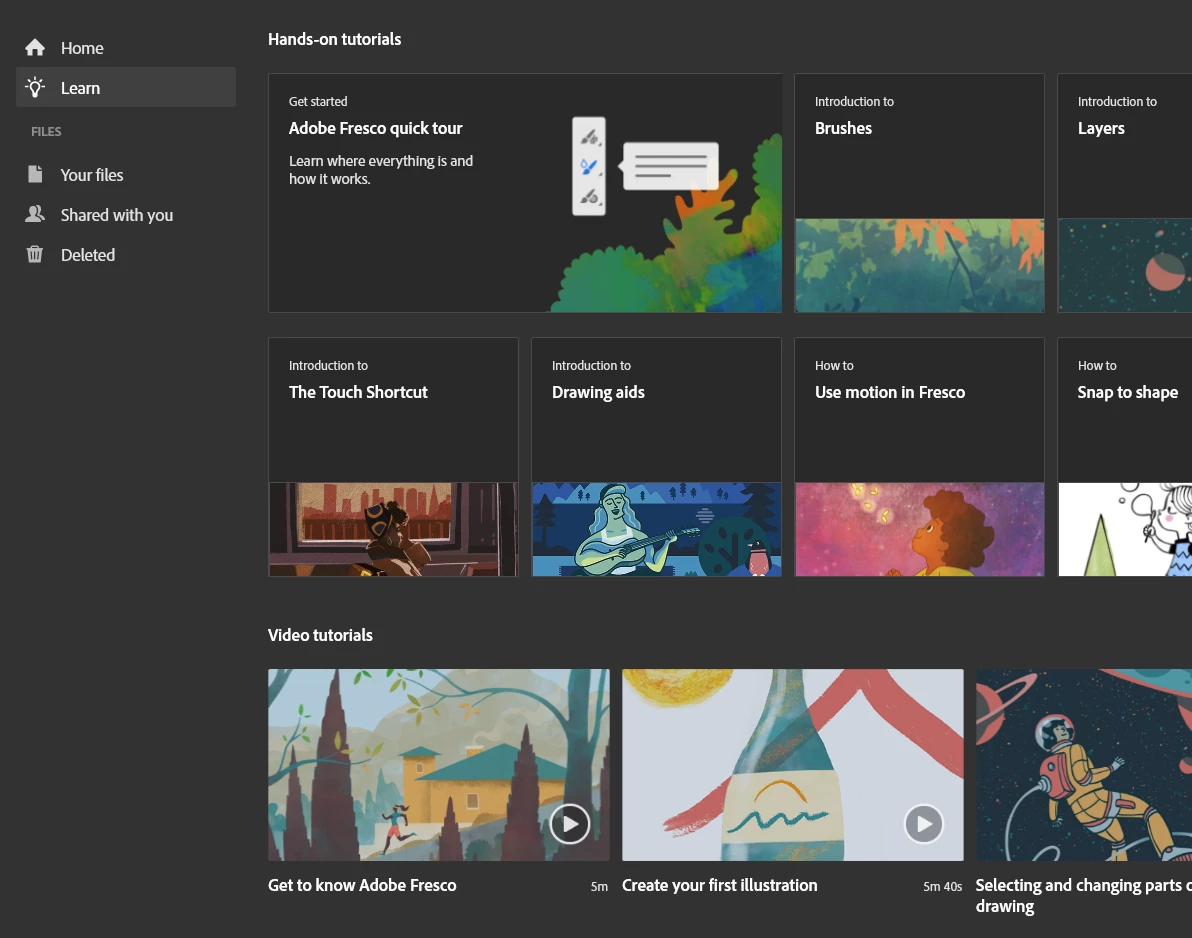
including steps by steps where you get the app showing you what to you while you are effectively doing it. (called hand-on tutorials)

 AdChoices