jafisto
Participant
November 28, 2019
Answered

Importing Fresco vectors are coming with Compound Paths with fragments.

  • November 28, 2019
  • 2 replies
  • 944 views

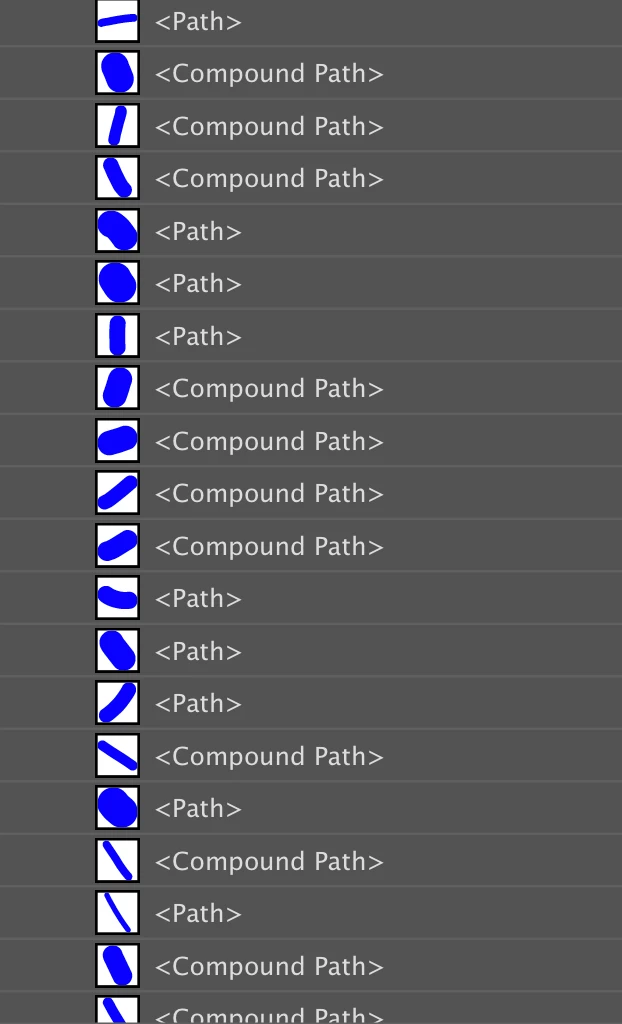
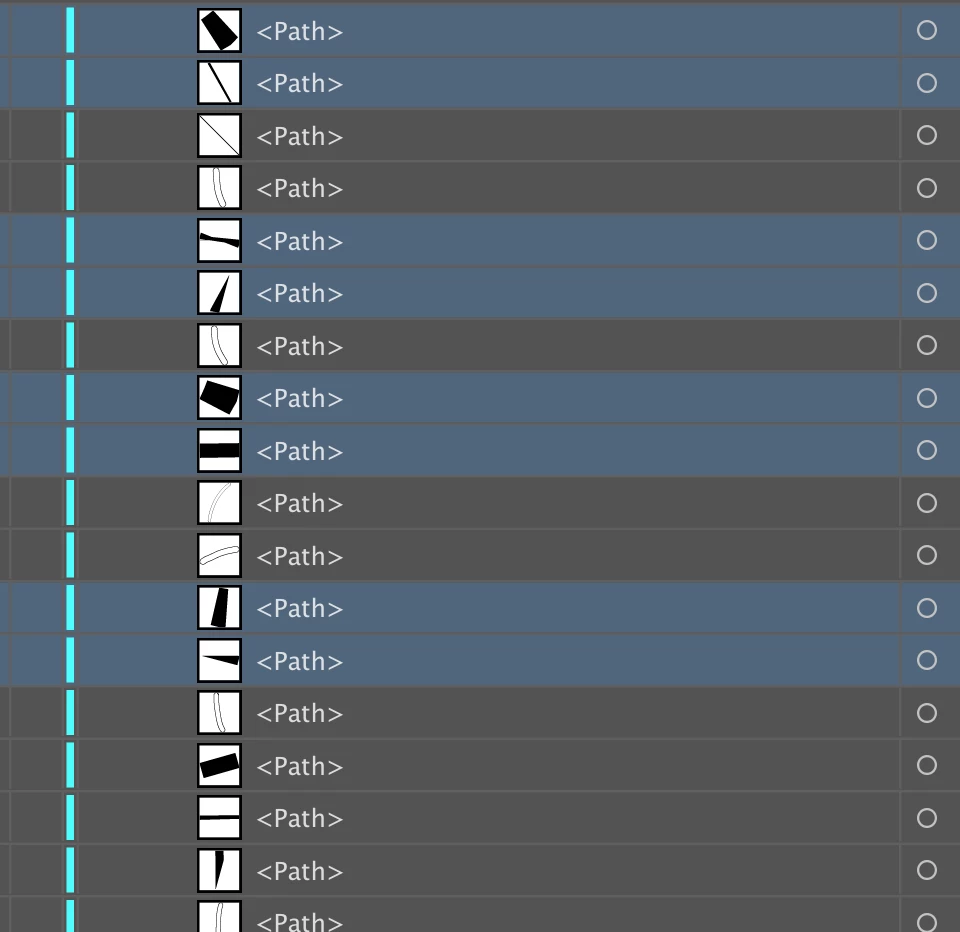
I am drawing vectors in Adobe Fresco and then importing the drawing into Illustrator, through a pdf. When I go to the vectors, about half of them are paths and the other half are compound paths. When I release the compound paths, there are the tiny little fragment paths that I don't understand. To get rid of them, I have to delete manually, which is a real pain. I am using a laser cutter, therefore I cant have these fragments just in there. I am drawing on an new Ipad Pro with pencil, and importing to 2015 iMac. Again, I have no idea where these fragments come from.
 

This topic has been closed for replies.
Correct answer Sheena Kaul

Hi there,


I tried to replicate the process at my end as you've mentioned in your post and unfortunately is the design of the app. It'll work like this only but I know it's problematic here and I've let the team know about it and they're working on it.


Sorry I couldn't be much of help!


Regards,

Sheena

2 replies

Sheena Kaul
Community Manager
Sheena KaulCommunity ManagerCorrect answer
Community Manager
December 4, 2019

Hi there,


I tried to replicate the process at my end as you've mentioned in your post and unfortunately is the design of the app. It'll work like this only but I know it's problematic here and I've let the team know about it and they're working on it.


Sorry I couldn't be much of help!


Regards,

Sheena

Sheena Kaul
Community Manager
Community Manager
December 3, 2019

Hi there,


I'm sorry about the output here.

Is this happening with only this particular file or with all the files that you export as PDF? 

Also, can you try to save the file over the CC libraries and then import it into the Illustrator app?


Regards,

Sheena