
Participant
March 27, 2020
Answered

[Performance] Fresco for Windows Stuck on "loading documents"

  • March 27, 2020
  • 3 replies
  • 16741 views

Hello,


I just bought a new Surface Book 2 and installed Fresco. My problem is that the program is not able to get past this loading screen upon opening:
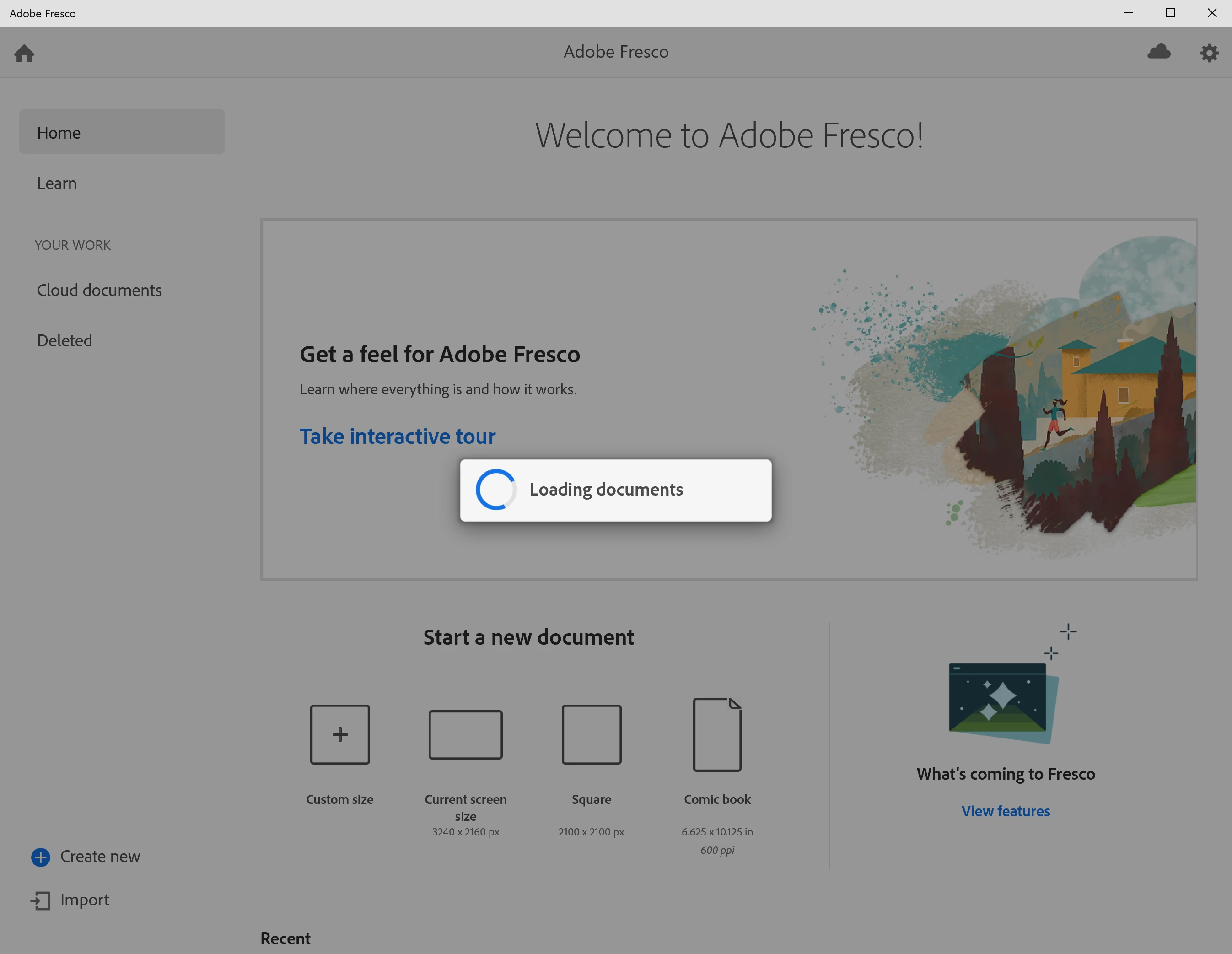


After doing numerous reinstalls, relaunching CC, updating all relevant software, and trying possible fixes I found in forums, I am out of ideas. Is there a way to get past this issue?


Thanks


Jim


[Renamed by Mod]


This topic has been closed for replies.
Correct answer Rohit Guglani

I have the same issue with my school account. I think it is due to the lack of access to adobe cloud storage when using the school account.


Hello jiml555443,


I checked and your other account didn't have access to Cloud Storage. Thanks for the logs it helped us in isolating the problem of infinite loading document spinner. 


Glad it worked with your other account. 


@Nasser.a, yes access to Adobe Cloud Storage is required to run Fresco. You can create a personal Adobe ID to use Fresco, Fresco's entire functionality is available in the free version of the application as well. Details on how to upgrade and additional benefits can be found here: https://helpx.adobe.com/au/fresco/using/upgrade-from-free-to-paid-plan.html


Thanks,

Rohit


3 replies

Scott Citron
Legend
April 1, 2020

I had the same thing happen to me yesterday. I walked away for a few hours after shutting down my iPad. When I returned and launched Fresco the image was loaded.

Rohit Guglani
Adobe Employee
Adobe Employee
April 1, 2020

Hello jiml555443,


Thanks for providing the logs. Can you try logging out and login to Adobe Creative Cloud application and then try launching Fresco?

From log it looked like the your login had some error state due to which this issue is showing up. Kindly share if it fixes the issue for you. 


Thanks a lot,

Rohit

sdsdawdwdwdwwd
Participant
April 2, 2020

RohitGuglani
Adobe Employee
Adobe Employee
March 27, 2020

Hello jiml555443,


Kindly share the logs from your system by following these steps:


https://helpx.adobe.com/in/creative-cloud/kb/cc-log-collector.html


Regards,
Rohit