Hope someone can help.
I have gone through the process of using the Creative Cloud Packager tool to select the Creative Cloud apps we want, the process downloaded them and it built a .pkg file ready to manually install on our iMac. This process seemed to complete without any errors.
Upon double clicking on the .pkg file on the iMac the installer launches, but after 1 minute or so stops with the error below. “The installation failed. The installer encountered an error that caused the installation to fail. Contact the software manufacturer for assistance.” See image below.
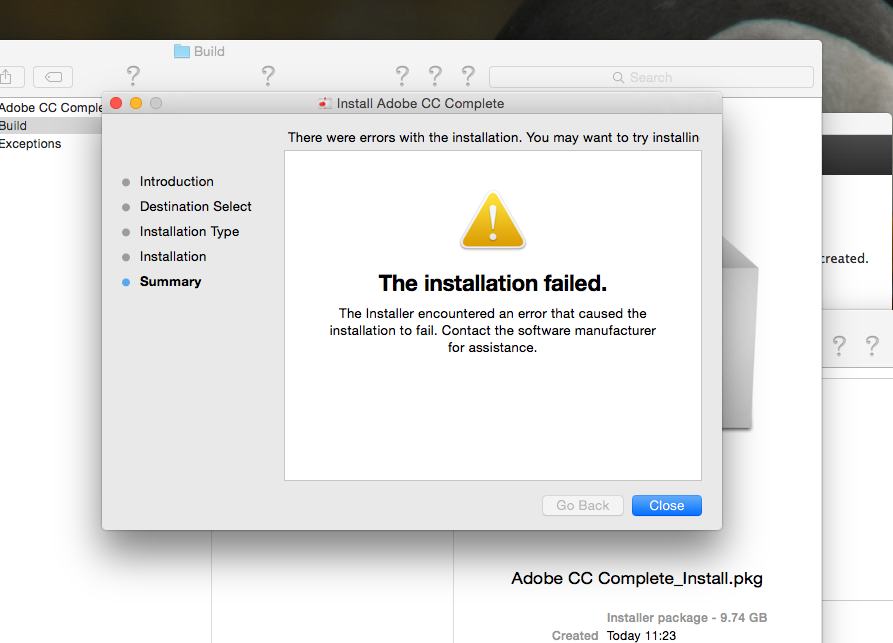
We have tried running the same pkg on 2 different macs with the same issue.
We also created a separate pkg file for Adobe Premiere Pro, this had the exact same result.




 2
Replies
2
Replies





 AdChoices