


Adobe Help Manager

Copy link to clipboard
Copied
I have downloaded "Adobe Help Manager" but it does not show any of my Adobe Applications in the "Local Content" screen. How do I do this? I am using Windows 8.1 on my computer.


 9
Replies
9
9
Replies
9


Copy link to clipboard
Copied
open your control panel > uninstall programs and check if it's listed there.
if it's not, after downloading did you install it?
Copy link to clipboard
Copied
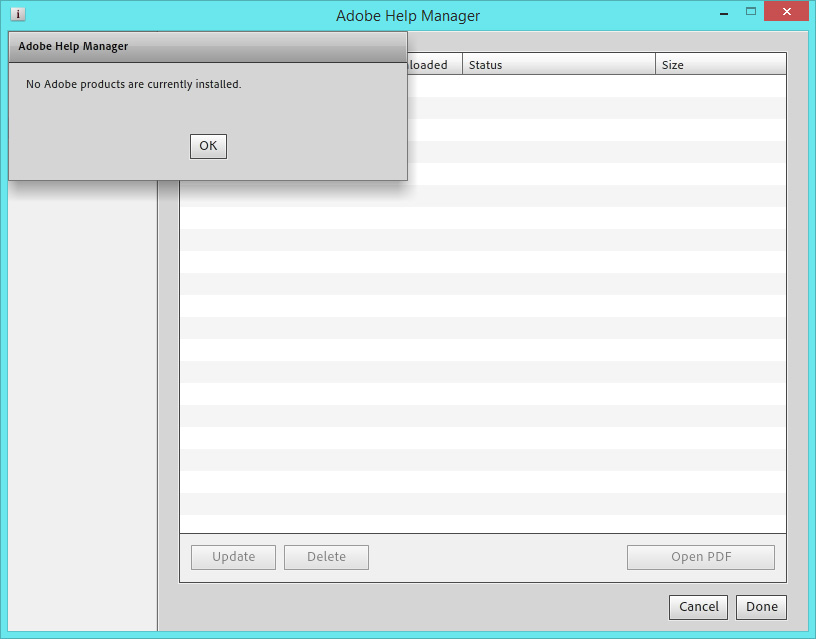
Hello. thanks for the comment. I have checked "Programs and Features" in "Control Panel" and "Adobe Help Manager" is showing as v 4.0.244 downloaded and installed on 20/04/2014. I can open "Adobe help manager" but am unable to use it as it does not show any Adobe products on the "Local Content" screen. From where is the "Local Content" screen meant to pick my Adobe products?
Copy link to clipboard
Copied
what's in your local content screen? attach a screenshot, http://forums.adobe.com/message/4209263#4209263
Copy link to clipboard
Copied
Copy link to clipboard
Copied
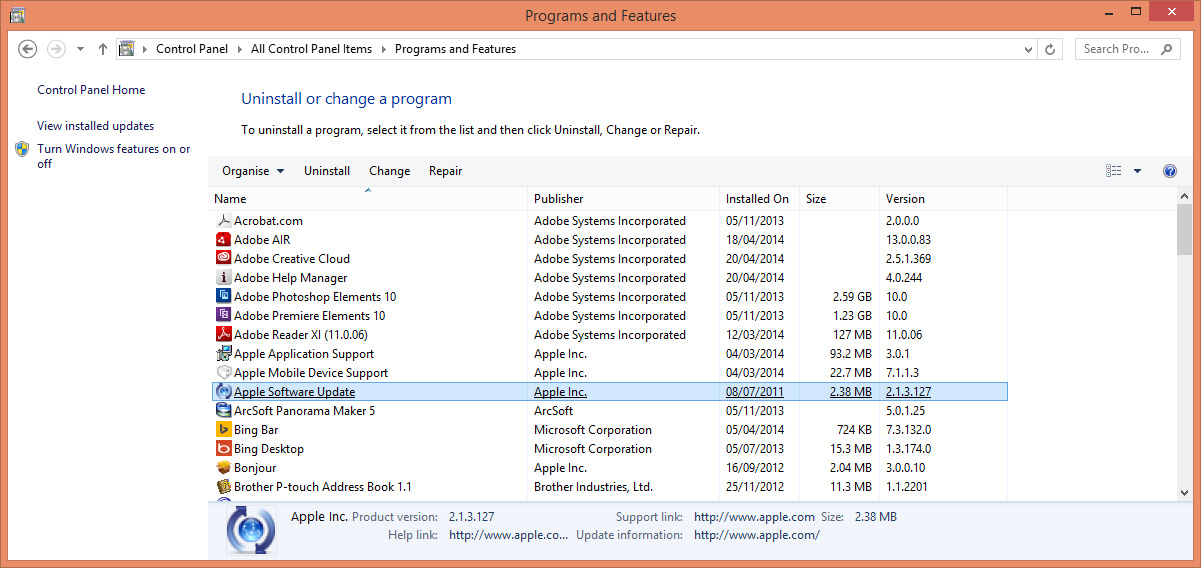
Hello. I have woked out how to save a screen shot but I could not add any text to the message. Thanks for the notes on creating a screenshot. I also enclose a screenshot of the Adobe products I have.
Copy link to clipboard
Copied
i don't think adobe help manager works with those programs. none of those are listed here, http://www.adobe.com/support/chc/
Copy link to clipboard
Copied
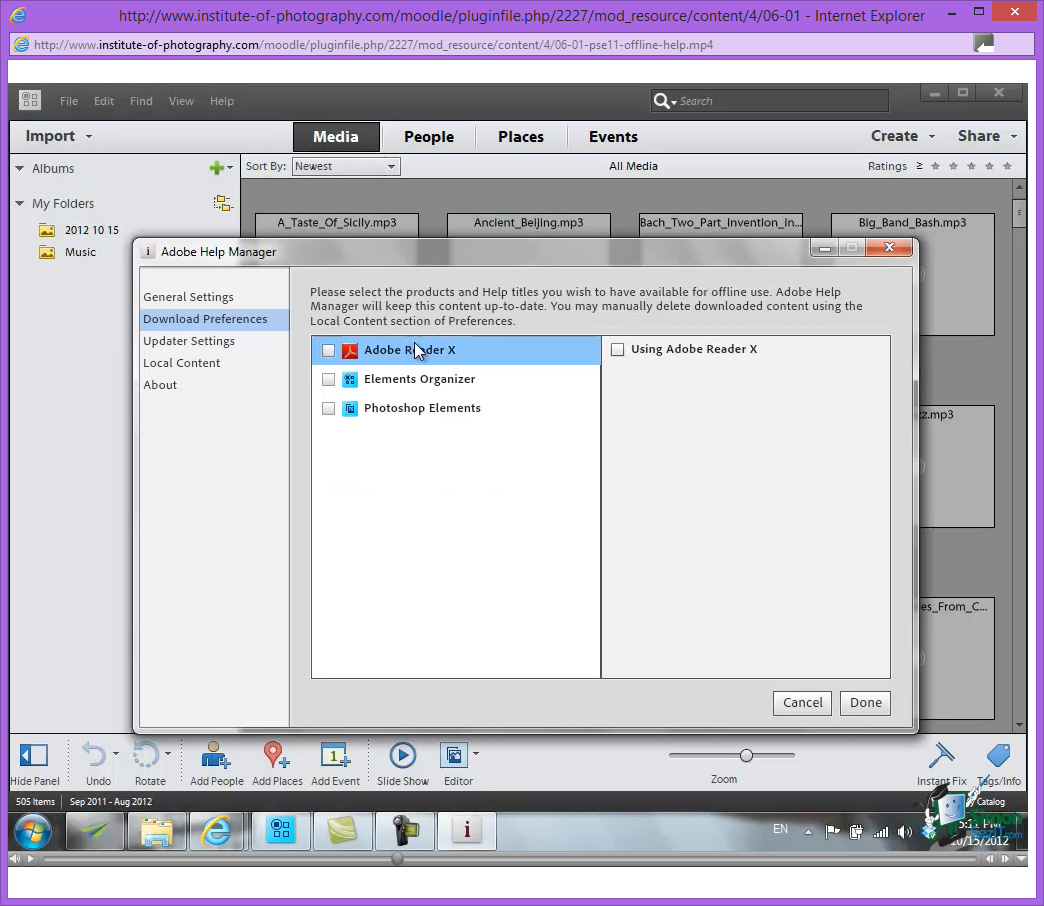
Hello. The reason I downloaded "Adobe Help Manager" is that I am taking a course on how to use "Adobe Photoshop Elements 11" and the course recommended using "Adobe Help Manager". The screen shot for the course shows "PSE 11" and others - see screen shot below. I am using "PSE 10" and assumed that it would also show in the "Local Content Screen" of "Adobe Help Manager".
Copy link to clipboard
Copied
you should be probably just download or use the downline help files, http://helpx.adobe.com/pdf/photoshop-elements_reference.pdf and http://helpx.adobe.com/pdf/elements-organizer_reference.pdf
but if you want to try and get help manager working, you could update your air app, https://get.adobe.com/air/
uninstall adobe help manger and then reinstall it, http://www.adobe.com/support/chc/
Copy link to clipboard
Copied
Hello. Adobe have confirmed that I already have the latest version of "Air" when I tried to download it. I have tried uninstalling and reinstalling "Adobe Help Manager" and am still in the same position.
I very much appreciate all you help and as you have suggested I will download the help files for Organiser, Elements and for Premier. Should anything else spring to mind I would welcome hearing from you. Thank you.


Get ready! An upgraded Adobe Community experience is coming in January.
Learn more
 AdChoices