

Answered
2019 Illustrator Issue
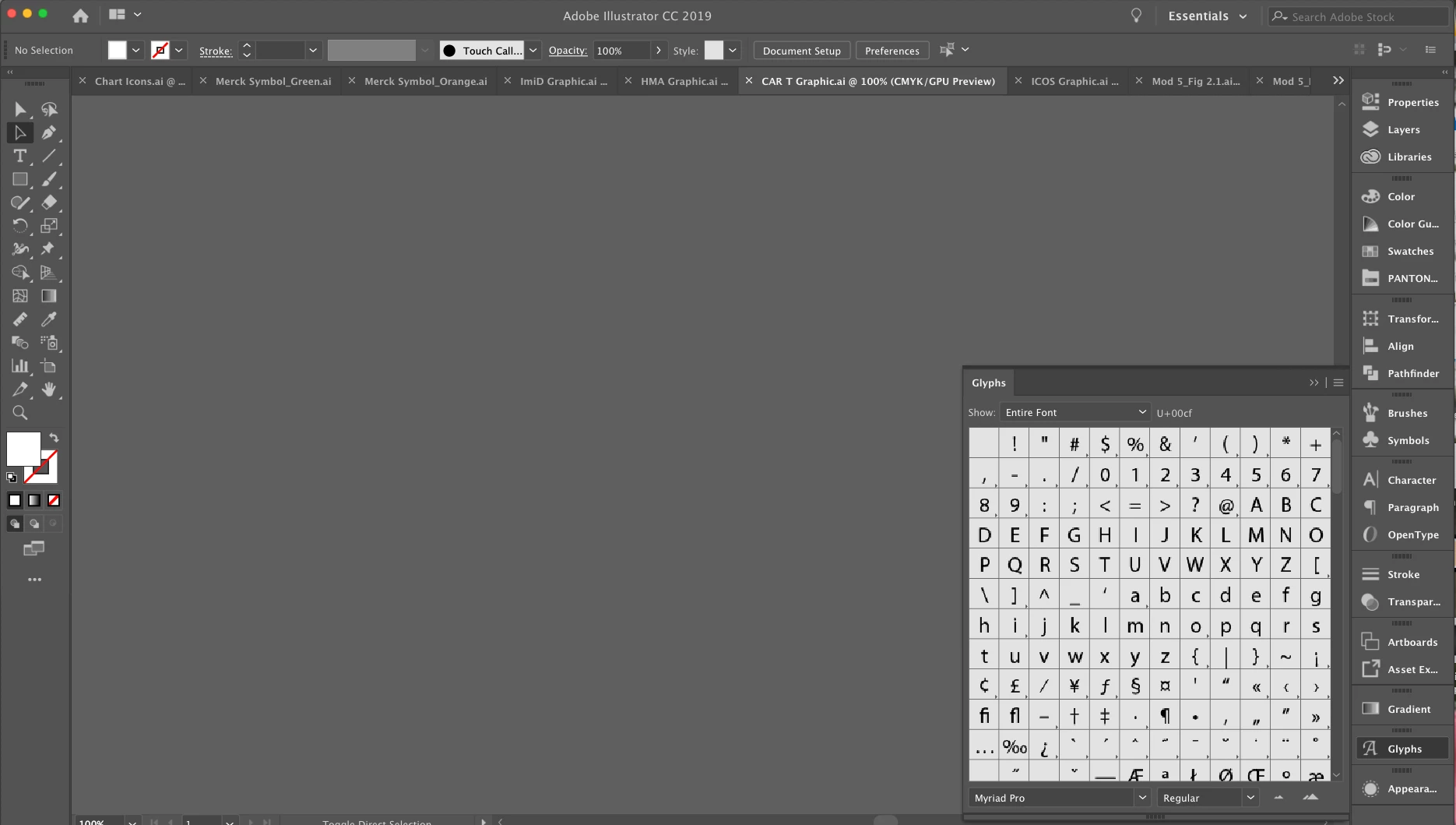
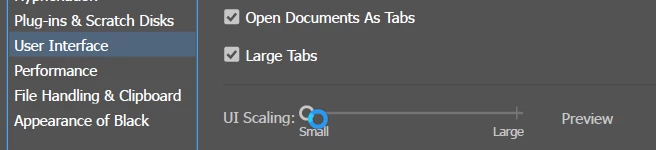
Hello Friends. I recently upgraded to Illustrator 2019 and am having some issues. The workspace is extremely zoomed in. I have tried everything but can't seem to get it to reset. Also because of the zoom my glyphs are all pixelated. I am looking for the gamma symbol and can barely see what I am looking at. I have attached a photo which really shows the glyphs panel but you probably can't see the enlarged workspace. I have upgraded InDesign and Photoshop but nothing seems off with them. Please let me know any tricks or tips! Thanks All!! 🙂
 AdChoices