
Answered
300 DPI = great quality but too large of a size. 72 DPI = poor quality but correct image size
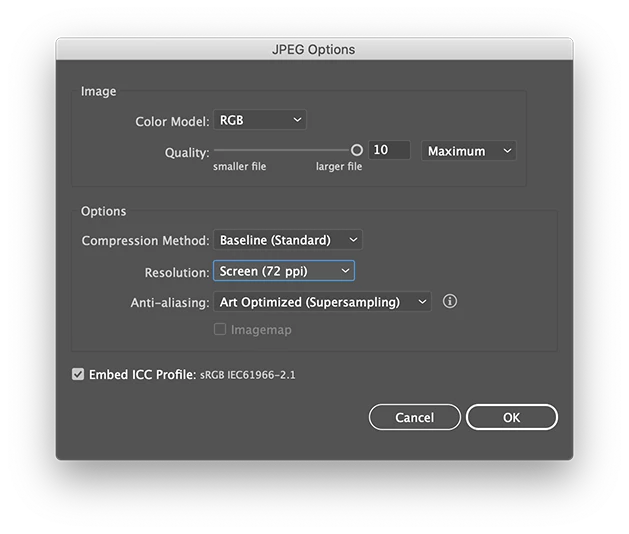
I am having an issue exporting from Illustrator. I would like to export a file at 475x234pixels as a JPEG or PNG. I know that in order for the correct 475x234 size to be exported I need DPI to be set at 72. However when I export at 72 DPI the quality of the image is very poor. When DPI is set to 300, the result is great image quality but the dimensions of the image are increased drastically. I was wondering if someone knew a tip or trick around this so that I can export with correct dimensions of 475x234, and great image quality. Please and thank you!
 AdChoices