
Answered
3D and materials - how to modify the shadow side of the light source?
Hi,
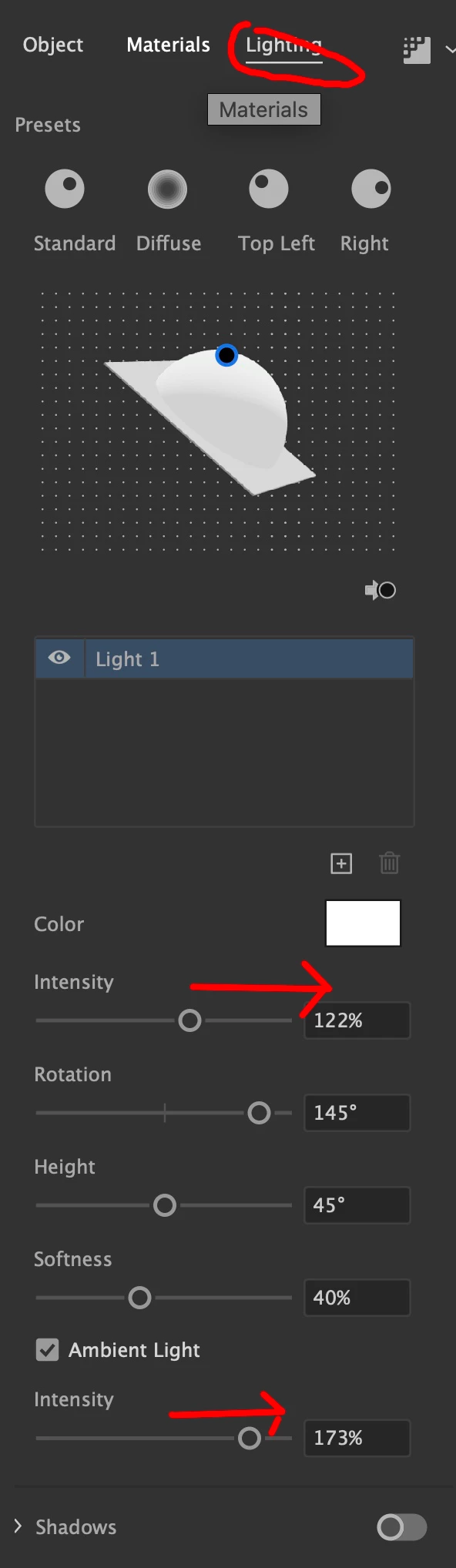
The new 3D tools works well, but there is no setting to modify the shadow side of your object. It renders very dark, and I'd like to alter that.
Any ideas?
P.S. after I render w/ Ray Tracing (keeping the defaults) but choosing vector... why are my basic geometric shapes that had inflate applied no longer as geometric? I see odd flaws in the output.
 AdChoices