
Exit
  • Global community
    • Language:
      • Deutsch
      • English
      • Español
      • Français
      • Português
  • 日本語コミュニティ
  • 한국 커뮤니티
1

3D Extrude and Bevel effects in Illustrator

Community Beginner ,
May 25, 2020 May 25, 2020

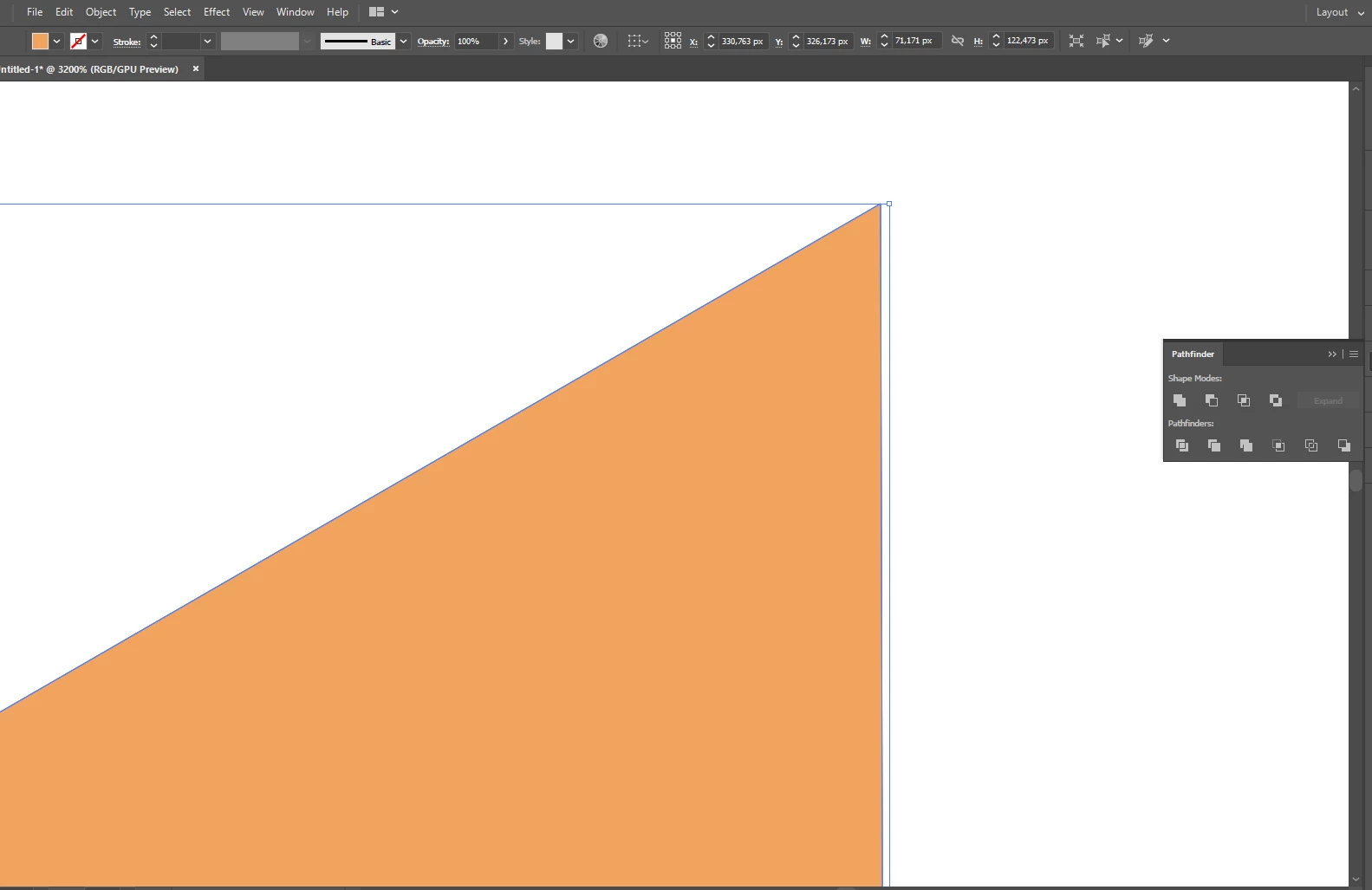
Hello, designers. I need some help with my Illustrator. For some reasons it doesn't create proper vertical edges for Isometric Sides options. Any ideas why? Original shape was perfect square 100*100. "3D->Rotate" gives a same result.
 

first.png


{Renamed by MOD}

TOPICS
Draw and design
4.3K
Translate
Report
Community guidelines
Be kind and respectful, give credit to the original source of content, and search for duplicates before posting. Learn more
community guidelines

correct answers 1 Correct answer

Community Expert , May 25, 2020 May 25, 2020

You need to enter a slightly different angle than the default angle.

See the correct answer by JET:

https://community.adobe.com/t5/illustrator/3d-rotate-isomatric-doesn-work-properly/td-p/8731093?page=1

Translate
Adobe
Community Expert ,
May 25, 2020 May 25, 2020

You need to enter a slightly different angle than the default angle.

See the correct answer by JET:

https://community.adobe.com/t5/illustrator/3d-rotate-isomatric-doesn-work-properly/td-p/8731093?page...

Translate
Report
Community guidelines
Be kind and respectful, give credit to the original source of content, and search for duplicates before posting. Learn more
community guidelines
Community Beginner ,
May 25, 2020 May 25, 2020

Wow, thank you so much! such an interesting solution and it's explanation

Translate
Report
Community guidelines
Be kind and respectful, give credit to the original source of content, and search for duplicates before posting. Learn more
community guidelines
Community Expert ,
May 25, 2020 May 25, 2020
LATEST

Good to hear that helped.

Translate
Report
Community guidelines
Be kind and respectful, give credit to the original source of content, and search for duplicates before posting. Learn more
community guidelines