
wonderful_mentor5EDC
Participant
October 5, 2018
Question

A darker black box forms around letter when printing.

  • October 5, 2018
  • 5 replies
  • 1950 views

Hey guy's, so I'm design a t shirt idea for our class and we noticed when we print out a design it forms a dark black box around a word.

The shirt we have is black so its a darker box around a letter.

I'll put a picture to show what i'm trying to explain lol.
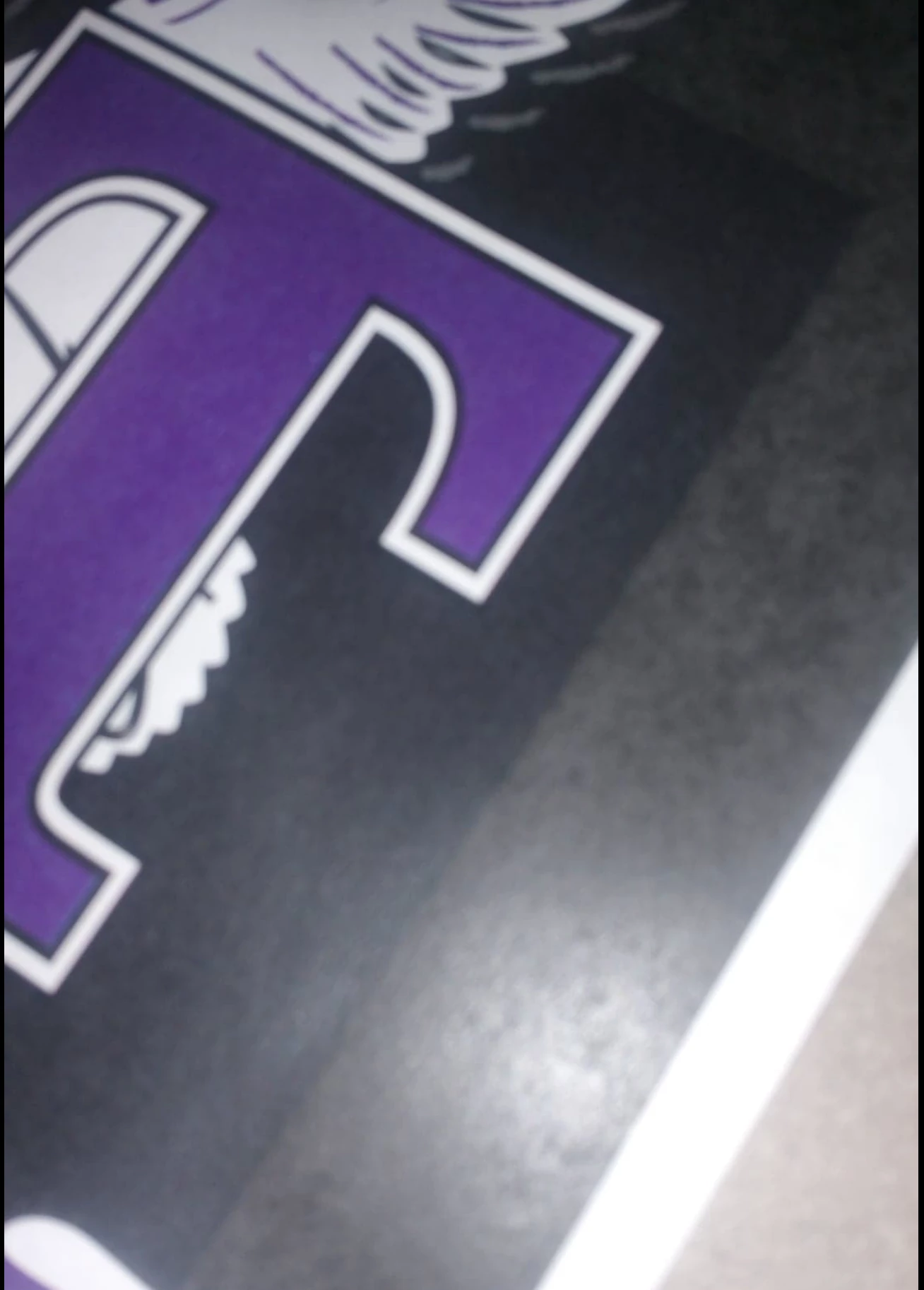
We are trying to figure out why it does that and how to remove it from our printing when we send it in!

Thanks!

[Moved from the Community Help Application forum (which is for an app Adobe used to make for creating documentation) and into an Illustrator support forum - moderator]

This topic has been closed for replies.

5 replies

ceyhun_akgun
Legend
October 8, 2018

If this is a transparent object, you may encounter this problem. Transparent objects produce this problem when printing on some print devices. From the visual you share, I understand that there is such a problem.

Graphic Designer Educator / PrePress Consultant
Inspiring
October 6, 2018

Your "comp" printout will be different from your file's " color separations".  From what I can tell from your sample, you have three colors that will print ( silkscreen ): White, Purple, and Gray.  It appears as though you have a rich black background that is printing in your "comp" sample.  Just use that same rich black for the entire background, including the shirt ( if any ).  When the artwork is actually printed, the Blacks will come from the shirt itself, unless you want a separate Black ( which I do not recommend and I do not think you want anyway ).  Another option, as previously noted, just remove the rectangle that is darker Black.

ScooterD76
Legend
October 5, 2018

Could be your blacks -i dont know how your document is set up, but if there is an actual black box there, could be its not the same as the black box behind it. Check the values

Mike_Gondek10189183
Community Expert
Community Expert
October 5, 2018

Checks to see if you have any overprints.  View >> overprint?

sishamIAGD
Community Expert
Community Expert
October 5, 2018

Do you have any effects applied? It maybe that your printer can't handle this?

Have a look at something like this discussion... Ghost Box from Text & Pics when Printing--how do I get rid of it?

wonderful_mentor5EDC
Participant
October 8, 2018

It's not our printer cus everyone else didn't get the same black box as we did. Our background is either white or black and majority of the class did black.