Ruben, Brady,
In addition to what Larry said, you can toggle between GPU and CPU with Ctrl/Cmd+E.
And you probably know this:
https://helpx.adobe.com/illustrator/kb/gpu-performance-preview-improvements.html
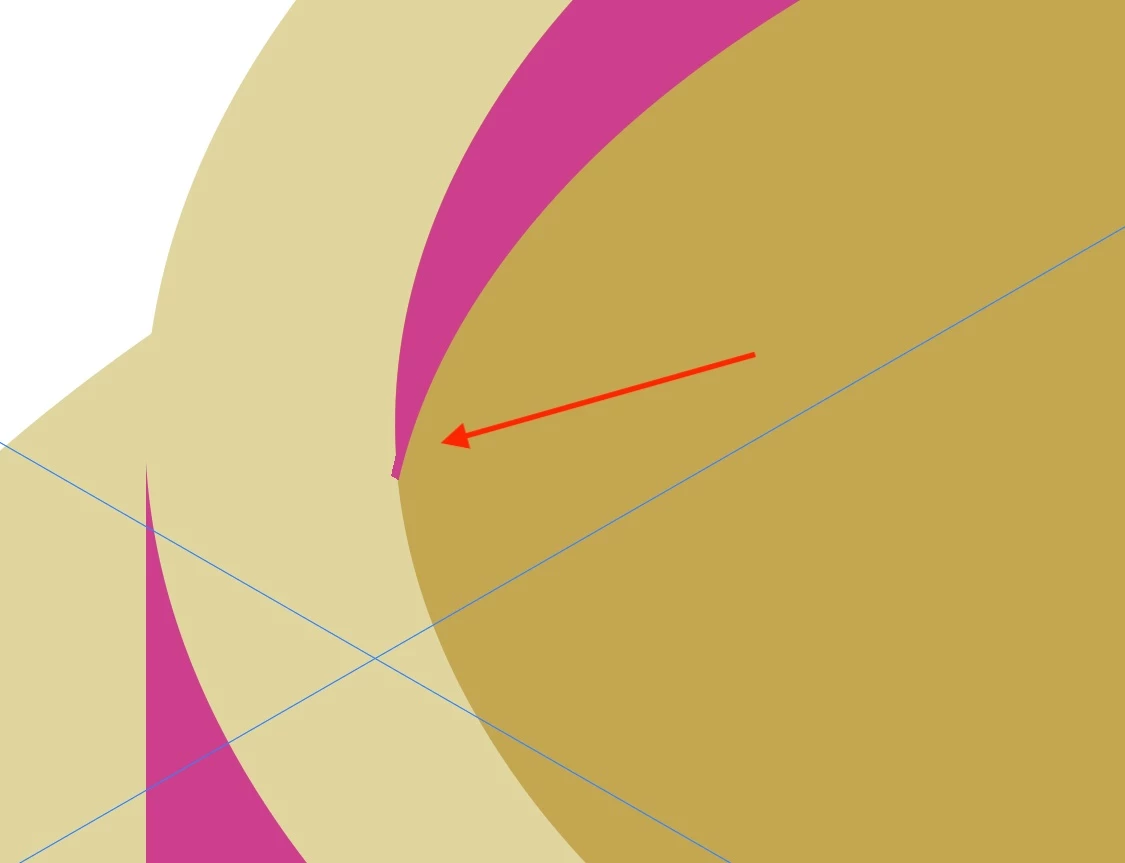
GPU is faster, sometimes too fast, so it gets ahead of itself.
Graphics cards are included in the system requirements:
https://helpx.adobe.com/illustrator/system-requirements.html
https://helpx.adobe.com/illustrator/system-requirements/earlier-versions.html
https://helpx.adobe.com/illustrator/system-requirements-old-versions.html
Apart from an inadequate card, the issue can be caused by lack of driver updating, lack of proper recognition of the card by the computer, and whatnot (including rifts in the space time, moon, weather, and the fact that Illy (job description Adobe Illustrator, and she is always eager to help) sometimes moves in mysterious ways).
Here are a few more pages about GPU troubleshooting:
https://helpx.adobe.com/illustrator/kb/gpu-performance-errors-troubleshooting-workarounds.html
https://helpx.adobe.com/illustrator/kb/illustrator-gpu-performance-driver-update.html


 AdChoices