
Participant
September 20, 2021
Question

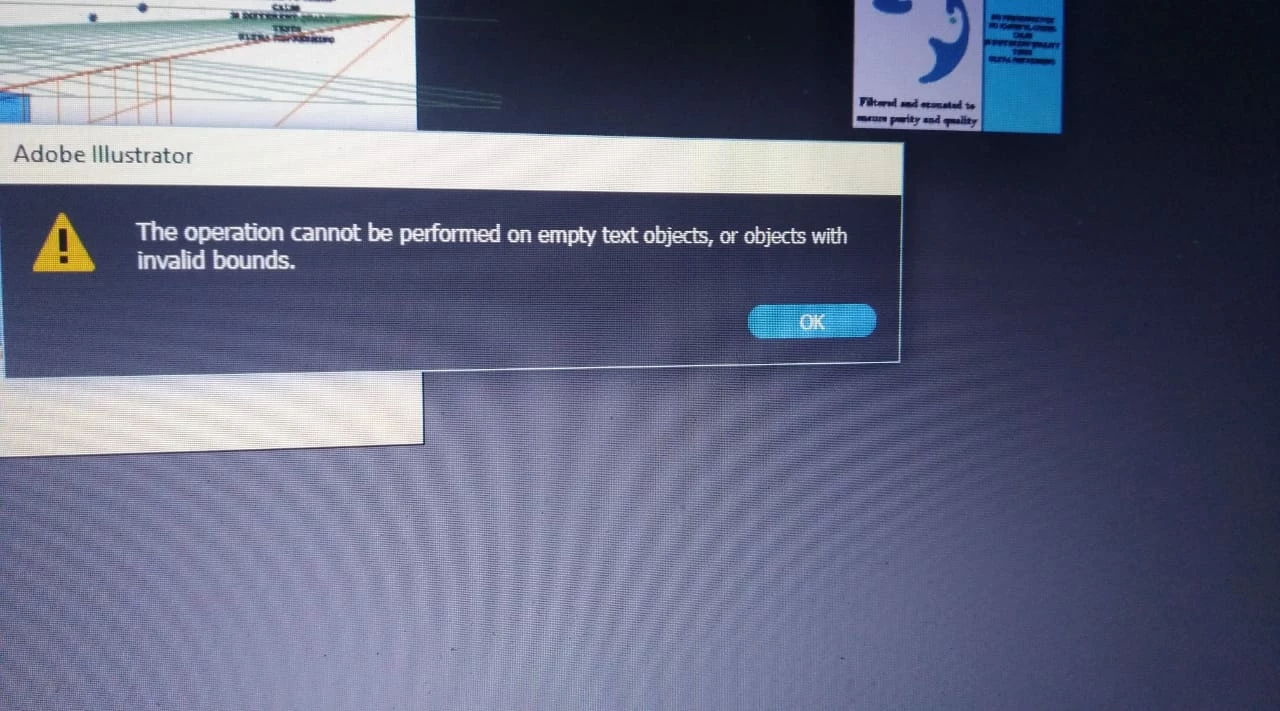
abdobe illustrator error

  • September 20, 2021
  • 2 replies
  • 333 views

hi community,

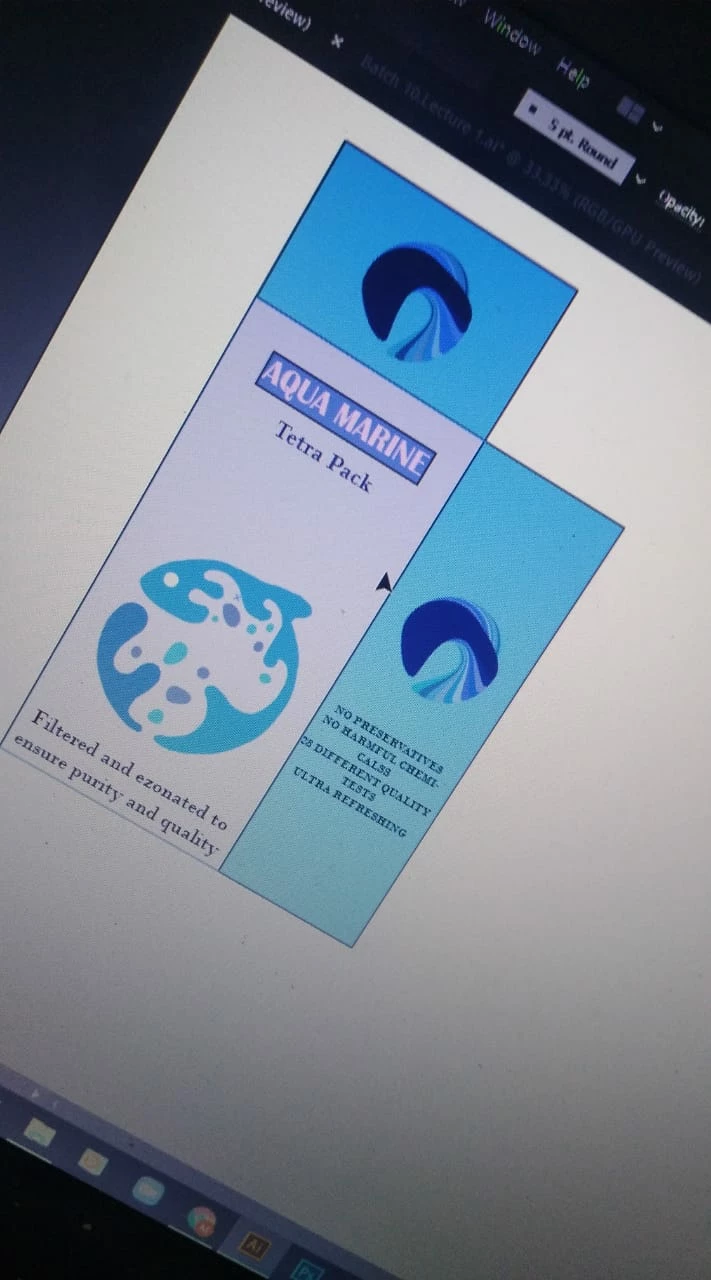
i was trying to visualize a product by making a box via perspective grid tool but everytime i try to move my shape it gives me error,its works fine without a label

attaching screenshots


i also tried adding label by putting it in symbol but that doesnt also work


This topic has been closed for replies.

2 replies

Ashutosh_Mishra
Inspiring
October 24, 2021

Hi there,


Sorry to hear about your experience. I hope your issue is resolved by now.

If you still have issues, please share the information asked by Monika so that we can assist you accordingly. Additionally, you may share the concerned document with us. We'll be happy to look into it.


Regards,

Ashutosh

Monika Gause
Community Expert
Community Expert
September 20, 2021

Please show us what exactly is in your perspective grid.

Please tell us exactly which object you are moving using exactly which tool


Please make proper screenshots that don't involve your smartphone.


Edit: it strongly looks like there are text objects without text respectively single anchor points in your artwork. You can search for them with Select > Object > Stray points

Participant
September 22, 2021

Hi attaching screenshots 

includes what tool im using ,i can move two objects except one

Monika Gause
Community Expert
Community Expert
September 23, 2021

Are those vector objects? If so, check this out in the layers panel.

And try and search for the stray points.