Shompinice
Participating Frequently
May 17, 2022
Answered

Adapt Dark Title bar in dark mode in Illustrator for Windows

  • May 17, 2022
  • 2 replies
  • 478 views

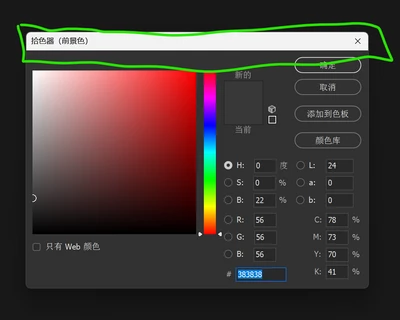
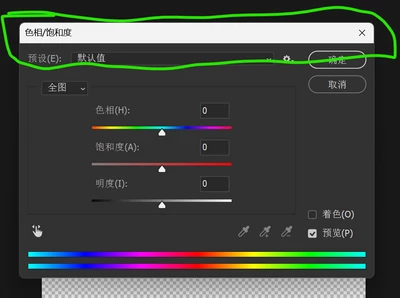
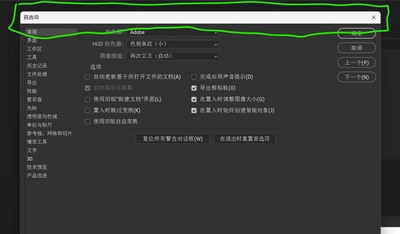
The current situation


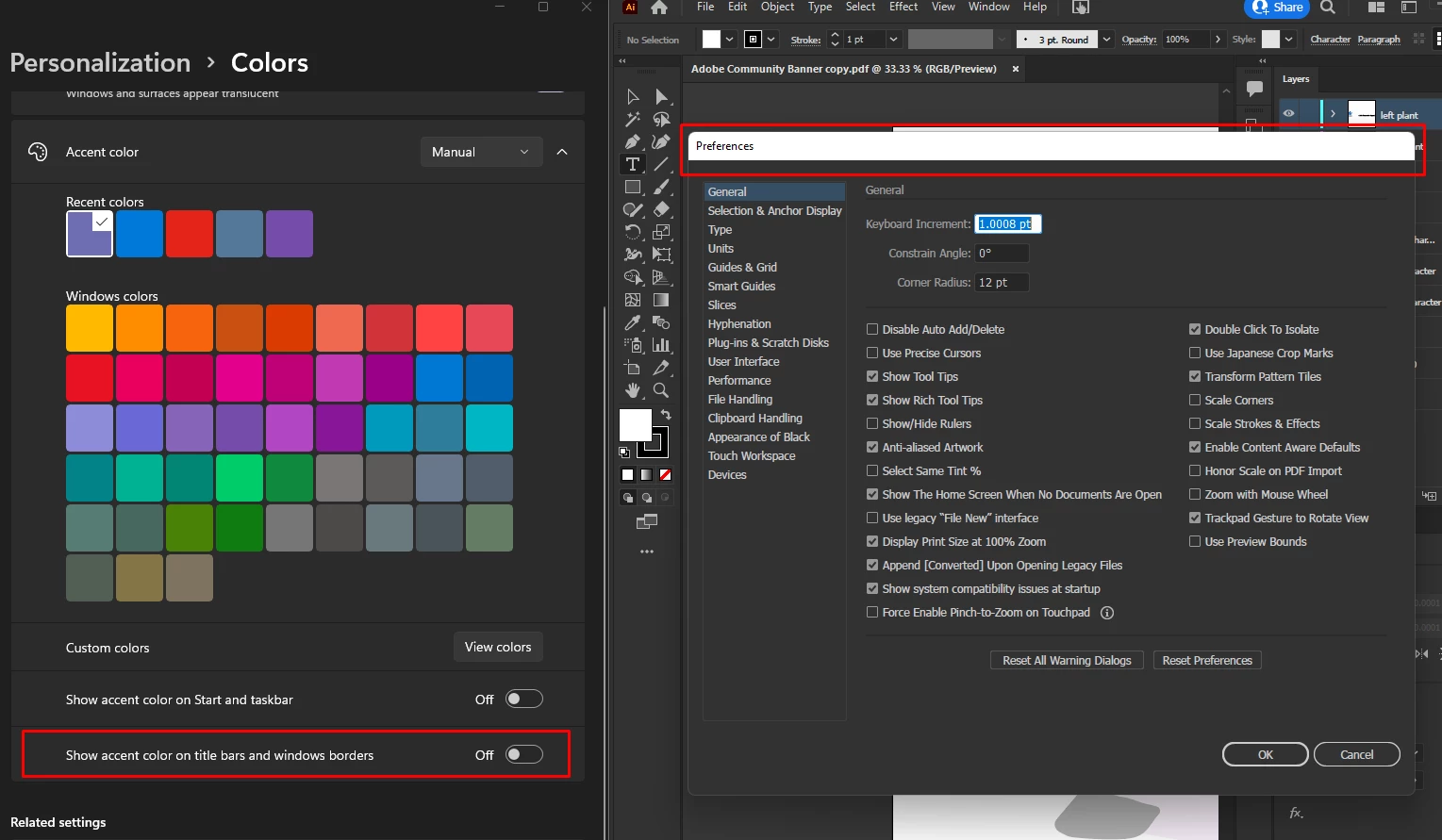
The existing title bar is white, enabling dark title bar will help us get a more unified UI.


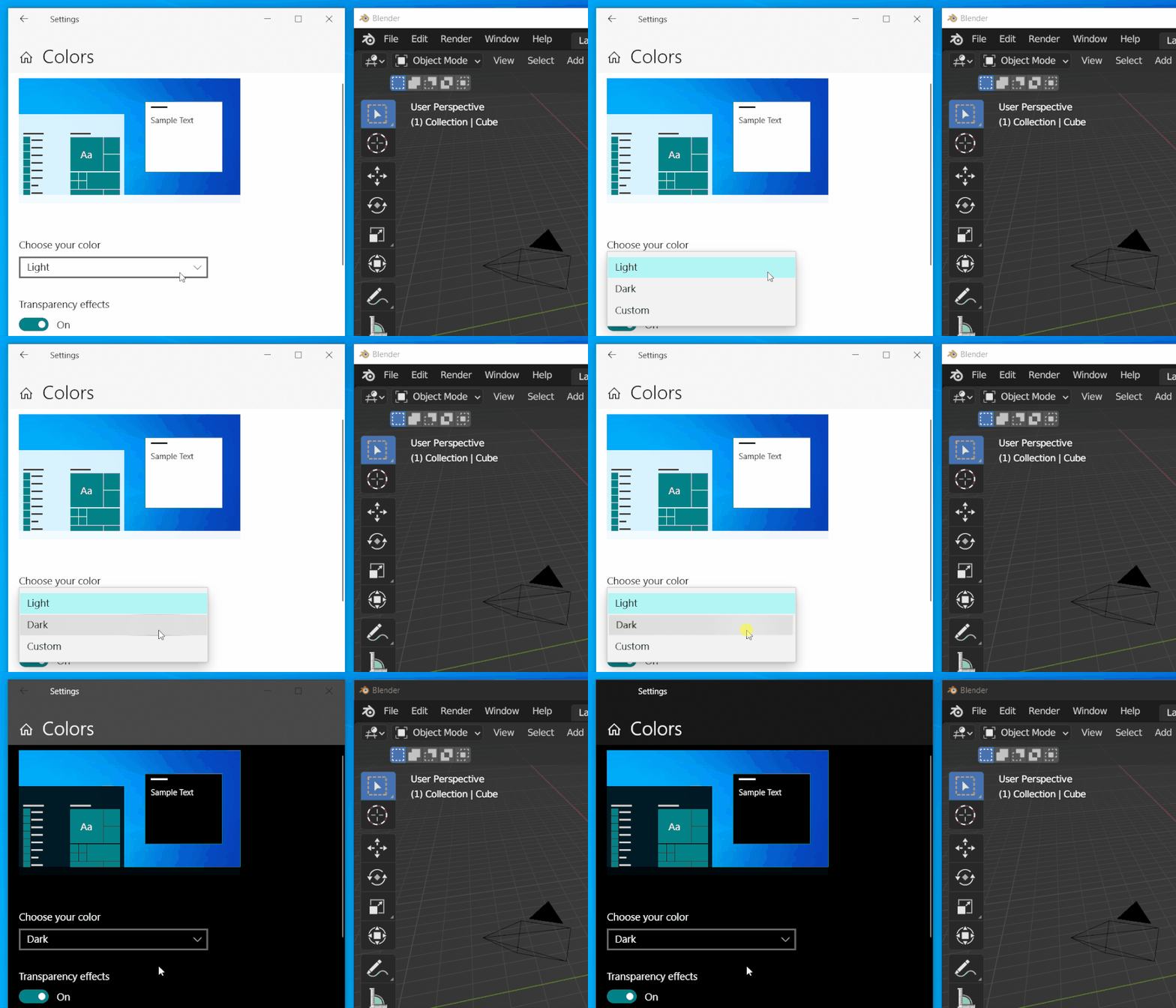
The Target


Blender has done it
https://developer.blender.org/D14847


The Technology Path


Since Windows 10 1809, Microsoft has provided an API for modifying only the color of the window title bar.

The method reference is
stackoverflow.com/questions/39261826/change-the-color-of-the-title-bar-caption-of-a-win32-applicatio...


Documentation see
docs.microsoft.com/en-us/windows/win32/api/dwmapi/ne-dwmapi-dwmwindowattribute 3

At the same time, this API does not affect compatibility with older versions, and on Windows 7 or earlier versions of Windows, the API will not work and will not cause strange errors.
Correct answer Anubhav M

Hello @Shompinice,


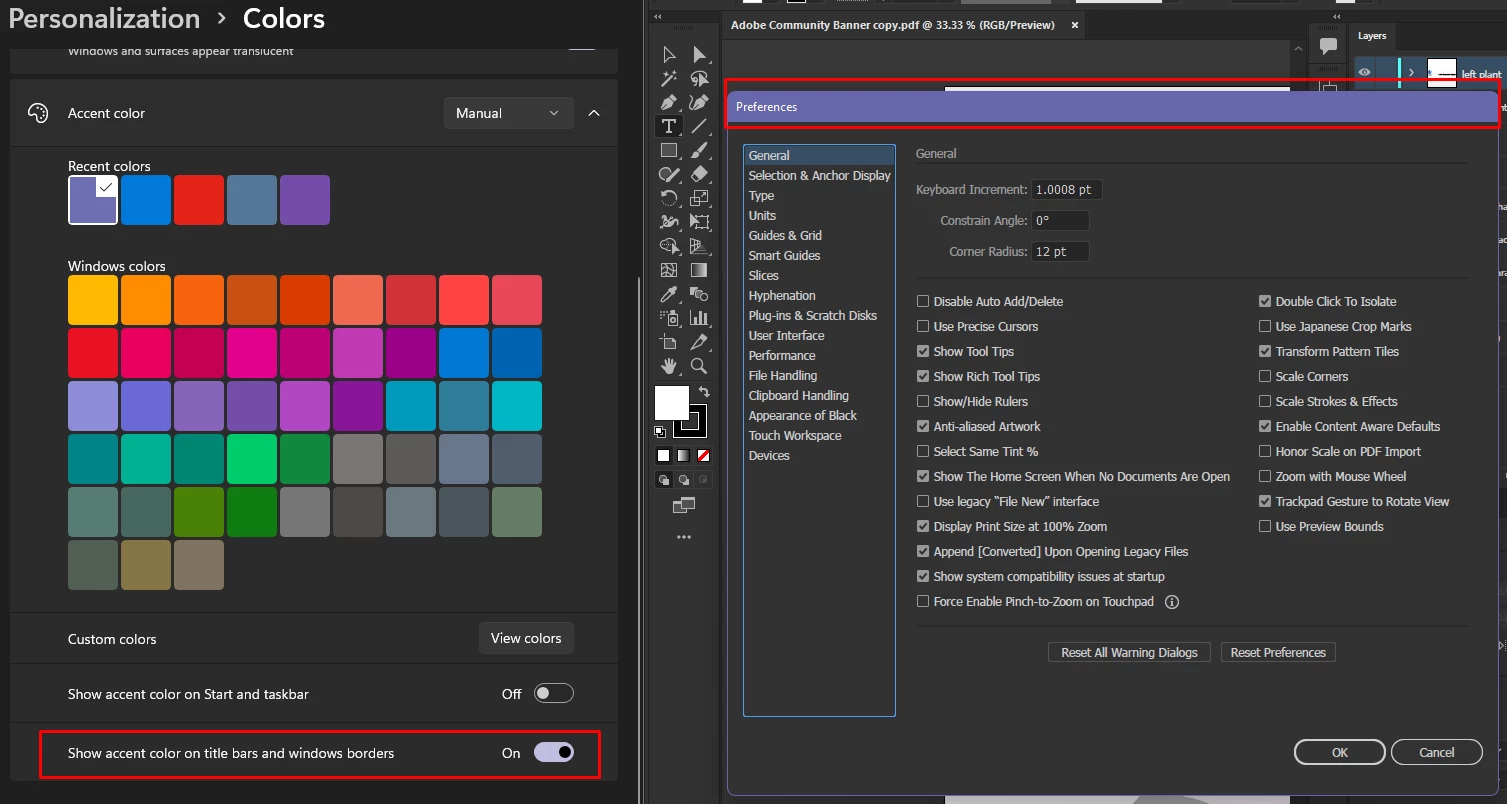
Thanks for reaching out. Here is a solution that might work for you. Kindly turn on the option for "Show accent color on title bars and window bars" under Colors Personalization settings under Windows.


Also, as suggested by Monika you can post a feature request at http://illustrator.uservoice.com/.


Looking forward to your response.


Thanks,

Anubhav

2 replies

Anubhav M
Community Manager
Anubhav MCommunity ManagerCorrect answer
Community Manager
May 17, 2022

Hello @Shompinice,


Thanks for reaching out. Here is a solution that might work for you. Kindly turn on the option for "Show accent color on title bars and window bars" under Colors Personalization settings under Windows.


Also, as suggested by Monika you can post a feature request at http://illustrator.uservoice.com/.


Looking forward to your response.


Thanks,

Anubhav

Monika Gause
Community Expert
Community Expert
May 17, 2022

Please post bugs & feature requests to http://illustrator.uservoice.com