Participating Frequently
October 25, 2018
Answered

Adding a swatche to a User Defined Library

  • October 25, 2018
  • 4 replies
  • 10782 views

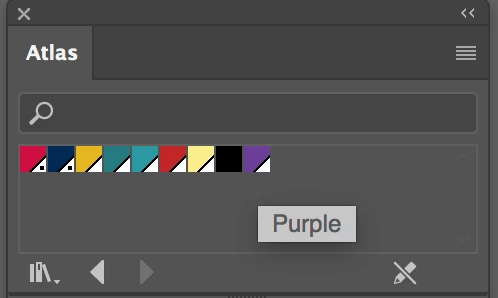
I have a library of colours I use for a project. As I progress I need to add another colour to the library, is the only way to pop them all out and add to the existing default then save it again. If I drag the colour it won't go into my library. Surely there must be an easier way?

    This topic has been closed for replies.
    Correct answer Mike_Gondek10189183

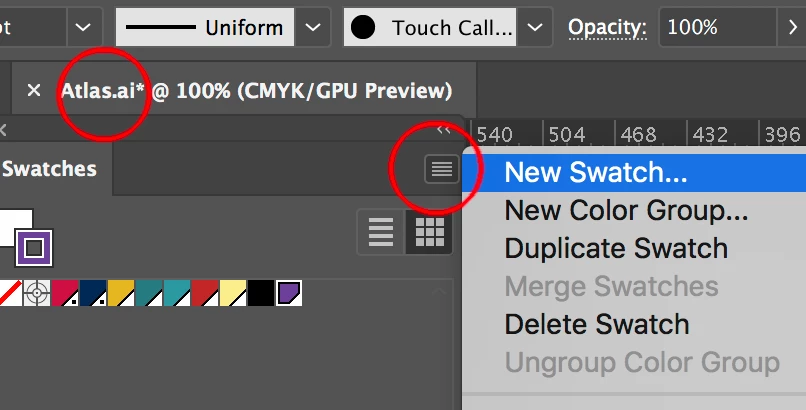
    What Geroge is saying that you cannot add to swatches libraries here

    instead open the .ai file edit here

    You will need to close adn open the swetch library to refresh

    '

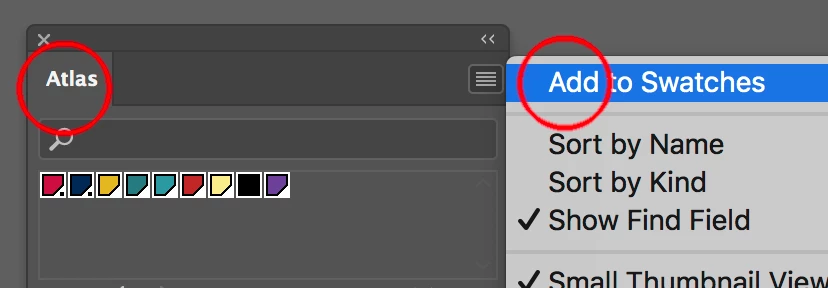
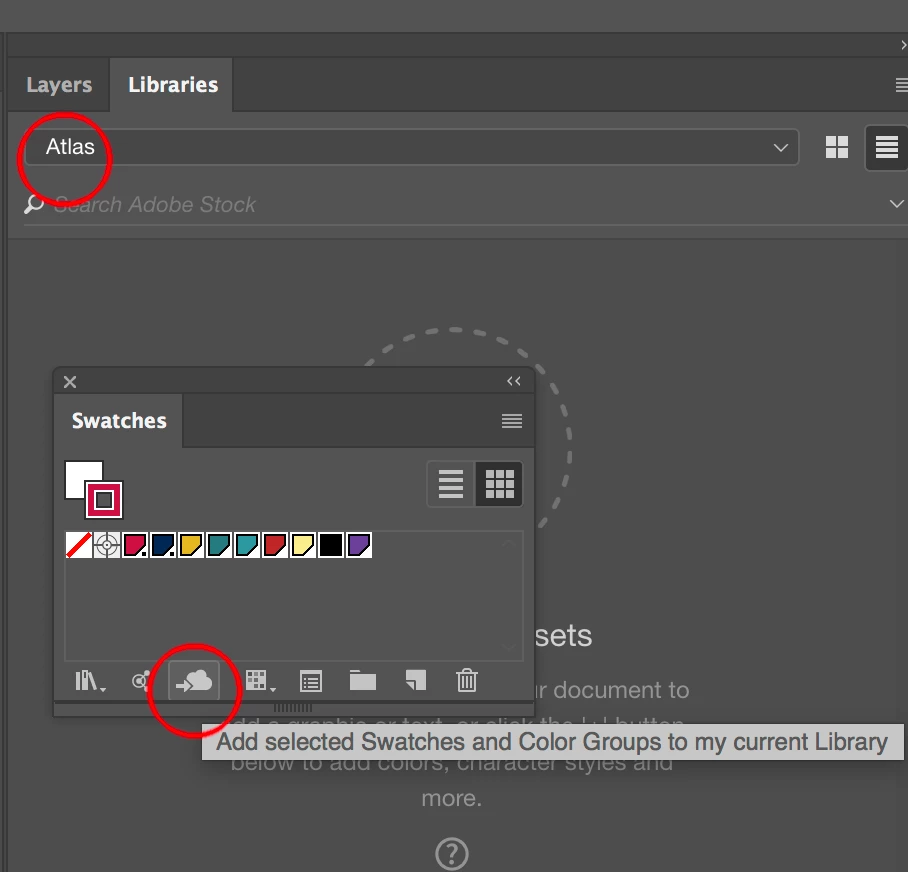
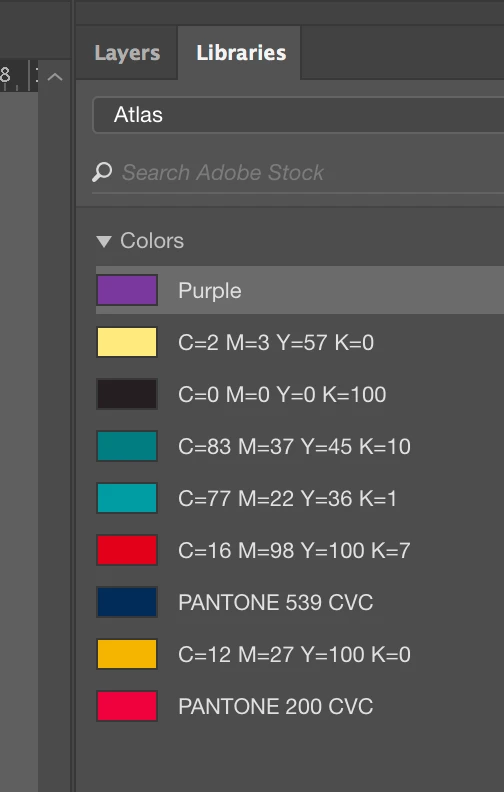
    I would stop using the swatches libraries and in stead use libraries as Chad Chelius​ suggests

    Now you can easily add or delete, and even colloborate and share with coworkers.

    4 replies

    Participating Frequently
    October 25, 2018

    I will try libraries from now on, many thanks.

    Participating Frequently
    October 25, 2018

    Thanks. I probably didn't make things clear. I am drawing a map, I have a library which I use for all my maps for this book. I have about a dozen colours. Now I find I need another blue, I want to add this to my atlas library.

    Now, with a document open I can set up rectangles, colour them from the library, drag them into the default library, then I can add the new one and save to overwrite the user defined one, voila I have the new colour in my library. I just think there must be an easier way? No?

    Thanks for taking the time to look.

    Doug A Roberts
    Community Expert
    Community Expert
    October 25, 2018

    You don't need to colour rectangles and drag them into the default library. If you open the swatch file, the default library will be the same as your swatch library, because that's what Illustrator is reading to get the user library.

    Doug A Roberts
    Community Expert
    Community Expert
    October 25, 2018

    Open the swatch library as if it was a regular AI file. It should appear blank, but your swatches will be present in the swatch panel. Add a swatch there, then save and overwrite the old swatch library file from the swatch panel.

    Swatch/graphic style/brush libraries etc. are just regular AI files with everything else stripped out.

    hammer0909
    Community Expert
    Community Expert
    October 25, 2018

    If I understand your question, you want to update another document with the swatches that you add to a different document? Have you taken a look at CC Libraries? This makes it easy to manage swatches in one central location and you can easily load them into other documents. If you don't want to use CC Libraries, you can select the swatches from one document and export them as an .ase file (Adobe Swatch Exchange) using the panel menu of the Swatches panel. Then in the other document, you just load them in.