
Inspiring
February 17, 2025
Answered

Adobe / Extensis Conflict (Safe Mode) Errors

  • February 17, 2025
  • 1 reply
  • 568 views

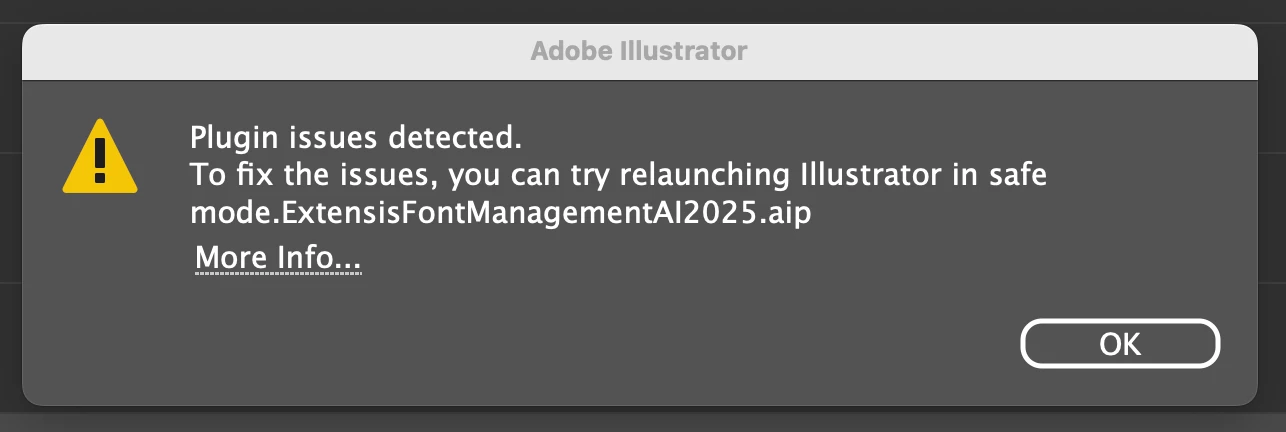
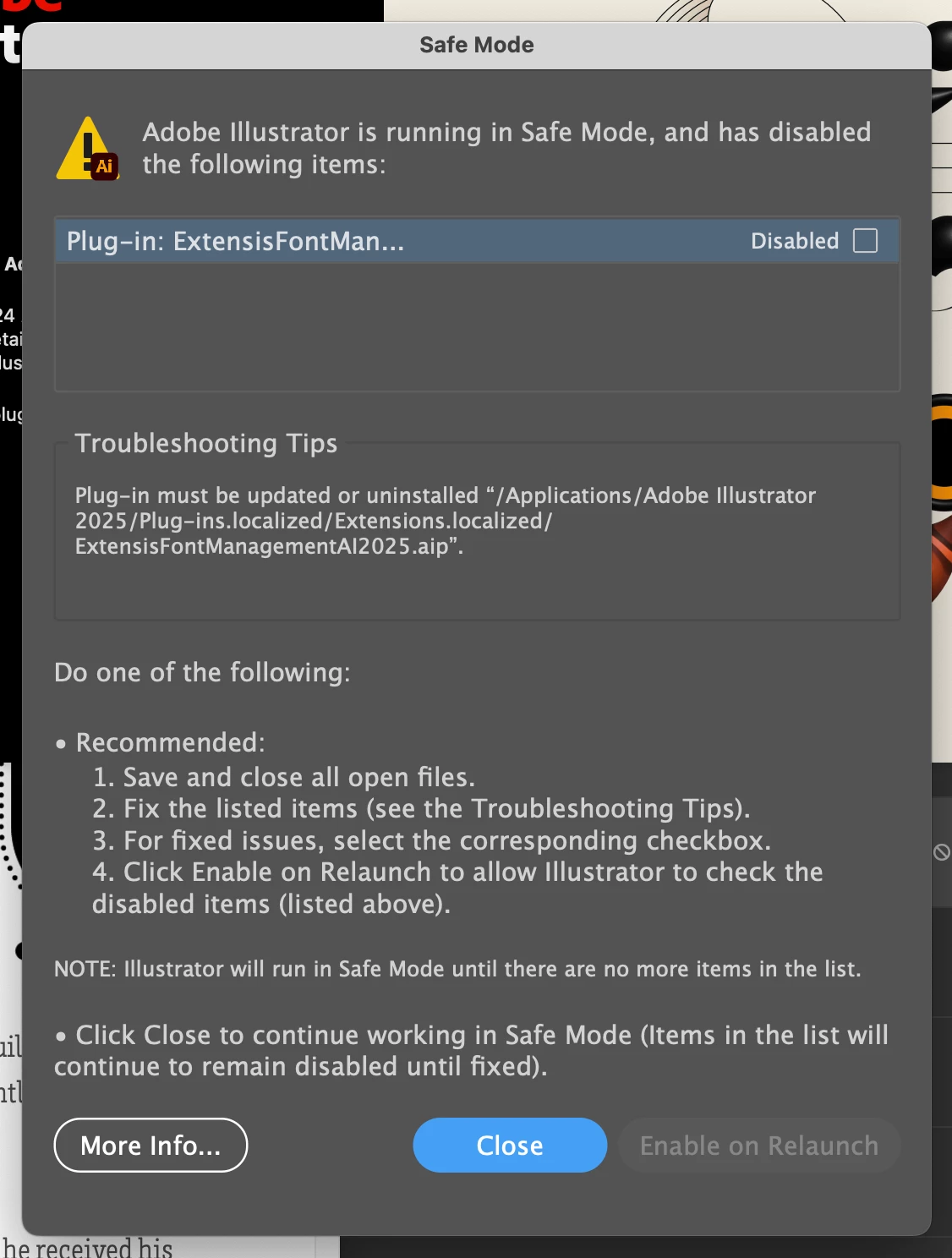
Mac Sequoia 15.3. I upgraded to a new iMac and needed to resinstall all my Adobe apps. The only one that's still not right is Illustrator. When I launch AI, I get two error messages. Please see the attached. I tried getting more info, but that only links to info on AI crashing. This may be an Extensis Connect Fonts issue. I tried deleting the .aip file, then opening Connect Fonts to reinstall it, then relaunching AI but I still get those errors. AI and Connect Fonts are both running their current version. Also, if I'm opening an AI file from Bridge or the Finder, I get those two errors but the file doesn't open. I need to go back and re-open the file from Bridge or the Finder. Any help greatly appreciated.
 

Correct answer pkazmercyk

Thank you. Launching AI as a new user seems to have solved the problem. When I did that, I got a different error but was able to clear it. Then, when I logged back in as my usual user, the errors stopped.

Regards,
Paul

1 reply

Anubhav M
Community Manager
Community Manager
February 17, 2025

Hello @pkazmercyk,

Would you mind trying the suggestions shared in this help article (https://adobe.ly/3EDVWCL) to check if it helps resolve the problem?

Looking forward to hearing from you.


Anubhav

pkazmercykAuthorCorrect answer
Inspiring
February 19, 2025

Thank you. Launching AI as a new user seems to have solved the problem. When I did that, I got a different error but was able to clear it. Then, when I logged back in as my usual user, the errors stopped.

Regards,
Paul