
Participant
July 21, 2021
Answered

Adobe Illustrator 2021 (Other)
  • July 21, 2021
  • 2 replies
  • 3215 views

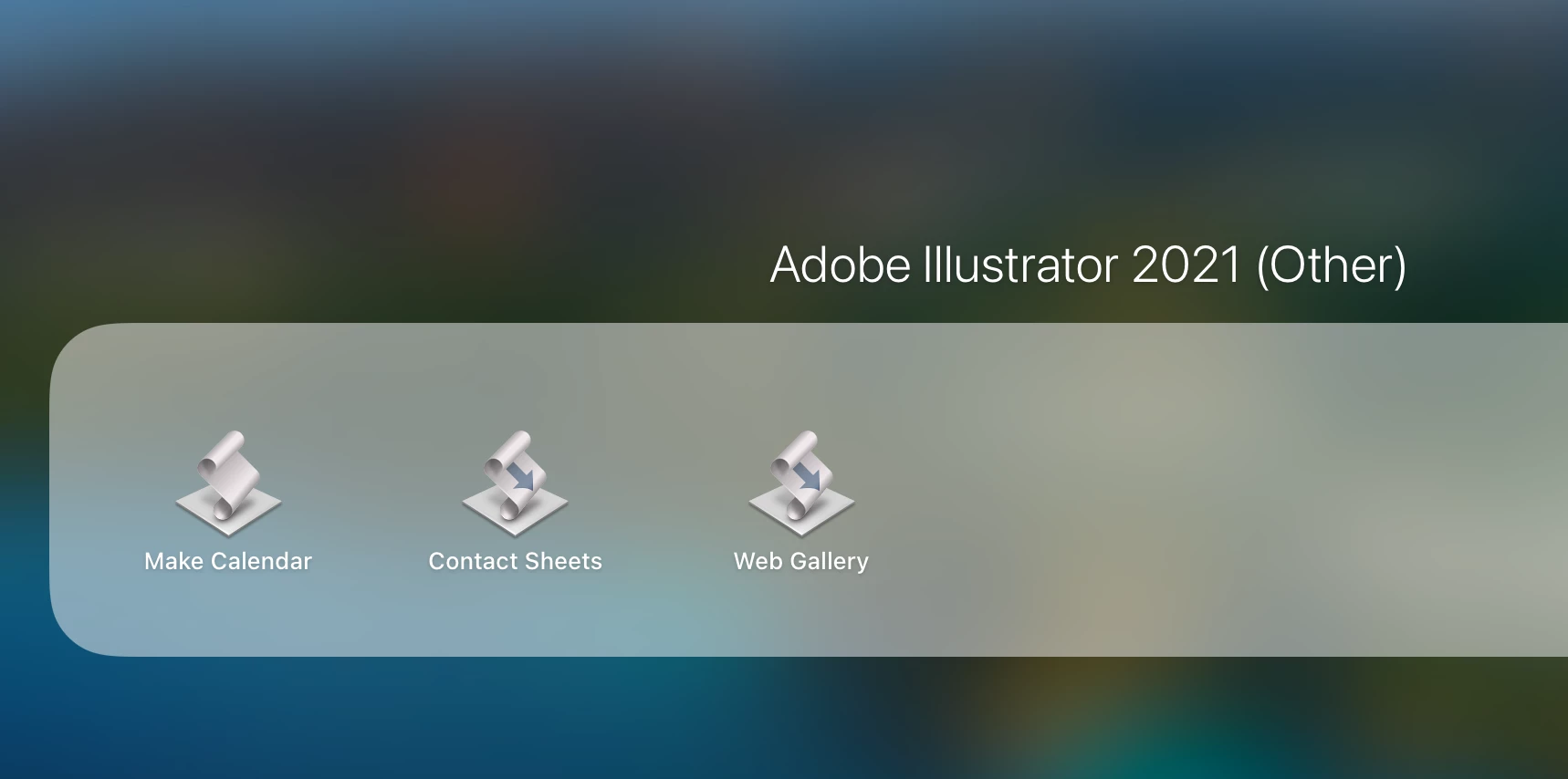
These files showed up on my MacBook Pro (Retina, Early 2013 model) after I updated Illustrator. I don't know how to install them or what to do with them. Could someone tell me what they are and how to integrate them into Illustrator?

This topic has been closed for replies.
Correct answer howwouldyoufeel

 I was able to remove it by going to the Apple logo > About this mac > Storage > Manage > Applications > scroll down till you find that 3 annoying apps and hit delete. Hope it helps. 

2 replies

howwouldyoufeelCorrect answer
Participating Frequently
January 20, 2022

 I was able to remove it by going to the Apple logo > About this mac > Storage > Manage > Applications > scroll down till you find that 3 annoying apps and hit delete. Hope it helps. 

m1b
Community Expert
Community Expert
July 21, 2021

Hi @Nivedita Arul5E3B, they are applescript scripts, saved as .apps. You can launch them to perform whatever they do. I tested the Web Gallery one and it did what it said it would. Some of them have "ReadMe.pdf" that you can read. Here's where I found them:


/Applications/Adobe Illustrator 2021/Scripting.localized/Sample Scripts.localized/AppleScript.localized/Web Gallery.localized/ReadMe.pdf


The Contact Sheets script requires you to drop files onto it, whereas the Web Gallery script asks for you to select a folder of images.