Participant
November 28, 2024
Question

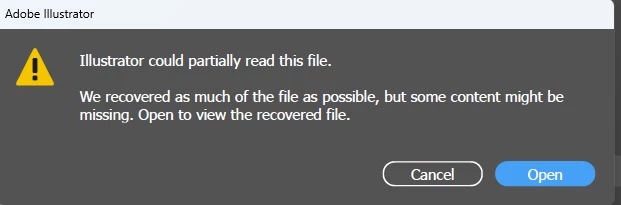
Adobe Illustrator 2025 Error

  • November 28, 2024
  • 1 reply
  • 283 views

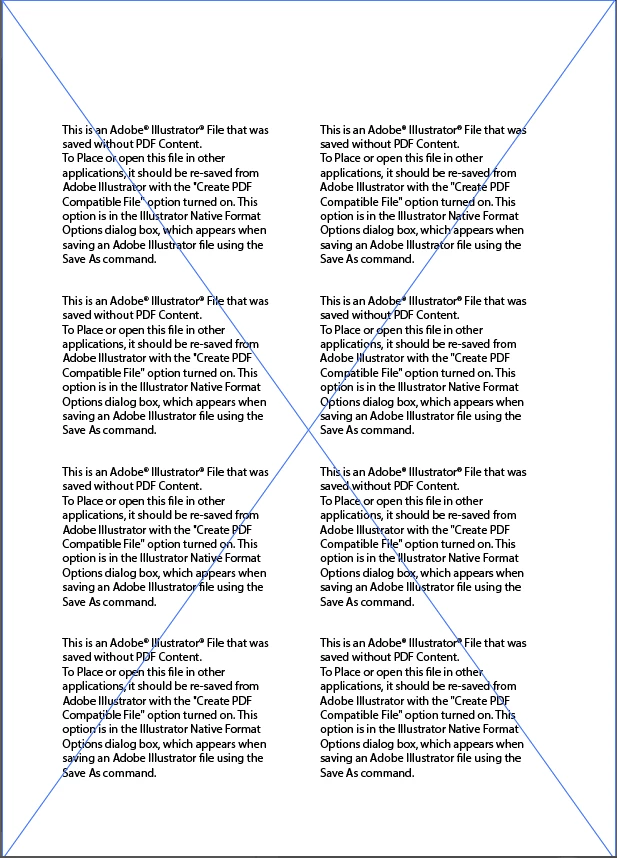
It happens like this every time I open it.


how can i recover my file...😭😭

This topic has been closed for replies.

1 reply

Doug A Roberts
Community Expert
Community Expert
November 28, 2024

The file is corrupted in some way. The simplest outcome would be that you have backups or use a file system that creates a version history, like Mac OS Time Machine.


Failing that, you could try this method. I have not encountered this situation in a long time so have no experience with it:

Repair damaged Illustrator documents

Participant
November 28, 2024

it's not working...😭😭

Anubhav M
Community Manager
Community Manager
November 28, 2024

Hello @catalog_notewise8441,

I'm sorry to hear about the trouble you're having with your files. Would you mind providing some details about the circumstances under which these files were saved or edited and the location of the files where they were stored? For example, were there any unexpected Illustrator crashes, sudden app closures, system shutdowns, or power cuts during the editing process?


Also, kindly share a link to a sample file after uploading to Dropbox/Google Drive/etc. so we can check it on our end. Although we cannot guarantee a successful recovery, we will try our best to do so.

Looking forward to hearing from you.


Anubhav