
Adobe Illustrator (24.0) - Color Halftone Issue
Hello dear Community.
I am trying to convert an image into pixelated one, using the Color Halftone effect, using my Mac version of the Adobe Illustrator 24.0.
To do this, I watched numbers of tutorials on YouTube and blogs but it seems my Illustrator is giving me a different result than the ones shown in the tutorials I have seen.
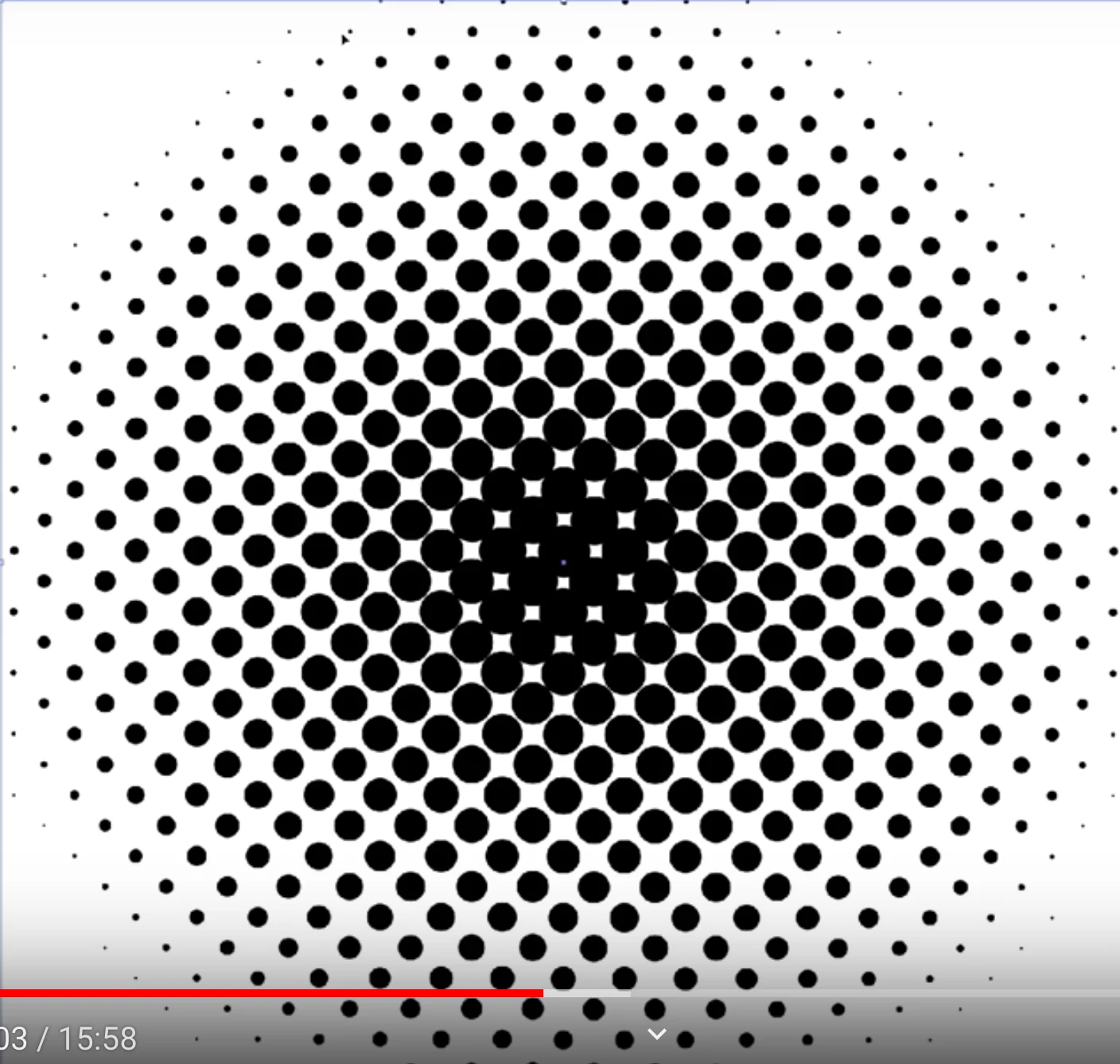
What I am trying to achieve (and also shown in tutotials) is, the gradation expressed with various sizes of dots. Darker area with bigger dots, and lighter area with smaller dots.
However, my version of the Illustrator achieves the gradation, using various black-grey-white tones, with identical size dots.
1. What I want to get 2. What I am getting
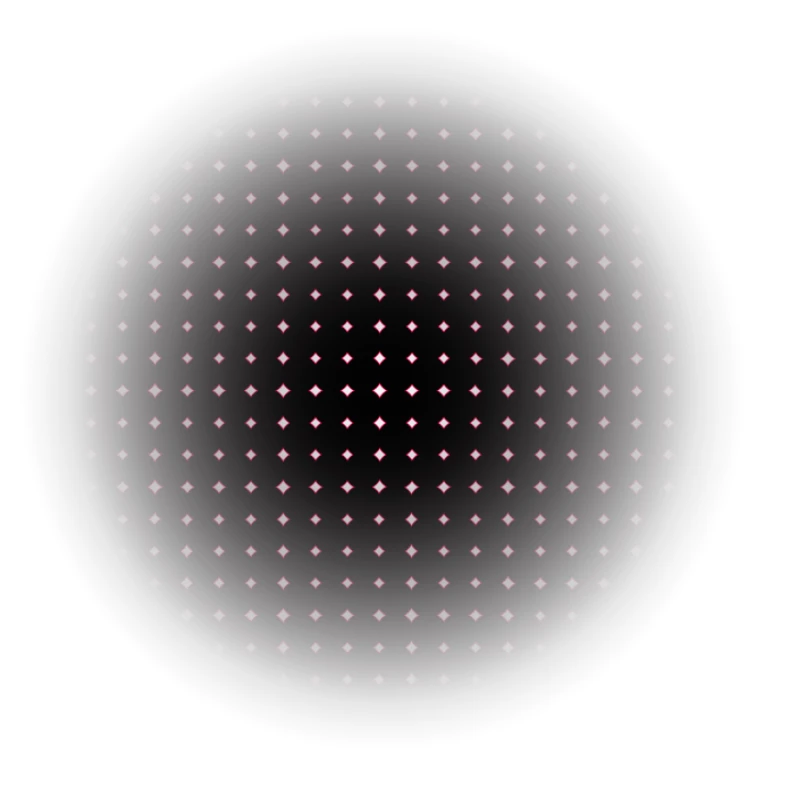
3. When Settings were done with Max. Radius: 4, All channels: 0
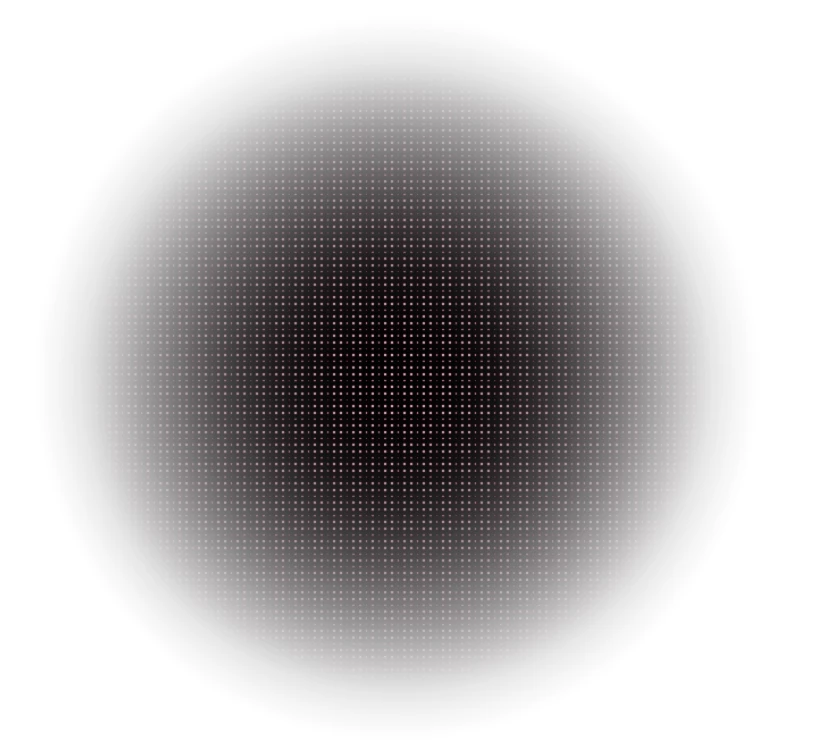
I have tried numbers of different Settings shown in the tutorials (Image 2. was set to Max. Radius: 20, All four channels set to: 90), regardless they all resulted in something similar to the image on the right.
Can anyone help please?
(Appreciate your times and helps from this community guys~)
 AdChoices