
Question
Adobe Illustrator affecting drop shadow in exported image
I'm seeing a strange effect on an image in Adobe Illustrator 2017 after importing/placing it as a .png image that I exported from Photoshop 2017. The image was exported at 3700*3700 pixels from Ps and placed, scaled down proportionally, in Ai at 1200*1200 in an artboard but the effect is seen even without scaling down.
Here is a screenshot of the exported png from Ps.

And the image below is in Ai. There is banding on the drop shadow! How is that possible for a raster file in .png to get affected like that ?
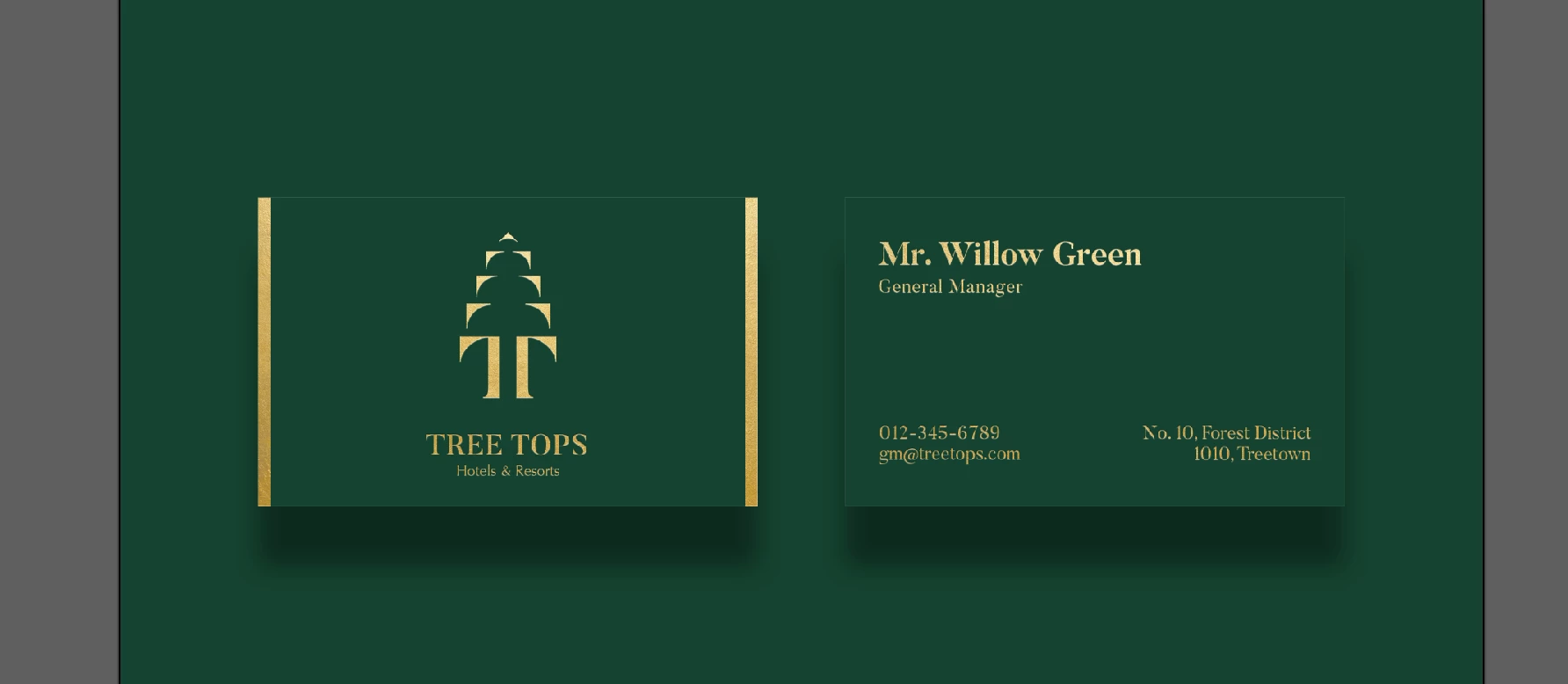
How can I resolve this ? What can I do in either Ps or Ai to prevent this from happening ? Thanks!
 AdChoices