Participant
July 25, 2022
Answered

Adobe Illustrator keeps lagging and crashing on 14" Macbook Pro

  • July 25, 2022
  • 2 replies
  • 309 views

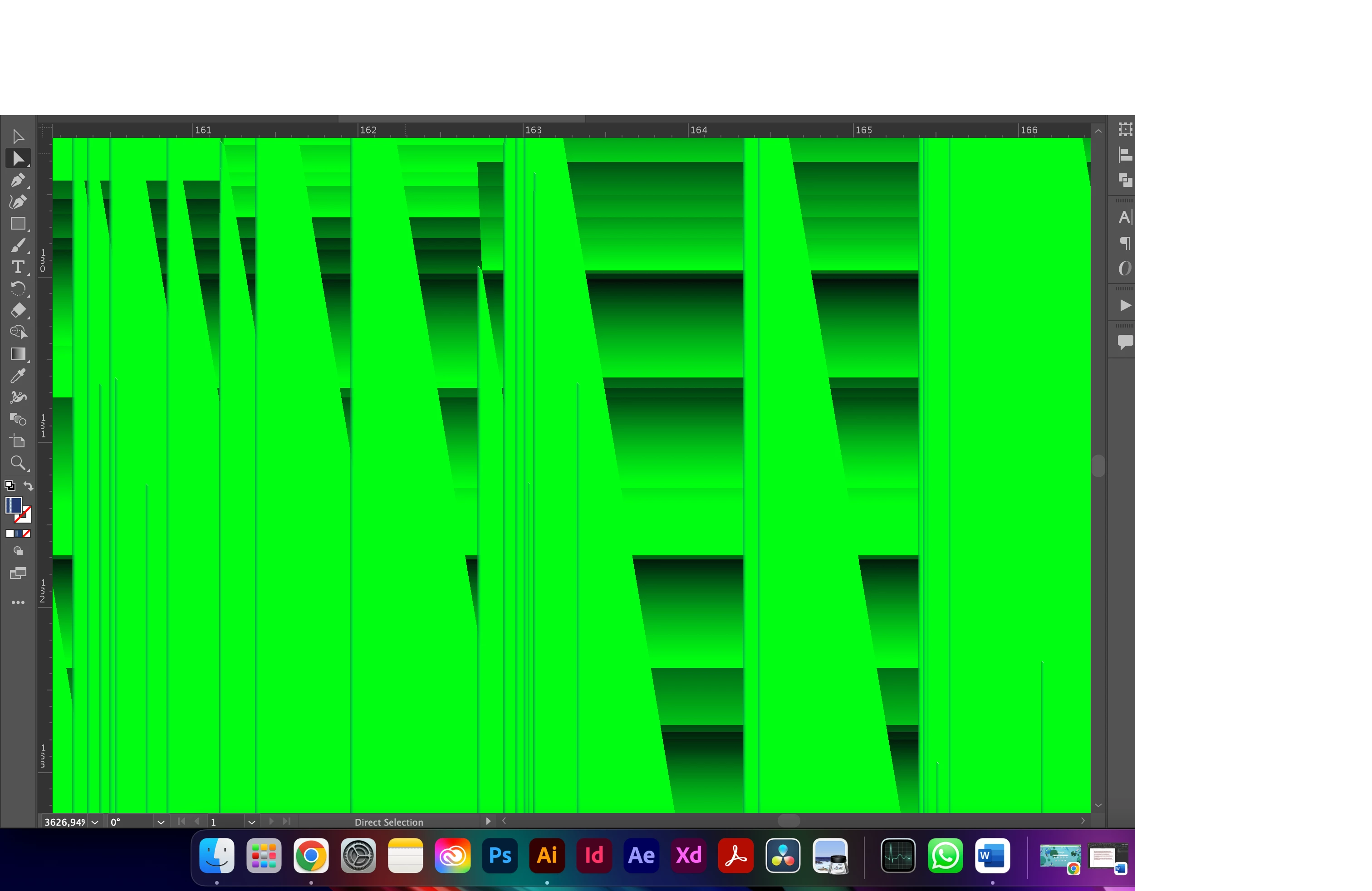
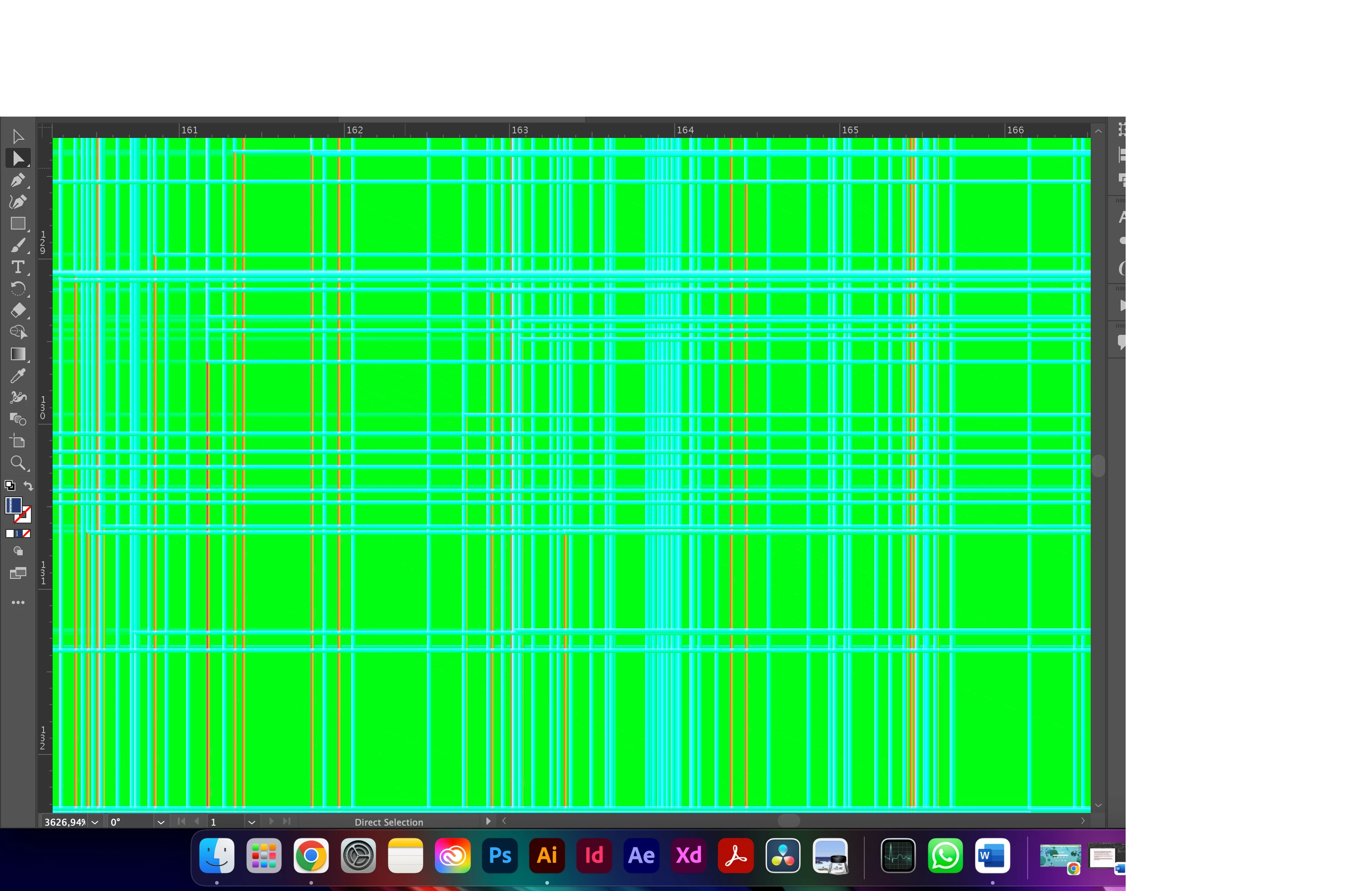
Hi, I have been using the 14" Macbook Pro and experience issues at any file (both small and big files) in Adobe Illustrator for the last 2 days. The app lags even when I change from a tool to another, and gives the progress window on each action with the macOS loading pinwheel. Also, anytime I try choosing or moving an anchor point the app crashes and starts to flash green screens. I don't know if its the laptop or Adobe, but the crash only happens inside the application's open file window until the app doesn't respond and I have to force quit.

I would really appreciate any advice about fixing this problem.


This topic has been closed for replies.
Correct answer DEFNE5FD6

Hi,

Unfortunately resetting preferences didn't work, but the issues were gone after uninstalling and reinstalling Adobe Illustrator.

Also, both my macOS system and Illustrator were already up to date before I experienced issues, I checked again they're both the latest versions.

Bu still Thanks 😄

2 replies

Anubhav M
Community Manager
Community Manager
July 25, 2022

Hello @DEFNE5FD6,


Sorry to hear about this experience. I would request you try resetting Illustrator's preferences by following the steps shared in this article (https://helpx.adobe.com/illustrator/kb/troubleshoot-preference-issues.html) and sharing your observations.
Disclaimer: Please note that resetting preferences will remove all custom settings, and Illustrator will launch with the defaults. You may take a backup of these settings from the location mentioned in the article.


Also, kindly try updating Illustrator and the macOS installed on your system to the latest version and check if it helps.

Looking forward to hearing from you.


Thanks,
Anubhav

DEFNE5FD6AuthorCorrect answer
Participant
July 26, 2022

Hi,

Unfortunately resetting preferences didn't work, but the issues were gone after uninstalling and reinstalling Adobe Illustrator.

Also, both my macOS system and Illustrator were already up to date before I experienced issues, I checked again they're both the latest versions.

Bu still Thanks 😄

Monika Gause
Community Expert
Community Expert
July 25, 2022

Which 14" Macbook exactly?

Which Illustrator version?

Which system?

Which graphic card?