
Answered
Adobe Illustrator Resolution Macbook Pro Retina.
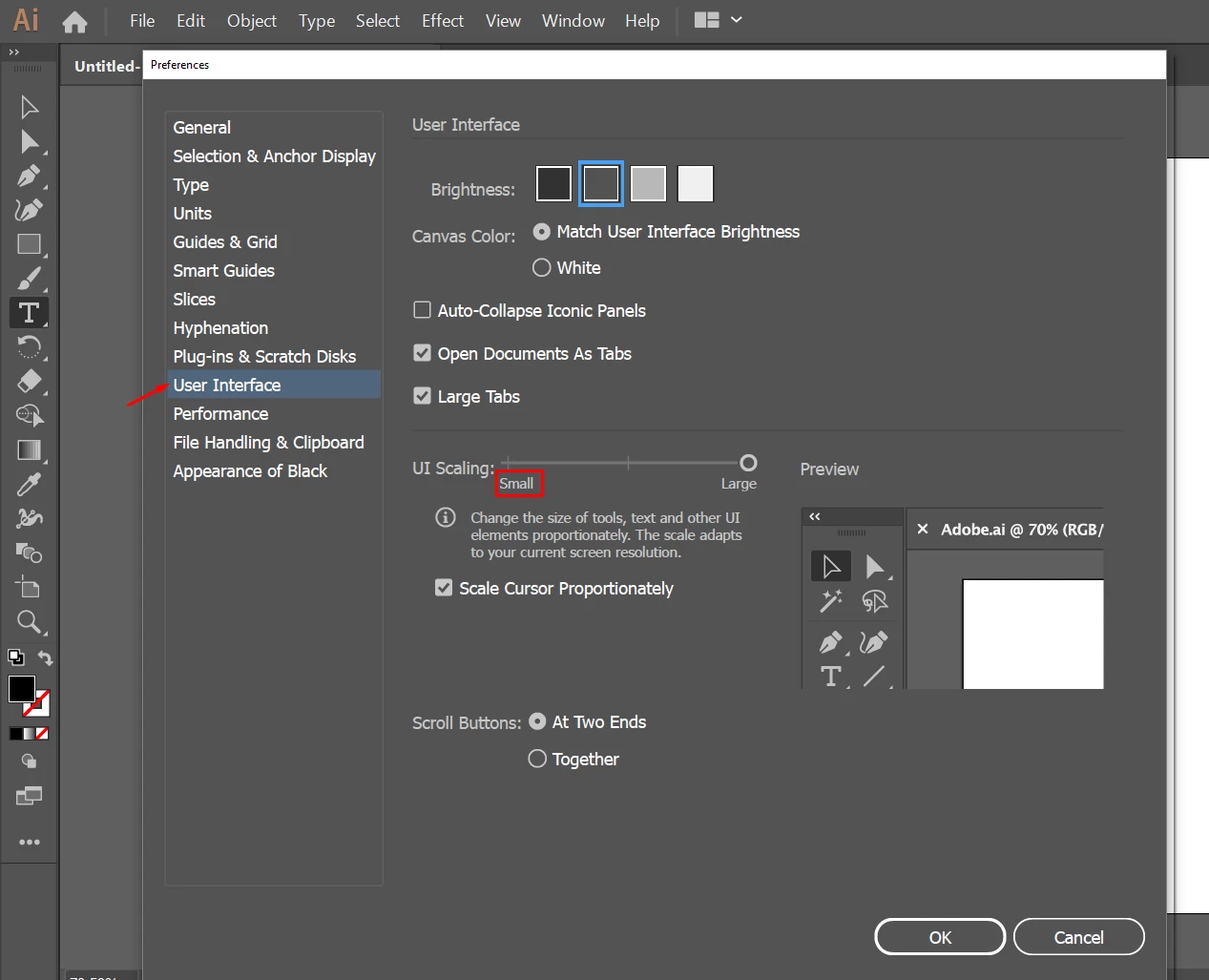
Please tell me how to change the resolution in Adobe Illustrator to open in 1440x900 no HiDPI.
Illustrator allows me to open in low resolution mode and works 10x faster on my mac but the resolution is a little too small.
So how to change it? Do not tell me that I have to look for drivers for the card, do update to the latest version of Adobe,
change the system, do not send me links "how to improve ..." This does not help!
I do not care who is guilty of poor performance You or Apple. I know this is a problem with retina.
I'm waiting for the answer, script, whatever.
My specs:
MacBook Pro Retina 15"
2,2 GHz Intel Core i7
16 GB 1600 MHz DDR3
Intel Iris Pro 1536 MB
 AdChoices