Participating Frequently
September 21, 2023
Question

Adobe Illustrator Saving PDF with Strange Blocks

  • September 21, 2023
  • 1 reply
  • 1180 views

Hi Community,


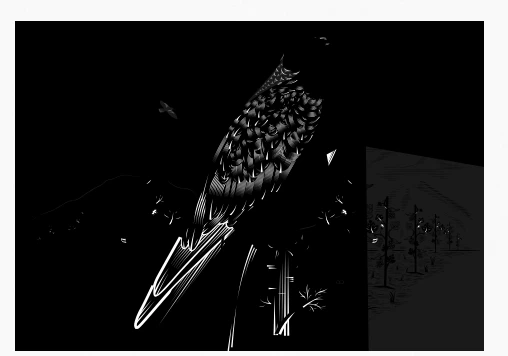
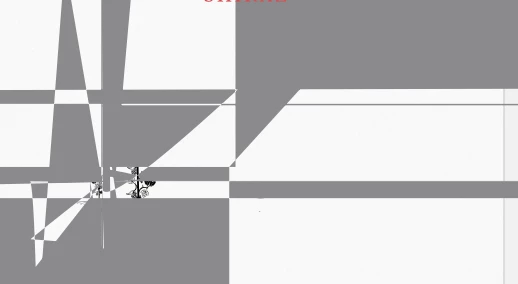
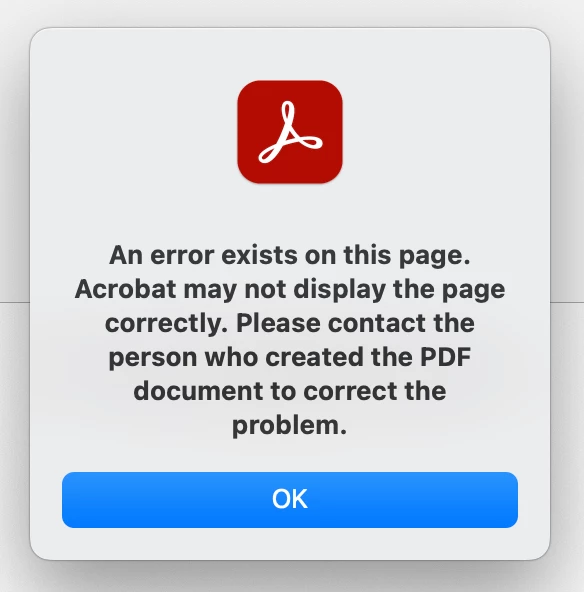
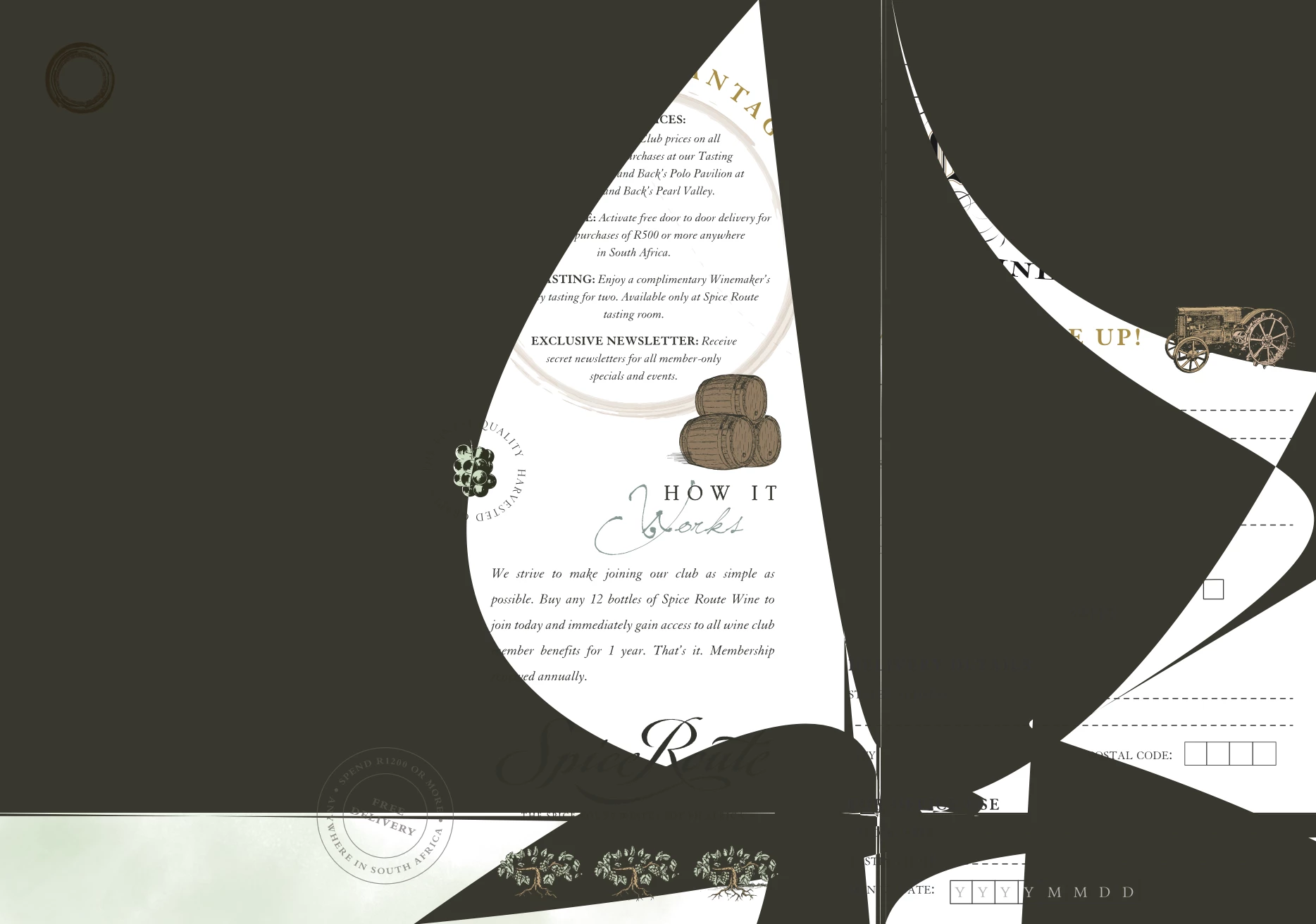
A recent strange thing has been happening when I have been saving PDFs from Adobe Illustrator. Nothing has changed from my side, so I can't understand why this is happening. I save my PDF as normal, as high quality, and then I get these strange blocks/blobs or pieces just missing completely from the document. When I saved the one PDF as smallest quality, the strange blocks were gone, but I can't send work to print when it is low quality. When I open the PDF in Adobe Acrobat, it says there is an error with the file, but I have no idea why.


Anyone have a similar experience or know how to fix it?
 

This topic has been closed for replies.

1 reply

Monika Gause
Community Expert
Community Expert
September 21, 2023

What kind of artwork is it we're looking at?

How did you create it, which functions have been used?


Did you already reboot the system?

Participating Frequently
September 21, 2023

Hi Monika,

These are vector artworks with vector illustration created in Adobe Illustrator.

No specific functions used except drawing (pen tool) and type tools. 


I have tried updating Illustrator and it still happens, I have not restarted my machine yet but will try that later when I am finished with work.

Monika Gause
Community Expert
Community Expert
September 21, 2023

The artworks are created from scratch in Adobe Illustrator (vector artworks), then I saved the artworks as PDFs (as I always do to send to clients to review), then when opening or previewing the PDFs, those strange shapes and blocks appeared. Nothing different was done in Illustrator, I didn't change any settings, yet this problem started happening. 

The screenshots I sent are of a tasting sheet for a client, and the other is a label design for a wine label - both created from scratch in Illustrator - in vector. The artworks look perfect in Illustrator, but when saved to PDF format, they appear like that. 

Not sure how much more specific I can be. 


Are there freeform gradients involved? Effects? Patterns? Transparency?

How many objects?


Does it show that way when you open it in Acrobat? Or only on the client's side?


Can you try and find out which object is causing it?

Are those probably very tiny objects with a lot of anchor points in them?