Participating Frequently
September 21, 2023
Question

Adobe Illustrator Saving PDF with Strange Blocks

  • September 21, 2023
  • 1 reply
  • 1168 views

Hi Community,


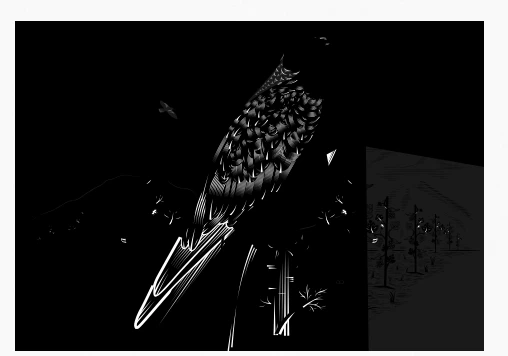
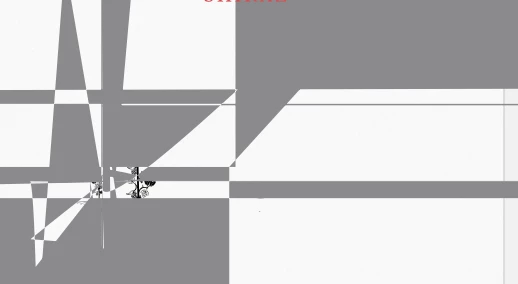
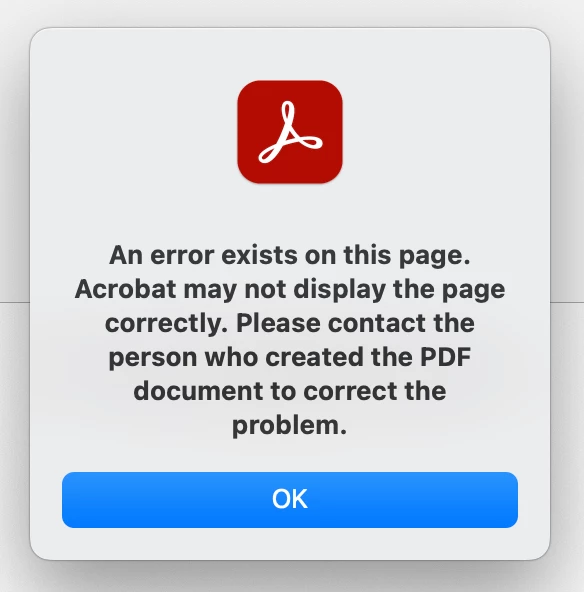
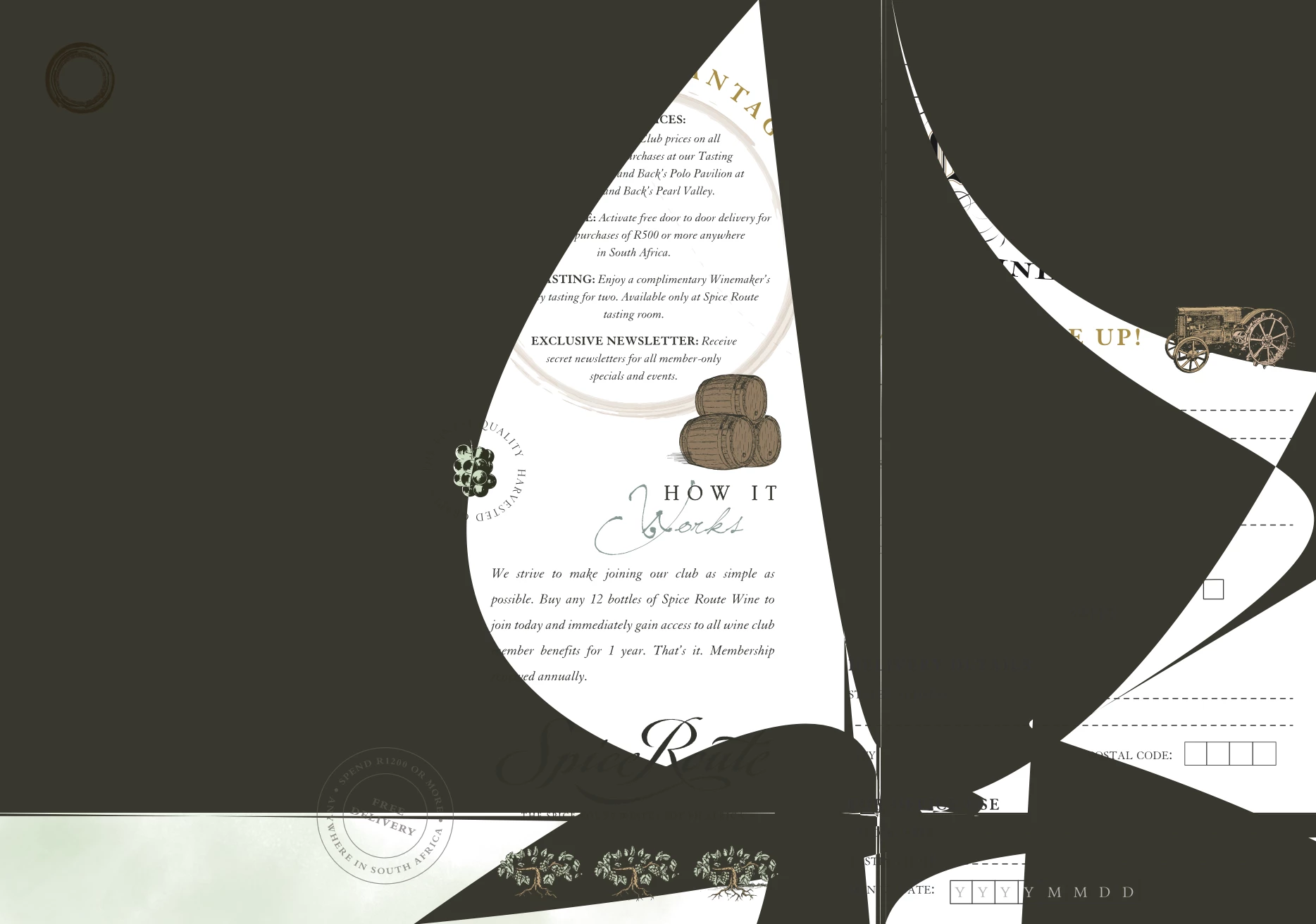
A recent strange thing has been happening when I have been saving PDFs from Adobe Illustrator. Nothing has changed from my side, so I can't understand why this is happening. I save my PDF as normal, as high quality, and then I get these strange blocks/blobs or pieces just missing completely from the document. When I saved the one PDF as smallest quality, the strange blocks were gone, but I can't send work to print when it is low quality. When I open the PDF in Adobe Acrobat, it says there is an error with the file, but I have no idea why.


Anyone have a similar experience or know how to fix it?
 

This topic has been closed for replies.

1 reply

Monika Gause
Community Expert
Community Expert
September 21, 2023

What kind of artwork is it we're looking at?

How did you create it, which functions have been used?


Did you already reboot the system?

Participating Frequently
September 21, 2023

Hi Monika,

These are vector artworks with vector illustration created in Adobe Illustrator.

No specific functions used except drawing (pen tool) and type tools. 


I have tried updating Illustrator and it still happens, I have not restarted my machine yet but will try that later when I am finished with work.

Monika Gause
Community Expert
Community Expert
September 21, 2023

Please be more precise about how you made it.

Also: this might be interesting for the Acrobat forum. https://community.adobe.com/t5/acrobat/ct-p/ct-acrobat?page=1&sort=latest_replies&lang=all&tabid=all 

And probably cannot be solved without having the PDF.