
Adobe Illustrator slows my CPU and crashes randomly very high memory usage
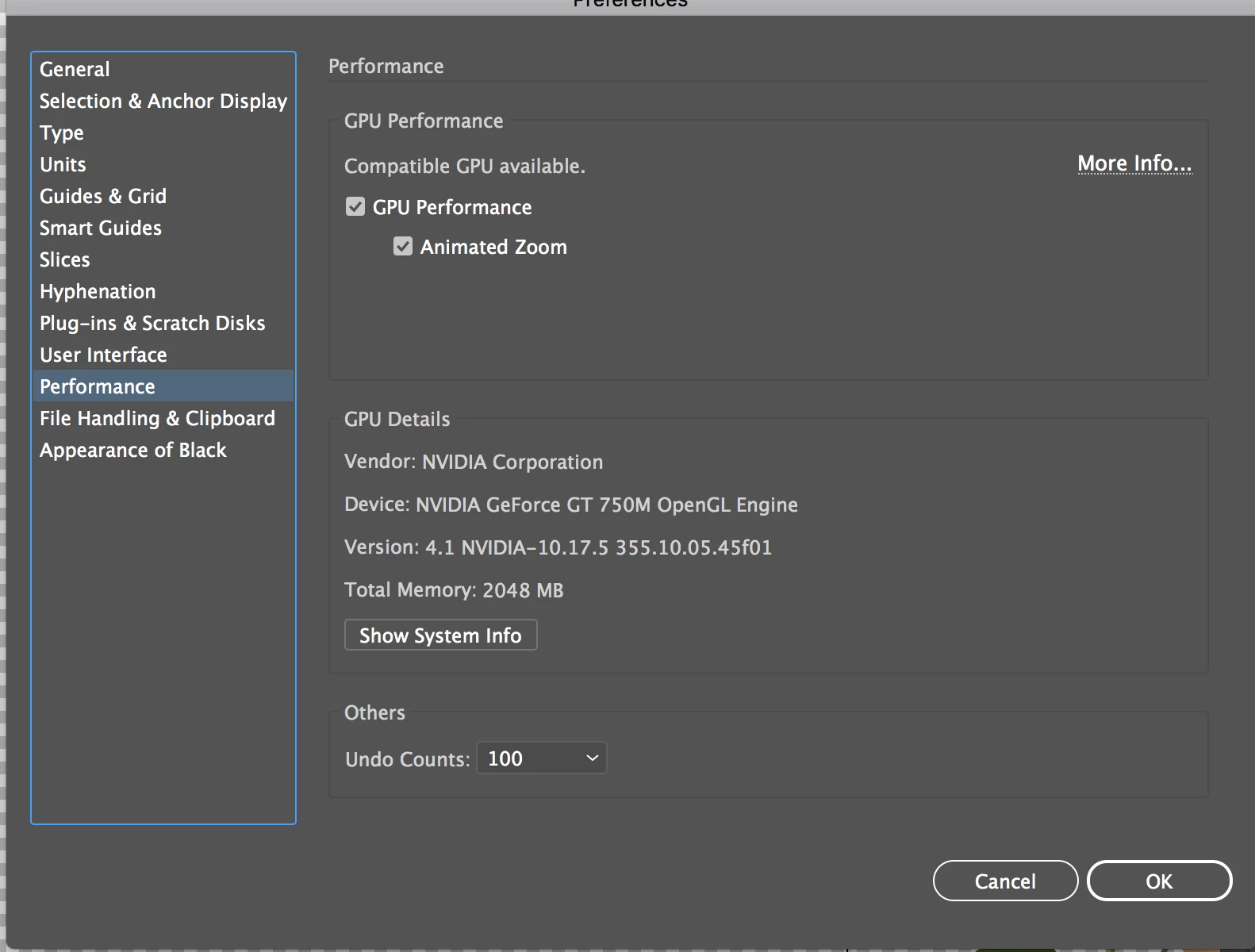
I have been having problems with Illustrator for some time now and have attempted doing all sorts of upgrades to solve the issue that I am experiencing. The problem being extremely slow (not responding). Alot of times I have to force quit through task manager and will notice that Illustrator is using upwards of 90% of my RAM. Ive made sure that things like GPU preview is enabled, smart guides are off, Ive made sure that image traces are set as symbols and rasterized, scratch disk pimary set to main drive and secondary scratch disk set to backup HD... My system is not a slow system so I cant understand for the life of me,why Illustrator continues to make my system move slow and crash no matter what I do.
My system specs:
HP Envy 700074 Series PC
MS-7826(Kaili) Intel Core i5 4core 4430 @ 3.0GHZ
500GB Samsung SSD 850 EVO (upgrade and now main HD)
2TB SATA HD 7200RPM (secondary HD)
20GB DDR3-1600 RAM (upgraded from 12gb) (max 32GB 4 8GB slots)
Radeon RX-470 Graphics Card(upgraded)
Any suggestions as to why Illustrator runs this way and what I can do to get through the annoyance.
 AdChoices